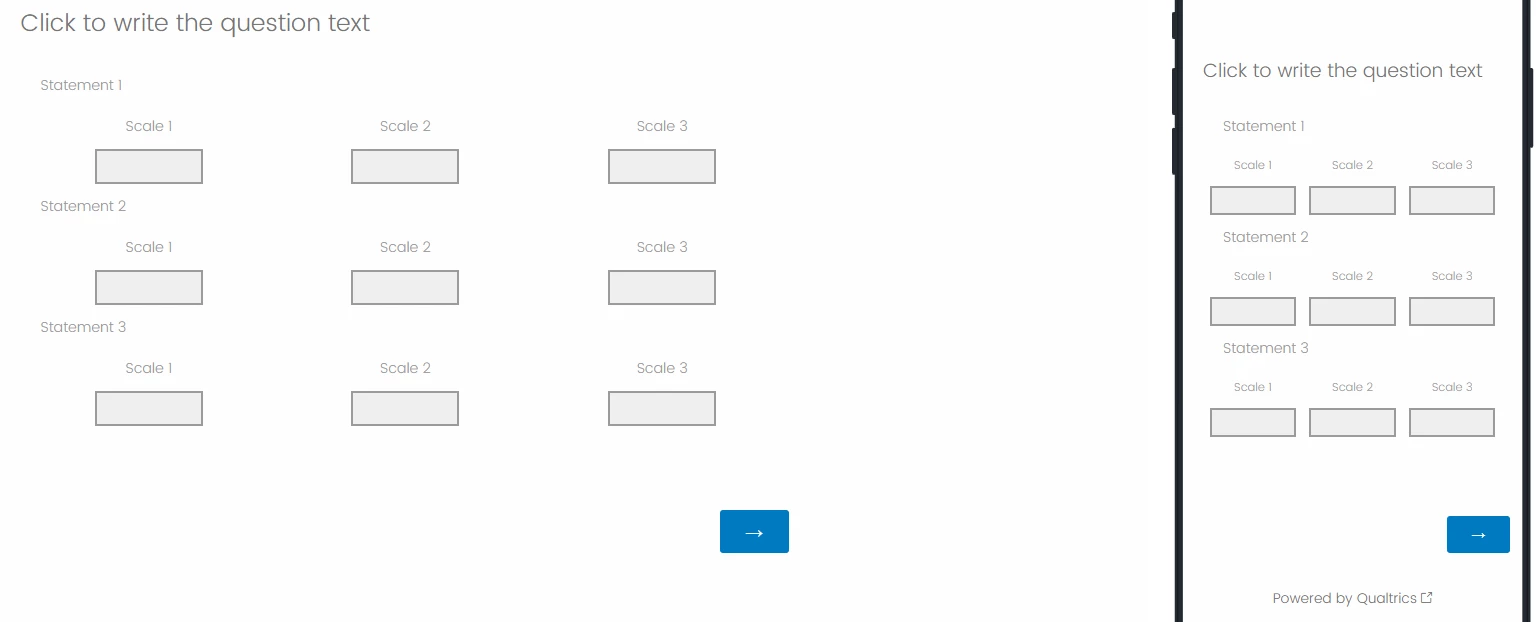
As context I am trying to have people put 3 numbers for each of a series of statements - for desktop respondents I could do this using Matrix text entry or Side-by-side with text entry, but neither display well on mobile (and Side-by-side has no ‘mobile friendly’ options at all).
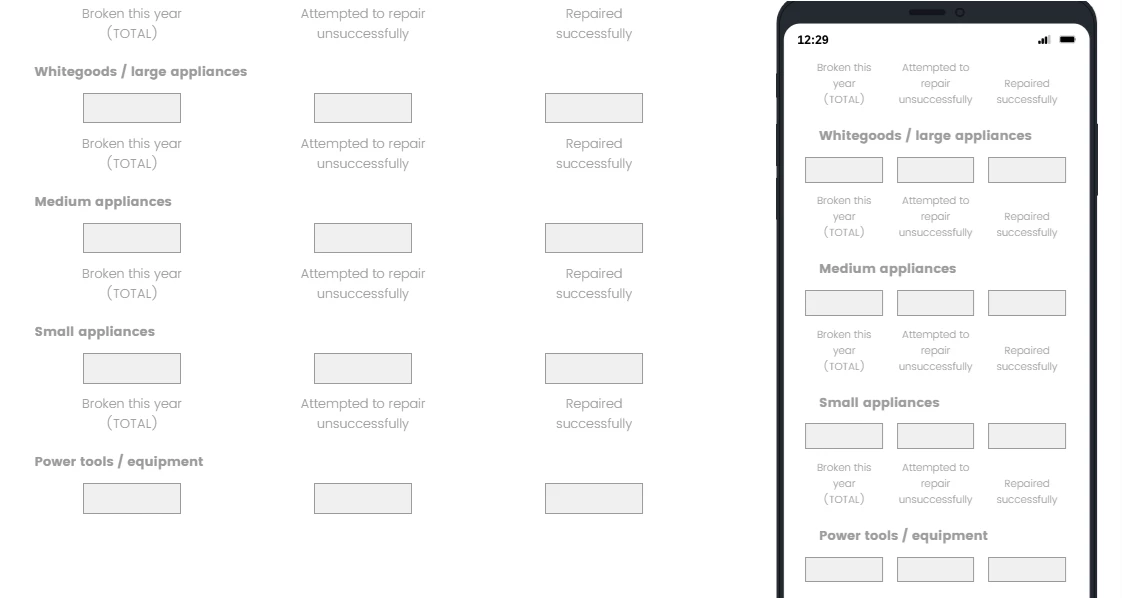
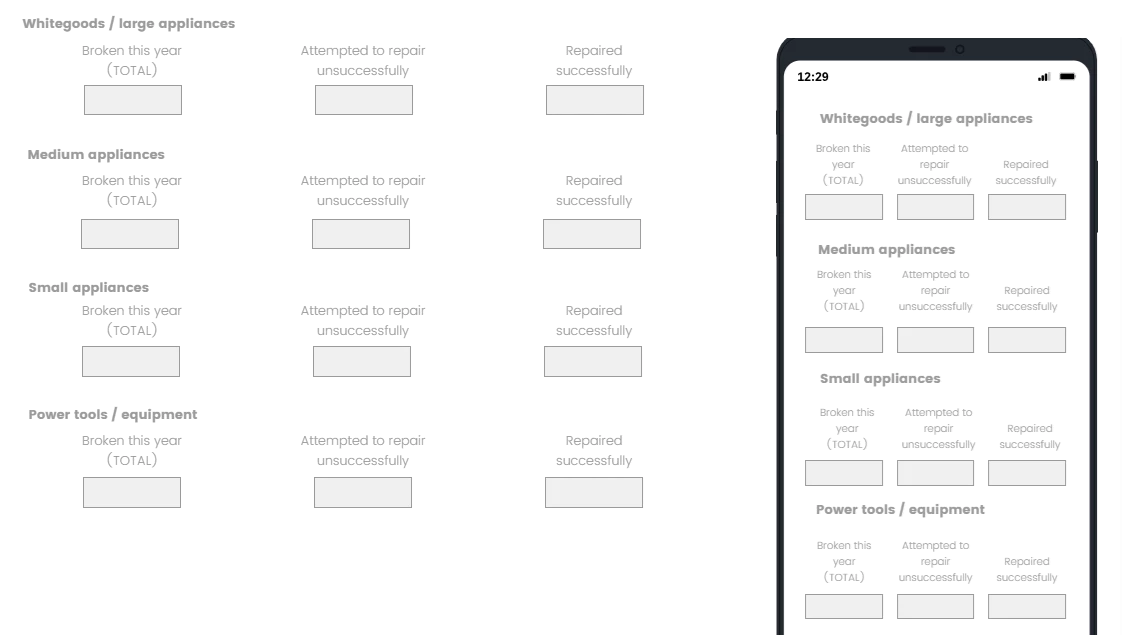
If I use Matrix text-entry, and select Position text above and Repeat Header=All, I get close, but I think its confusing to have the Column headers then the statement then the boxes. So I’m hoping for some javascript that can force the repeated headers to appear BELOW each statement as per the green mockup.
If there are alternative ways to achieve the same thing (entering 3 numbers for each item) keen to hear about them also!
Current default formatting (Matrix text-entry + Position text above + Repeat Header=All):
What I’m hoping to achieve:
~~~~~~~~~~~~~~~~~~~~
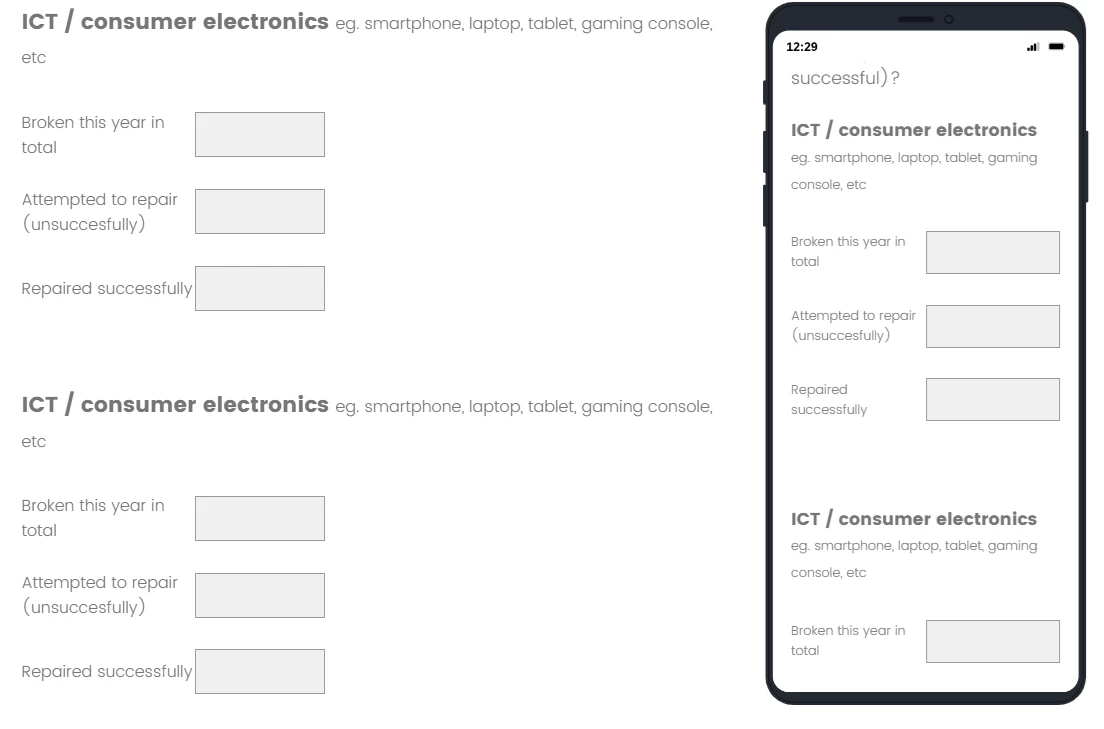
...The only other option I can see is to manually create a million ‘form’ questions where the question holds the item, and there are 3 form fields. It actually displays quite nicely on mobile, but terrible on desktop, so if I really cared about respondent experience I’d then have to create branching logic to show a Matrix text entry to desktop users and the million form questions to mobile users, and then have a heck of a data collation job at the end :(
Nice mobile formatting for repeated Form Qs, but so manual
Best answer by vgayraud
Hi @JenniferMacklin
You can start with this script and adjust further if needed.
Qualtrics.SurveyEngine.addOnload(function() {
var qid = this.questionId; var tbody = document.querySelector('#' + qid + ' table.ChoiceStructure tbody'); if (!tbody) return;
var theadThs = document.querySelectorAll('#' + qid + ' table.ChoiceStructure thead tr.Answers th'); var rows = Array.from(tbody.rows);
for (var i = 0; i < rows.length; i += 3) { var statementRow = rows[i]; var inputRow = rows[i + 1]; var repeatHeader = rows[i + 2];
Please try the code below, which should work for your requirement. Since you have multiple statements and need to repeat this logic, so for the next set you can increment ('.ReadableAlt.RepeatHeader').eq(2) by 1 and ('.ChoiceRow').eq(7) by 2 and so on. Code: