New embedded data field created in theme in survey doesn't show up | Experience Community
Skip to main content
Question

New embedded data field created in theme in survey doesn't show up

  • Oct 31, 2024 1:19 PM UTC
  • 1 reply
  • 62 views

Forum|alt.badge.img

Hello together,

In my theme in the Header I added this code. It creates an embedded data field “TIME”. 
Removing setInterval also didn’t help.

<script>
Qualtrics.SurveyEngine.addOnReady(function() {
const current_time = function showCurrentTime() {
const now = new Date();
const hours = String(now.getHours()).padStart(2, '0');
const minutes = String(now.getMinutes()).padStart(2, '0');

const currentTime = `${hours}:${minutes}`;
console.log("Current Time:", currentTime); // Log only the current time in HH:MM format
return currentTime;
}

setInterval(showCurrentTime, 60000);

Qualtrics.SurveyEngine.setEmbeddedData( 'TIME', current_time );

});
</script>

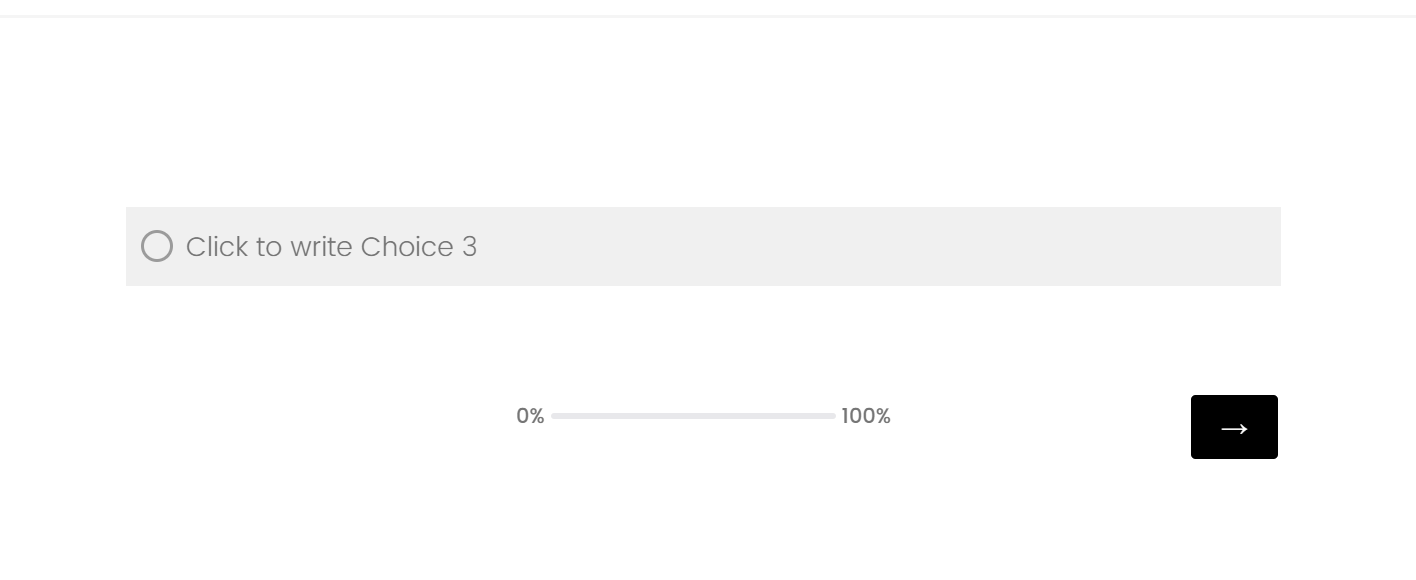
When I add the field in the Survey Flow and Question it doesn’t show up
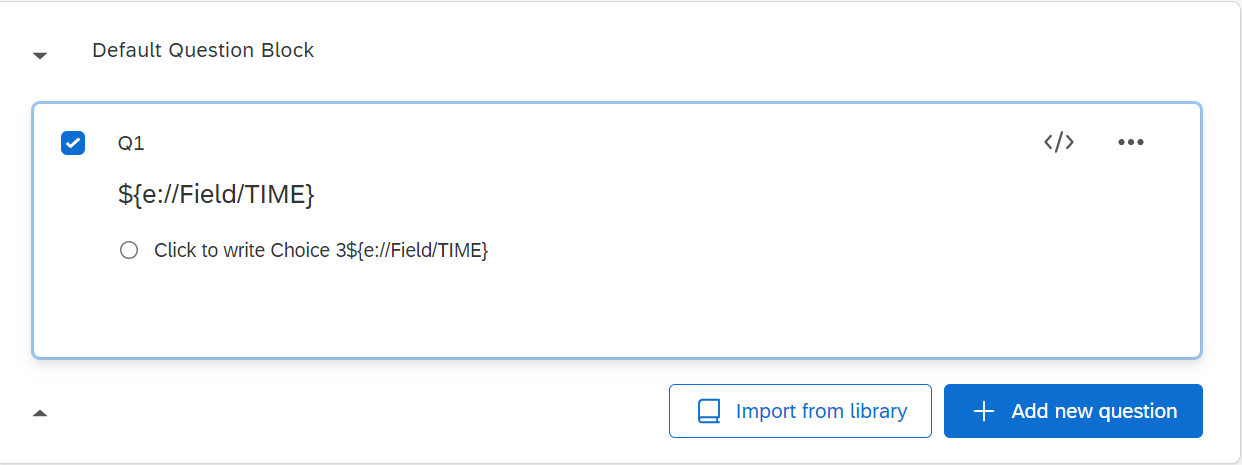
 

I would be glad to get some help. As I am quite new to the topic and didn’t find a workung solution in the Community


Thanks!
Cenk

1 reply

Forum|alt.badge.img+8
  • QPN Level 4 ●●●●
  • Oct 31, 2024 2:56 PM UTC

Hi 
Go to look and feel find the header and add it, sometimes code added in themes do not work on the surveys you apply the theme to so i would advice you to go directly to the look and feel of your survey and add the code there. 

Also you can try with this one:

<script>
    Qualtrics.SurveyEngine.addOnReady(function() {
        const showCurrentTime = function() {
            const now = new Date();
            const hours = String(now.getHours()).padStart(2, '0');
            const minutes = String(now.getMinutes()).padStart(2, '0');

            const currentTime = `${hours}:${minutes}`;
            console.log("Current Time:", currentTime); // Log only the current time in HH:MM format
            return currentTime;
        }

        // Initial set of embedded data
        Qualtrics.SurveyEngine.setEmbeddedData('TIME', showCurrentTime());

        // Update embedded data every minute
        setInterval(function() {
            const currentTime = showCurrentTime();
            Qualtrics.SurveyEngine.setEmbeddedData('TIME', currentTime);
        }, 60000);
    });
</script>
 

Let me know if it helps!