

Hi all,
I'm working on a survey where I am adding images via Javascript (I cannot add the images manually because there are hundreds of images based on different conditions).
I have done the following where I have a block with two separate questions, one blank question with Javascript to display the image, and then below the text of the question.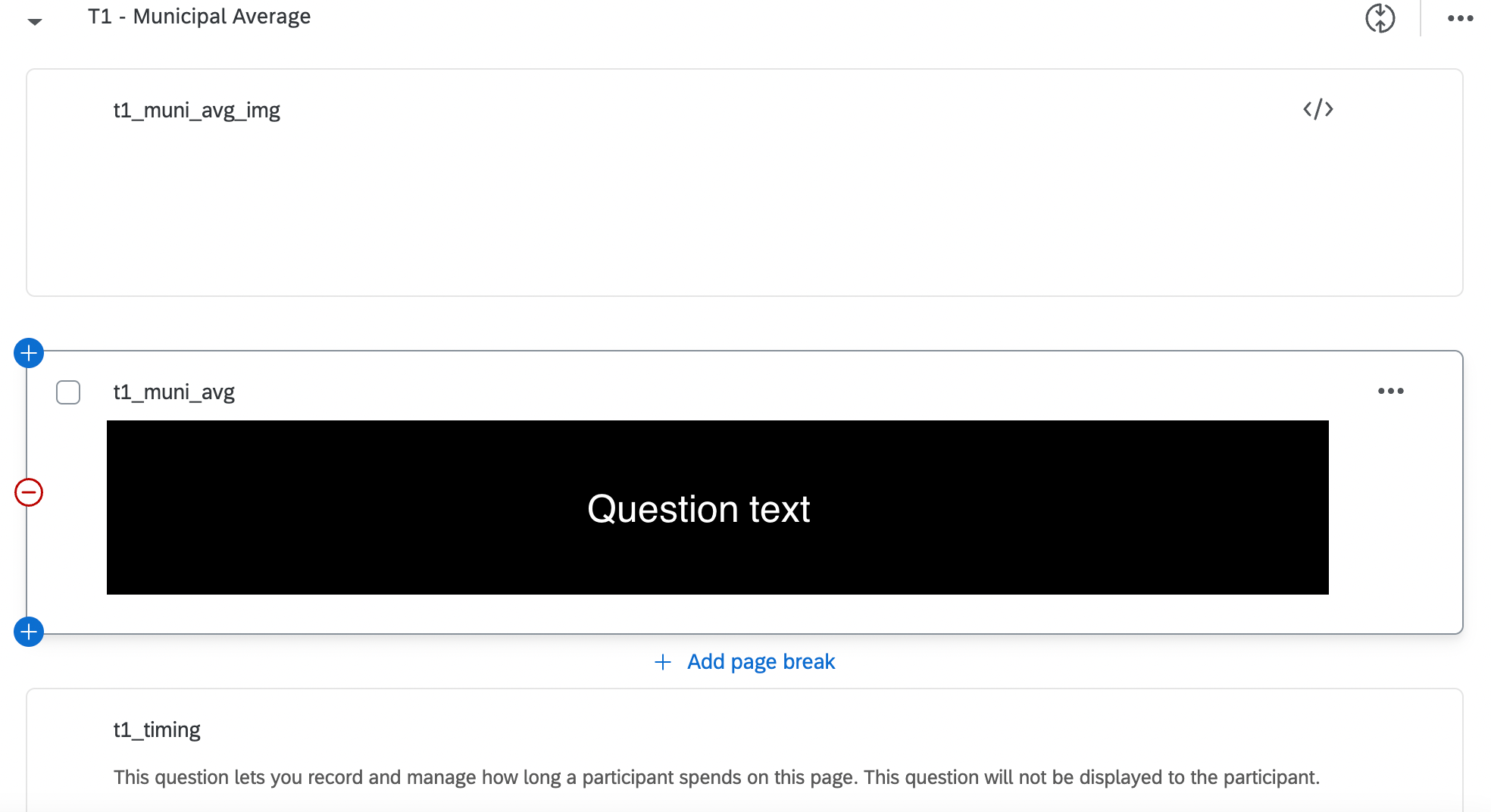 However, when I preview the survey, the image always appears at the very bottom of the page, no matter how I reorder the blocks.
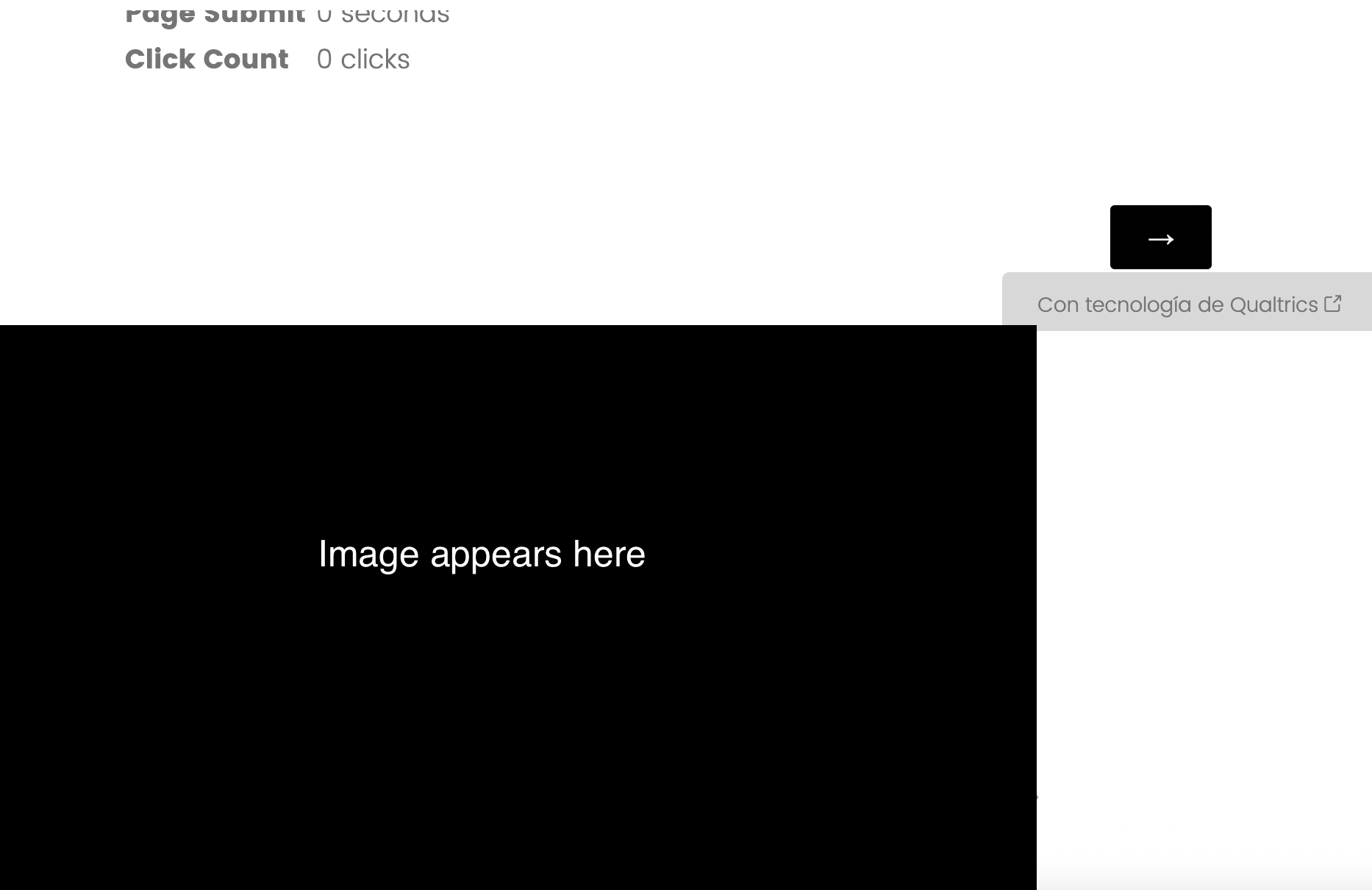 Here is the Javascript I've written to display the image:
Qualtrics.SurveyEngine.addOnload(function()
{
function display_image(src, width, height) {
var a = document.createElement("img");
a.src = src;
a.width = width;
a.height = height;
document.body.appendChild(a);
}
display_image('URL GOES HERE',
770,
385);
});
Qualtrics.SurveyEngine.addOnReady(function()
{
/*Place your JavaScript here to run when the page is fully displayed*/
});
Qualtrics.SurveyEngine.addOnUnload(function()
{
/*Place your JavaScript here to run when the page is unloaded*/
});
Any ideas? I can't seem to find any advice on this online.

Place an image using Javascript at the top of a question, or at least not at the very bottom
 +2
+2Best answer by TomG
The reason it is always at the bottom is because you are appending it to the bottom of the
element.This would do what you are attempting:
jQuery("#"+this.questionId+" .QuestionText").prepend("
Since you are using a loop & merge, and I'm guessing the image url is a loop & merge field, I don't think you need JS at all. You could probably use something like this question text html (where field 1 is a text description and field 2 is the image url):



Sign up
Already have an account? Login

Welcome! To join the Qualtrics Experience Community, log in with your existing Qualtrics credentials below.
Confirm your username, share a bit about yourself, then you're ready to explore and connect .
Free trial account? No problem. Log in with your trial credentials to join.
No free trial account? No problem! Register here
Already a member? Hi and welcome back! We're glad you're here 🙂
You will see the Qualtrics login page briefly before being taken to the Experience Community.
Login with Qualtrics
Welcome! To join the Qualtrics Experience Community, log in with your existing Qualtrics credentials below.
Confirm your username, share a bit about yourself, then you're ready to explore and connect .
Free trial account? No problem. Log in with your trial credentials to join. No free trial account? No problem! Register here
Already a member? Hi and welcome back! We're glad you're here 🙂
You will see the Qualtrics login page briefly before being taken to the Experience Community.
Login to the Community
Welcome! To join the Qualtrics Experience Community, log in with your existing Qualtrics credentials below.
Confirm your username, share a bit about yourself, then you're ready to explore and connect .
Free trial account? No problem. Log in with your trial credentials to join.
No free trial account? No problem! Register here
Already a member? Hi and welcome back! We're glad you're here 🙂
You will see the Qualtrics login page briefly before being taken to the Experience Community.
Login with Qualtrics
Welcome! To join the Qualtrics Experience Community, log in with your existing Qualtrics credentials below.
Confirm your username, share a bit about yourself, then you're ready to explore and connect .
Free trial account? No problem. Log in with your trial credentials to join. No free trial account? No problem! Register here
Already a member? Hi and welcome back! We're glad you're here 🙂
You will see the Qualtrics login page briefly before being taken to the Experience Community.
Enter your E-mail address. We'll send you an e-mail with instructions to reset your password.