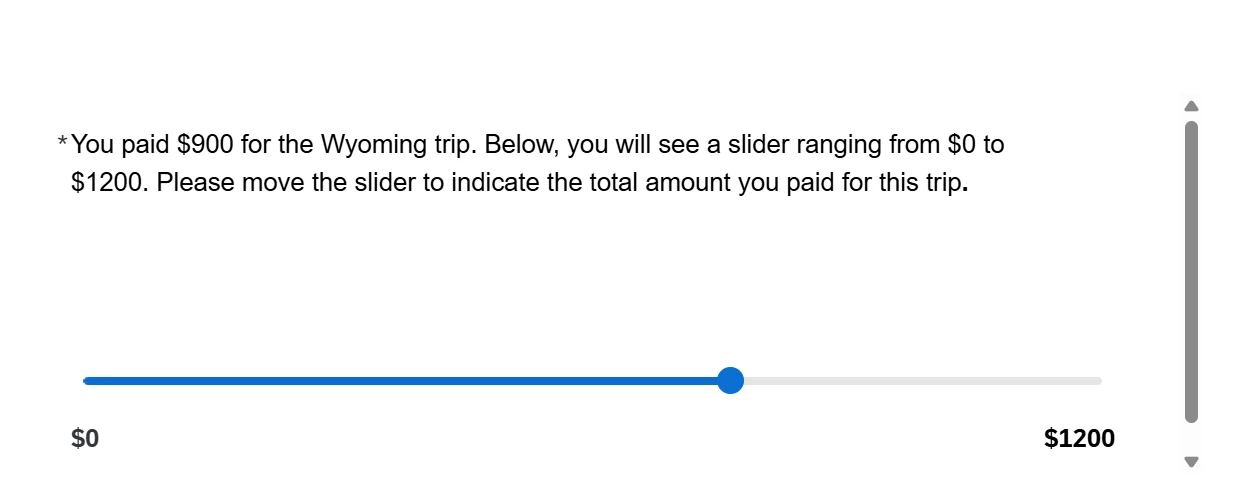
I’m running an online study using a Qualtrics survey that includes a slider question ranging from $0 to $1200. Participants are asked to indicate a specific dollar amount by adjusting the slider.
I’m concerned about the default behaviour, where the slider handle is initially anchored at $0. This requires participants to drag the handle across the scale, which may inadvertently introduce anchoring bias, participants might stay closer to $0 simply because of the starting position, rather than reflecting their true response.
Ideally, I would like participants to be able to click or tap directly on any point along the slider track, so that the handle moves immediately to that position. They could then fine-tune their response if needed before proceeding.
Is there a JavaScript workaround that enables click-to-place functionality on the slider track?
Best answer by vgayraud
Hi,
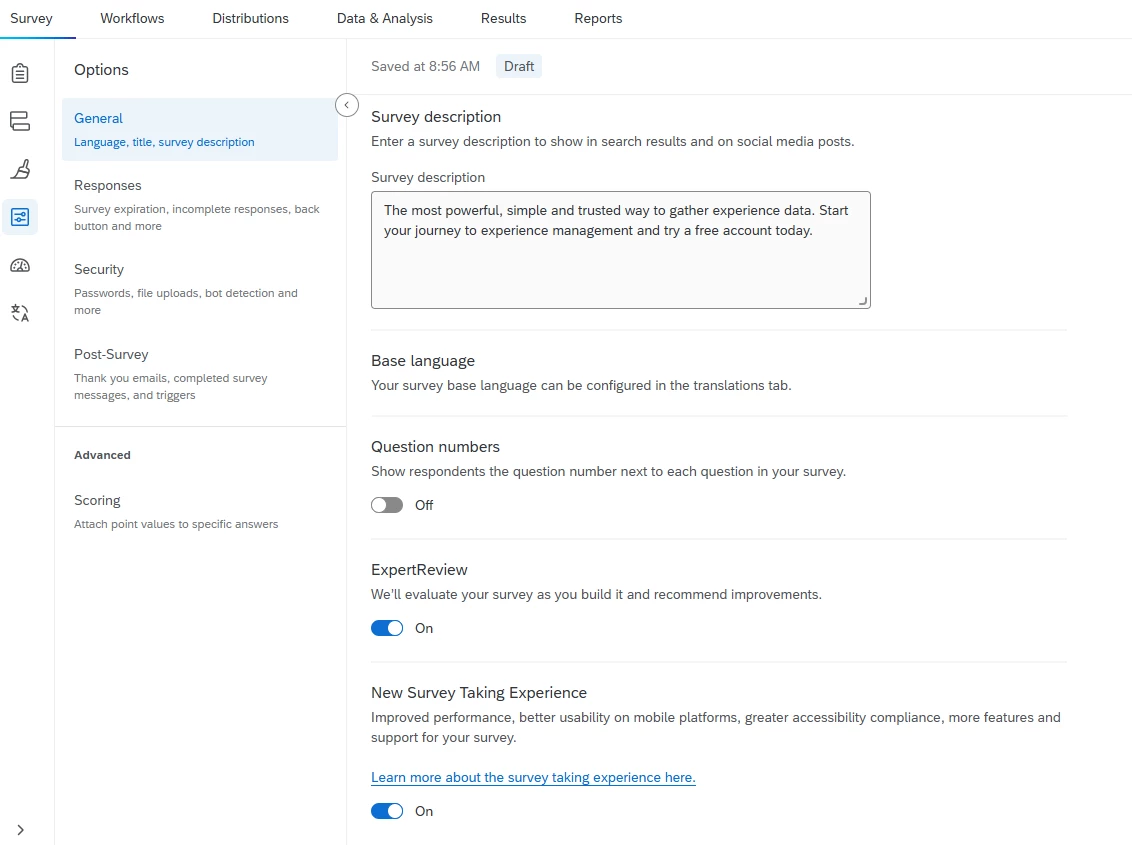
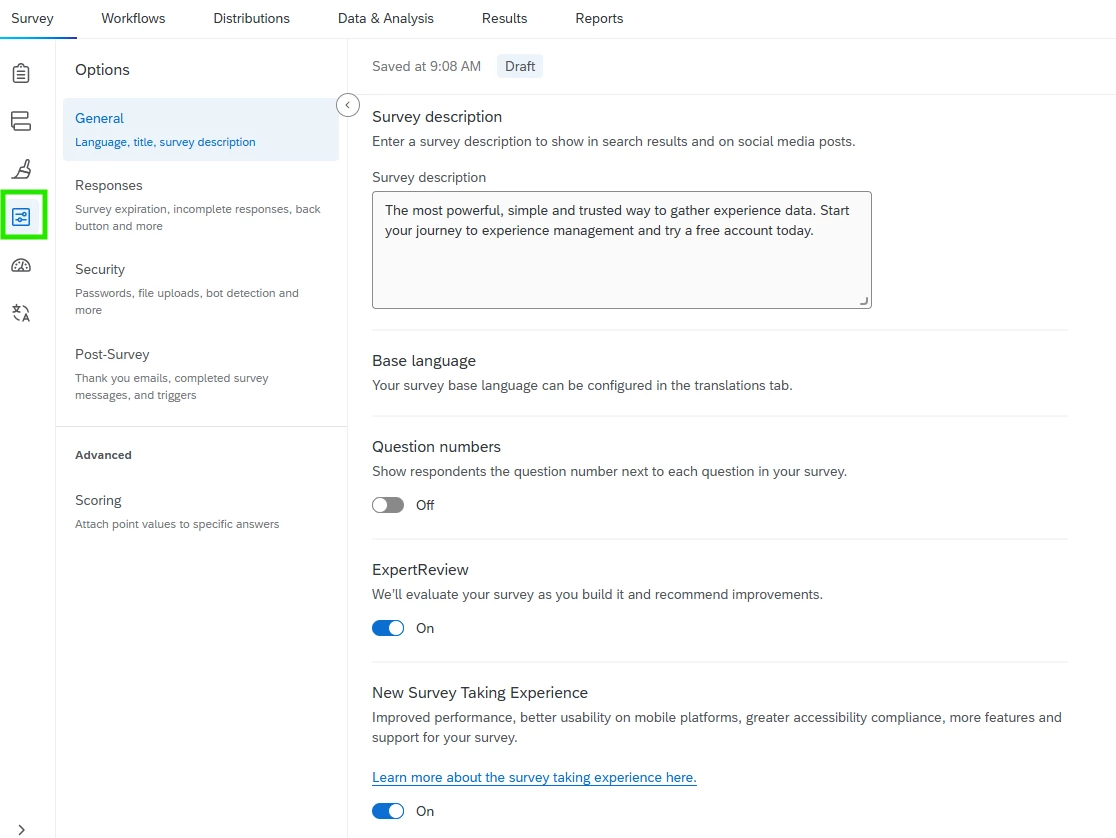
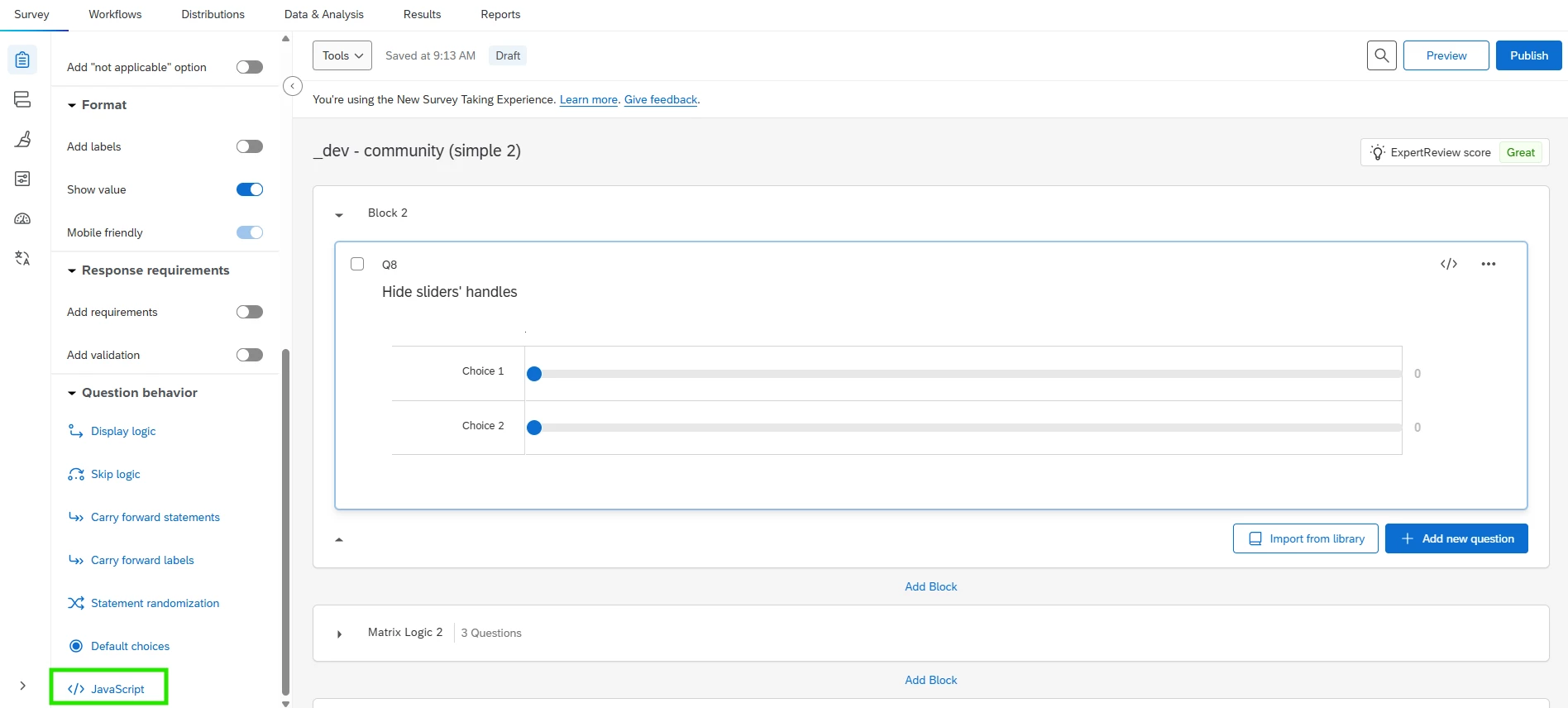
You can use this in the New Survey Taking Experience.
Qualtrics.SurveyEngine.addOnReady(function() {
var questionId = this.questionId;
// Inject CSS class once to hide slider thumb when .thumb-hidden is applied if (!document.getElementById('slider-thumb-hidden-style')) { var style = document.createElement('style'); style.id = 'slider-thumb-hidden-style'; style.textContent = [ '.slider-container.thumb-hidden input[type="range"]::-webkit-slider-thumb {', ' visibility: hidden !important;', ' pointer-events: none !important;', '}', '.slider-container.thumb-hidden input[type="range"]::-moz-range-thumb {', ' visibility: hidden !important;', ' pointer-events: none !important;', '}' ].join('\n'); document.head.appendChild(style); console.log('Global thumb-hidden CSS injected.'); } else { console.log('Global thumb-hidden CSS already present — skipping.'); }
// Find the question container var questionContainer = document.querySelector('section.question[id="question-' + questionId + '"]'); var sliderContainers = questionContainer.querySelectorAll('.slider-container'); if (sliderContainers.length === 0) { console.warn('No .slider-container found inside section#question-' + questionId); return; }
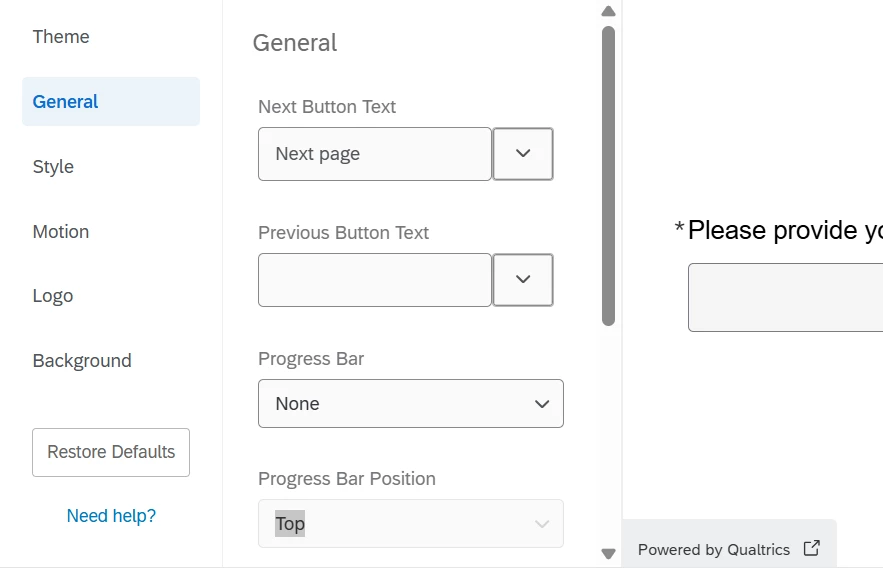
Thank you for your reply and for sharing the JavaScript. However, I am unable to locate the New Survey Taking Experience, it does not appear in the Look and Feel tab.
Could you please advise where I might find it or if there are any additional steps needed to enable it?
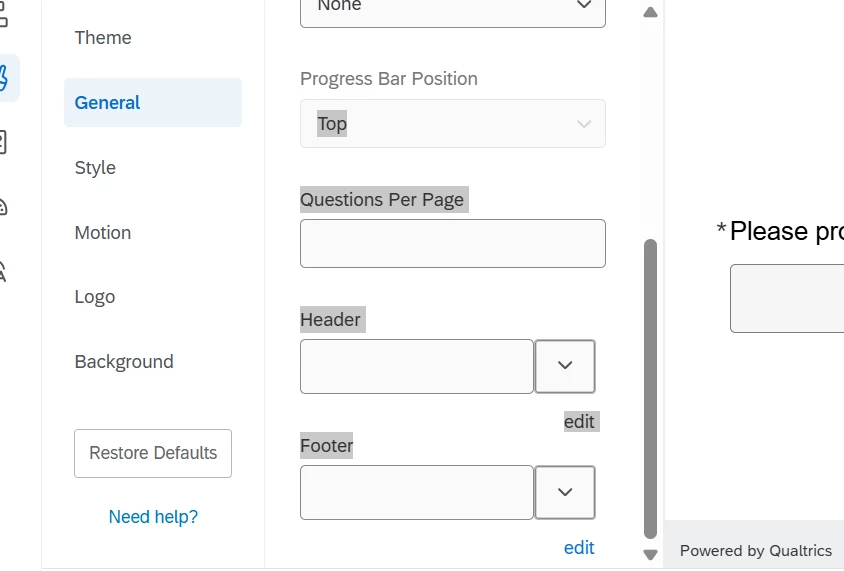
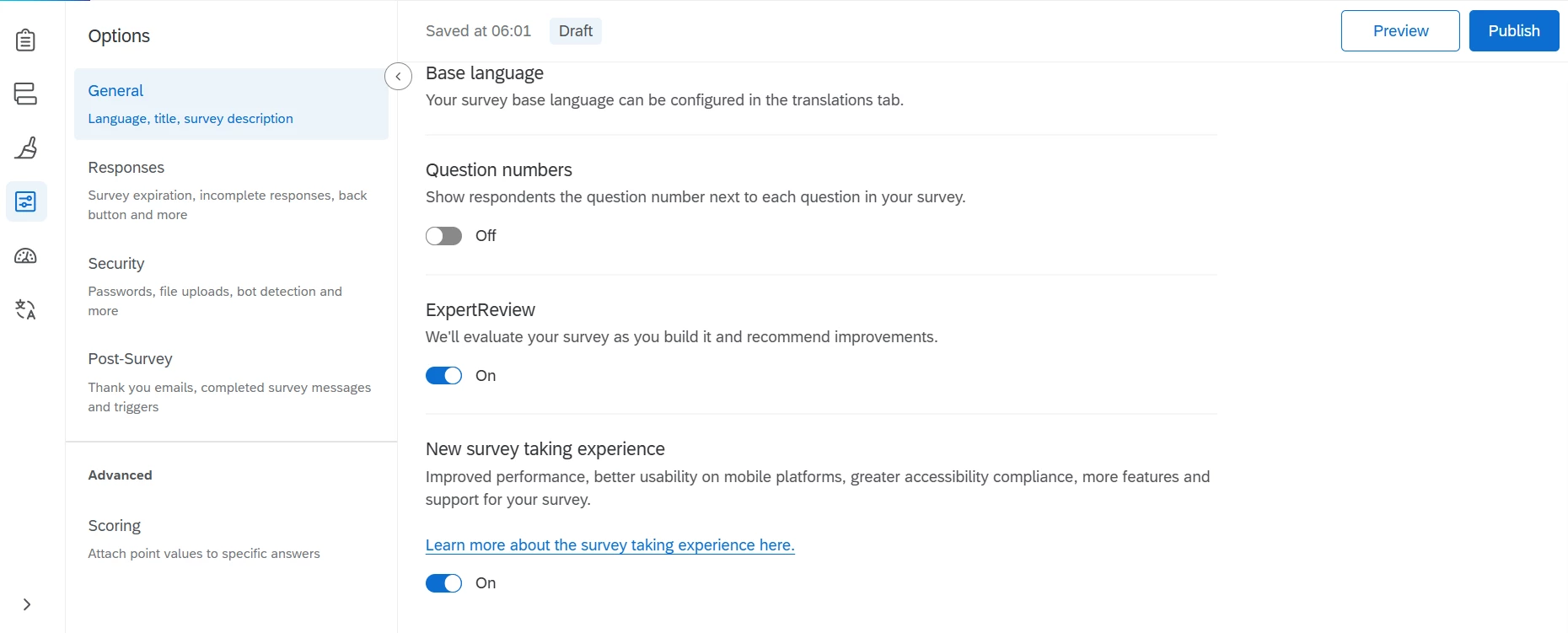
Thank you for your reply. I am unable to see as many options in my Qualtrics account as those available from a higher education institution (university). Could this be due to differences in account type, or are there some recent updates affecting the options?
For reference, I have attached a screenshot of what I can currently see.