

How to Customise the length of my sliders?

Solved
Customising the length of my sliders
Best answer by JeremyK
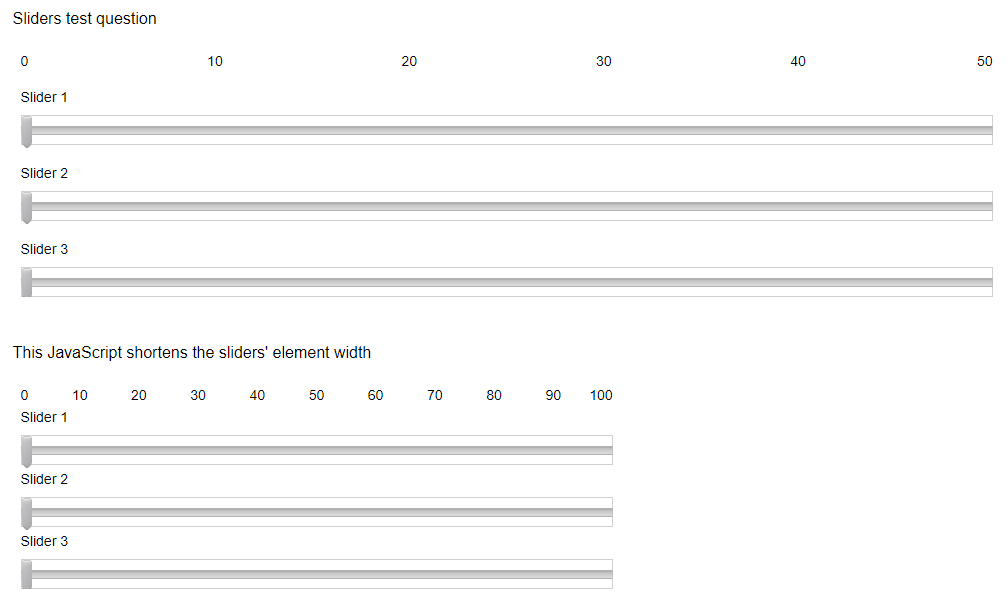
Thanks Wenyu! This one-liner will let you set the width of your slider body by pixel. Just swap out the 600 to whatever value you like.
jQuery("#" + this.questionId + " .QuestionBody").width(600);
Hope this helps!



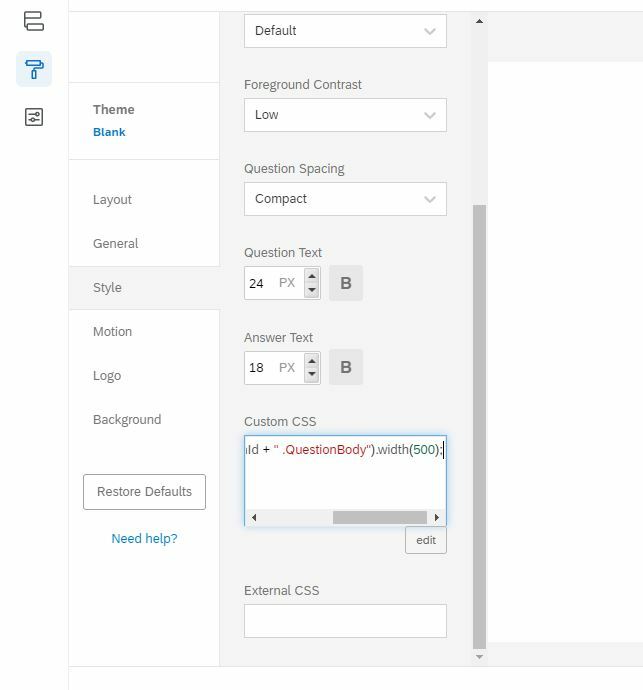 Hi, Jeremy, Where did I add the code? Is it added in Custom CSS?
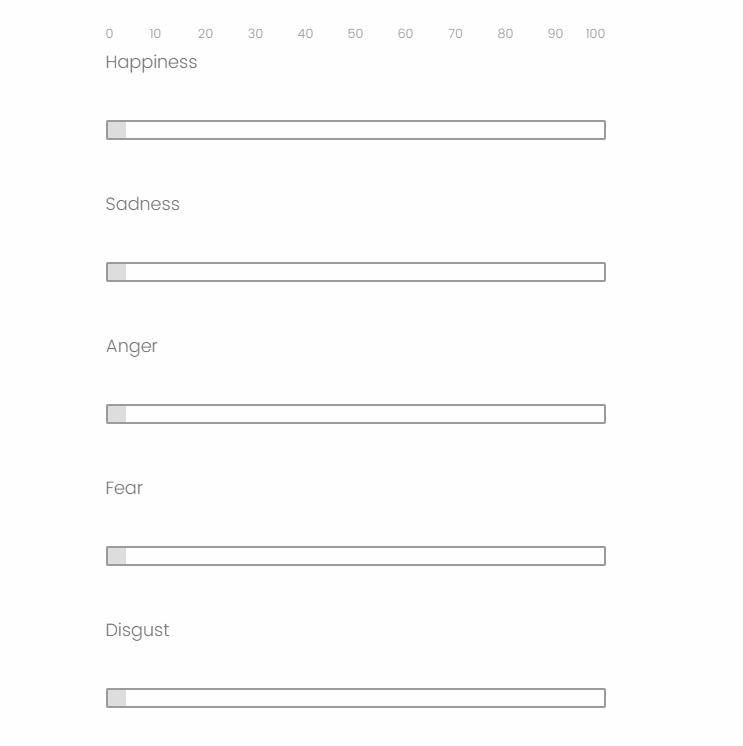 Hi Jeremy, This code didn't work. The bar and the heading still have large space, and participants still need to scroll out to see all bars. How can I show the heading and the corresponding bar on the same line? Meanwhile, How to make the space between the two bars smaller.
 Would you mind exporting your survey (.qsf file) and either sending it to me/posting it here? I'd be happy to take a look. It may just be the selectors need some tweaking to work properly. Actually a preview link to your survey may be enough for me to see what's going on.
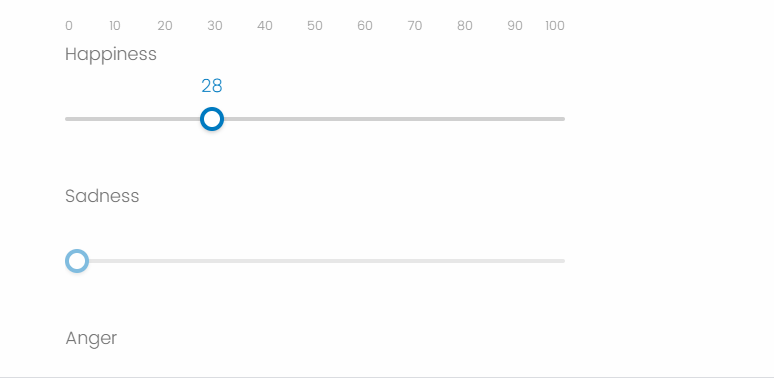 This is because I show the value of the slider?
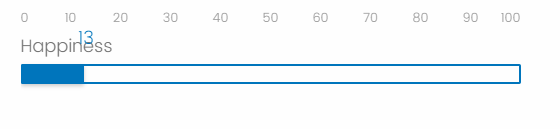 I added two more JS lines to account for the large padding Qualtrics is adding to each statement:
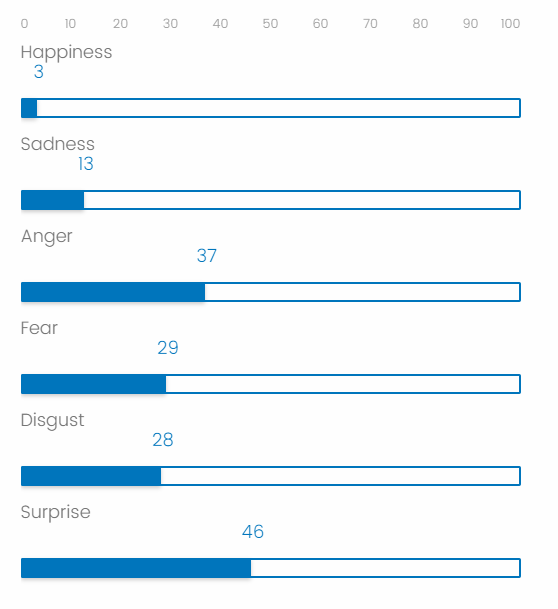 Play with the numbers and see what looks good to you. Alternatively, you could use [5] stars which would remove a lot of complexity if you don't need a specific integer value (obviously, your values with 5 stars would be 20,40,60,80,100, so you could still have values associated rather than "46"; oddly specific haha). Totally up to you, hope this helped!
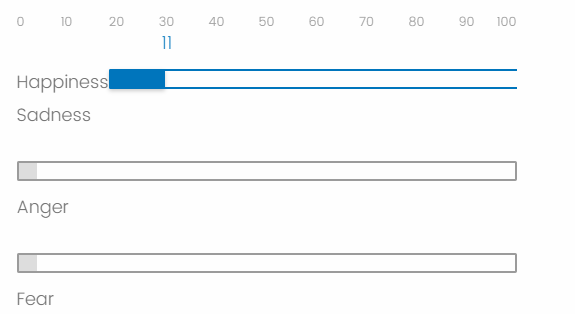 This also throws off the numbers across the top in reference to the tooltip slider, so probably best to leave the statement title's where they're at. Are you still having to scroll down the page to see all sliders, that's why you want to smash this down to be as short as possible?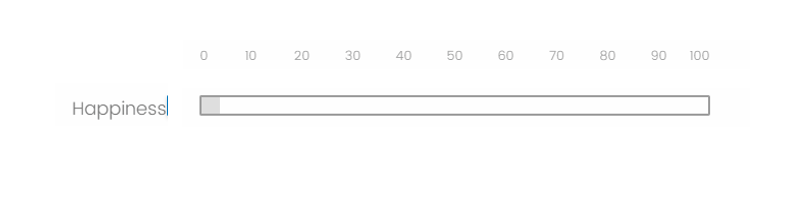
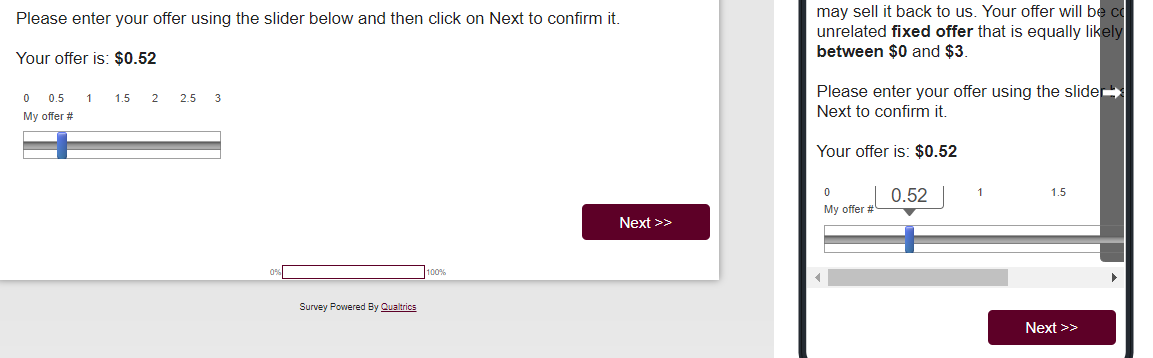
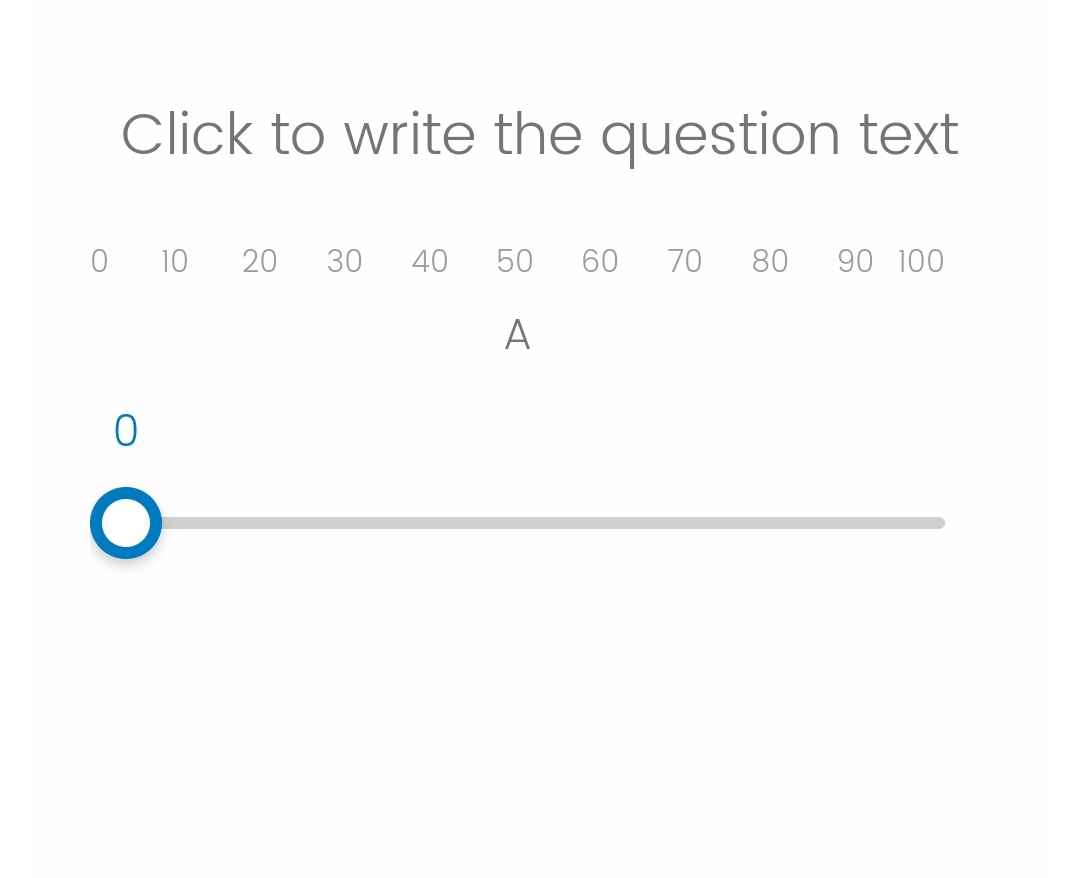
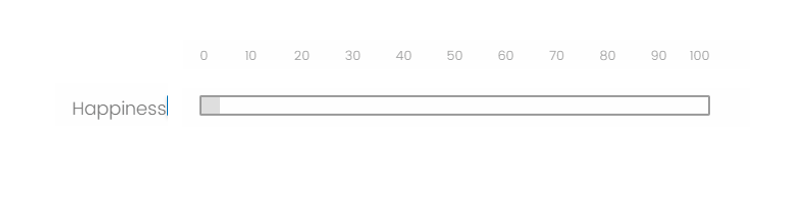 So the slider can't be presented like this one?



 Hi
Hi Sign up
Already have an account? Login

Welcome! To join the Qualtrics Experience Community, log in with your existing Qualtrics credentials below.
Confirm your username, share a bit about yourself, then you're ready to explore and connect .
Free trial account? No problem. Log in with your trial credentials to join.
No free trial account? No problem! Register here
Already a member? Hi and welcome back! We're glad you're here 🙂
You will see the Qualtrics login page briefly before being taken to the Experience Community.
Login with Qualtrics
Welcome! To join the Qualtrics Experience Community, log in with your existing Qualtrics credentials below.
Confirm your username, share a bit about yourself, then you're ready to explore and connect .
Free trial account? No problem. Log in with your trial credentials to join. No free trial account? No problem! Register here
Already a member? Hi and welcome back! We're glad you're here 🙂
You will see the Qualtrics login page briefly before being taken to the Experience Community.
Login to the Community
Welcome! To join the Qualtrics Experience Community, log in with your existing Qualtrics credentials below.
Confirm your username, share a bit about yourself, then you're ready to explore and connect .
Free trial account? No problem. Log in with your trial credentials to join.
No free trial account? No problem! Register here
Already a member? Hi and welcome back! We're glad you're here 🙂
You will see the Qualtrics login page briefly before being taken to the Experience Community.
Login with Qualtrics
Welcome! To join the Qualtrics Experience Community, log in with your existing Qualtrics credentials below.
Confirm your username, share a bit about yourself, then you're ready to explore and connect .
Free trial account? No problem. Log in with your trial credentials to join. No free trial account? No problem! Register here
Already a member? Hi and welcome back! We're glad you're here 🙂
You will see the Qualtrics login page briefly before being taken to the Experience Community.
Enter your E-mail address. We'll send you an e-mail with instructions to reset your password.