Dynamic Question Display Change Based on Drop Down Selection | Experience Community
Skip to main content
Question

Dynamic Question Display Change Based on Drop Down Selection

  • Feb 16, 2026 3:33 PM UTC
  • 7 replies
  • 156 views

Forum|alt.badge.img+1

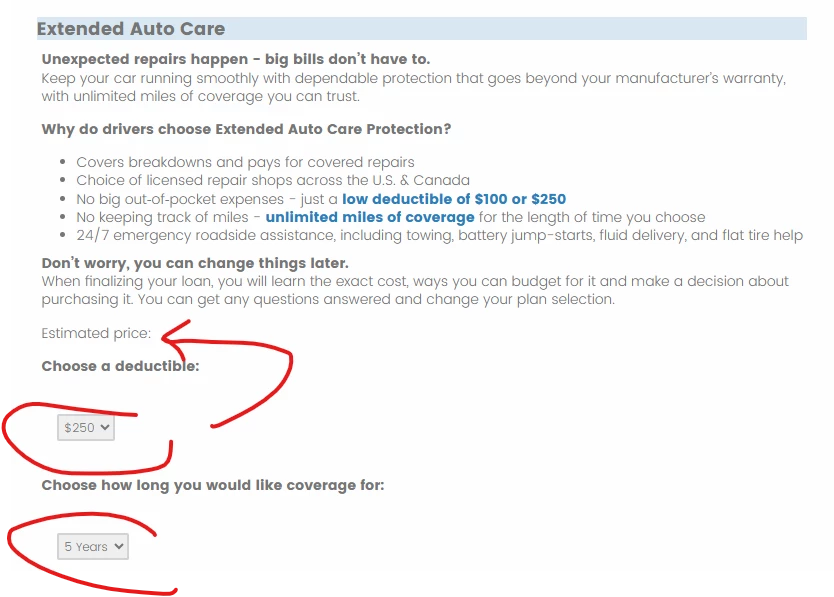
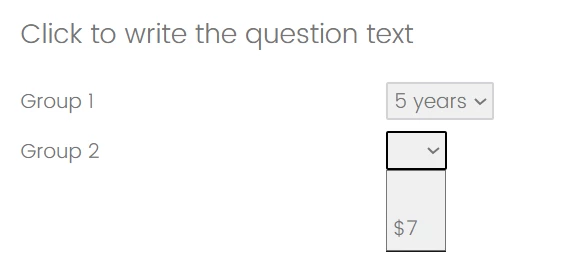
I am looking for a way to set up a question that is more UX testing functionality like this. Where the cost dynamically changes when I select a coverage length. Could anyone point me in a direction if this is even possible and how? Thank you!


Question Text: Cost [$#.##] per month

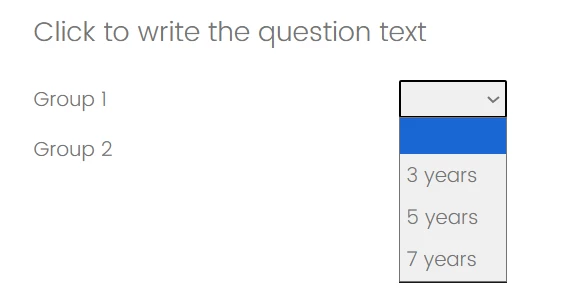
[Basically code to say if 3 years is selected show $5, if 5 years is selected show $7, if 7 years is selected show $9]

Choose your length of coverage:

Choices:

3 years

5 years

7 years

7 replies

kgillis
Level 6 ●●●●●●
Forum|alt.badge.img+34
  • Level 6 ●●●●●●
  • Feb 16, 2026 9:01 PM UTC

There are a few ways you could go about this. I feel the most basic one would be to create embedded data fields with set custom values. IE 3 years = $5, 7 years = $7...
These embedded values will need to be set at the very top of your survey flow. Then you can place a question in line to show right below the one where they selected their years, have it pipe in the embedded value. Let me know if you need a moch up with screenshots to follow. 


Forum|alt.badge.img+1
  • Author
  • Feb 19, 2026 10:21 PM UTC

Thanks @kgillis. Tried what you suggested. Created an embedded field called “price.” Then wrote a branch to set the embedded field to the right price based on the selections of term and deductible. Then piped in the embedded data field “price.” into my questions text. It doesn’t seem to work. Nothing shows. 


Forum|alt.badge.img+30

Hi ​@erikalynn48, 

Piped text generally needs to be on the next page to be used to display to respondent.

I would suggest separating the display of estimated price to the next page.


vgayraud
QPN Level 8 ●●●●●●●●
Forum|alt.badge.img+67
  • QPN Level 8 ●●●●●●●●
  • Feb 23, 2026 7:01 AM UTC

Hi,

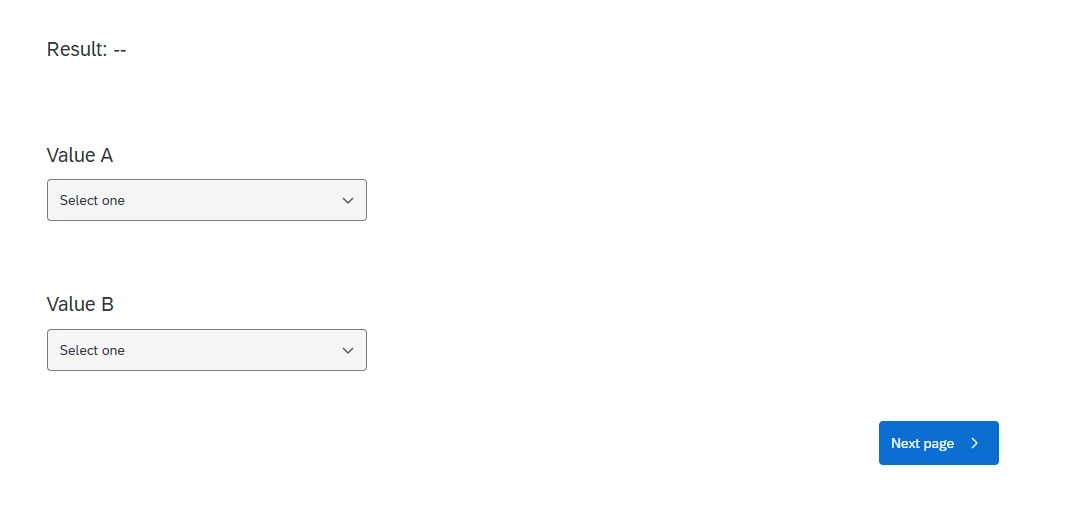
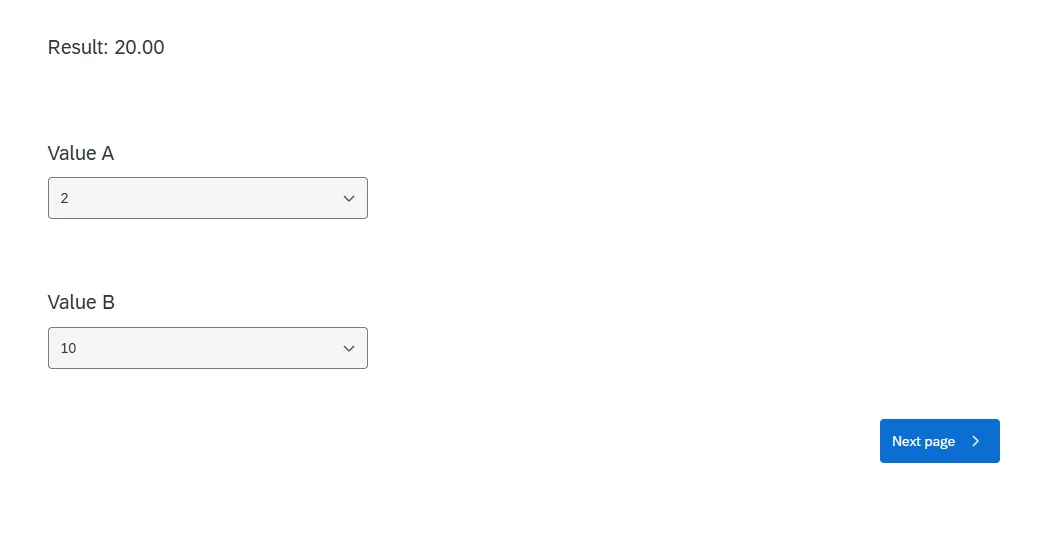
To have a dynamic display based on answers given on the same page:

  • Add a placeholder span element in your question text
  • Assign recode values to your questions
  • Add custom javascript code to your questions to run on question click to:
    • Retrieve the selected answers
    • Compute the result to display based on the selected answers
    • Update the placeholder’s content


nikamshubham73
Level 3 ●●●
Forum|alt.badge.img+4

Hi ​@erikalynn48,

Have you tried exploring Drill down Question type?
If you’d like this to happen dynamically — for example, when someone selects 5 years, $7 gets set automatically -  just let me know, I’ll share the code.


Forum|alt.badge.img+1
  • Author
  • Feb 25, 2026 2:11 AM UTC

Hi,

To have a dynamic display based on answers given on the same page:

  • Add a placeholder span element in your question text
  • Assign recode values to your questions
  • Add custom javascript code to your questions to run on question click to:
    • Retrieve the selected answers
    • Compute the result to display based on the selected answers
    • Update the placeholder’s content


I am no java scripter sadly. Would you mine sharing the java script you used for the above...I am pretty sure I can figure it out. Thank you!


vgayraud
QPN Level 8 ●●●●●●●●
Forum|alt.badge.img+67
  • QPN Level 8 ●●●●●●●●
  • Feb 26, 2026 10:52 AM UTC

Hi,

The community site doesn’t allow posting qsf file, but here’s a demo. Just change the extension back to qsf.