Including line breaks in side by side open ended question | Experience Community
Skip to main content
Question

Including line breaks in side by side open ended question

  • August 5, 2026
  • 1 reply
  • 28 views

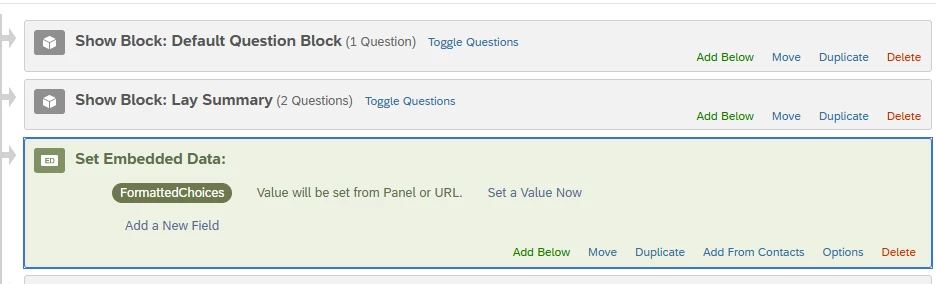
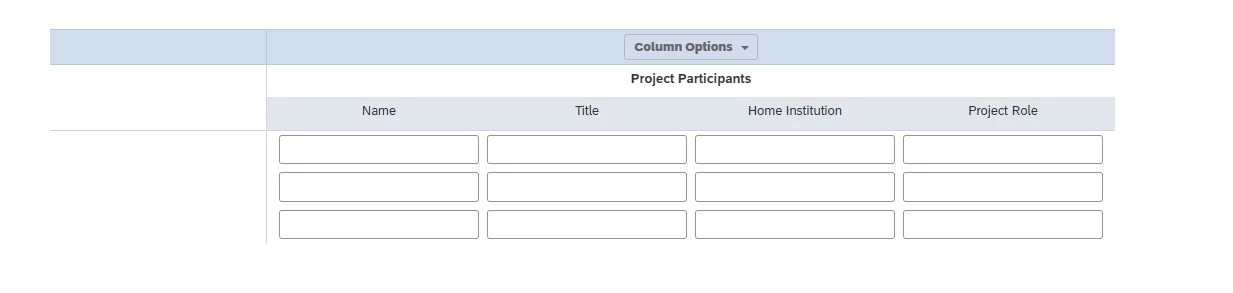
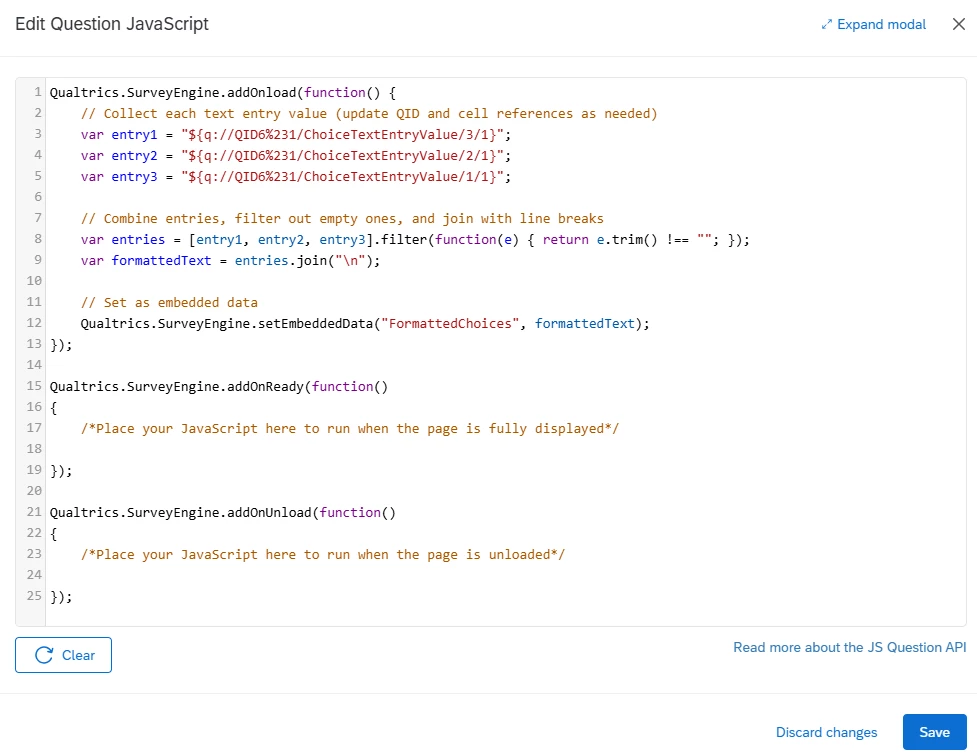
Hello, I have a survey question which is a side by side open ended question. I have a workflow using piped text to an excel sheet. I have been trying to make it so I can have the 3 names in one cell where instead of it being one long line of text, they are ordered top to bottom using line breaks. I have tried looking at other posts but cant seem to find what I'm looking for. I am new to Qualtrics and JavaScript and have tried using the Qualtrics AI to help me but it has not gone too far. The JS is in the Lay Summary block. Please help me!
 

1 reply

Forum|alt.badge.img+21
  • QPN Level 5 ●●●●●
  • August 7, 2026

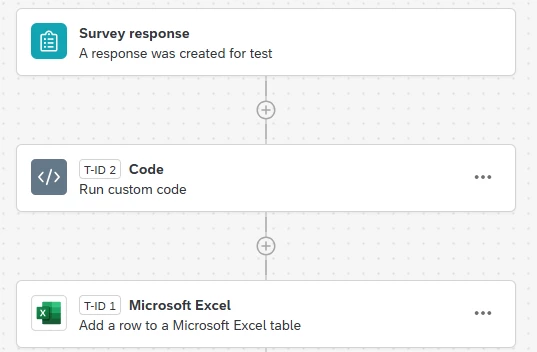
hey ​@JohnR , instead of working on Question JS, try it in the code task just above your excel task. add the below code in your code task - 

function codeTask() {

var entry1 = "${q://QID6%231/ChoiceTextEntryValue/3/1}";
var entry2 = "${q://QID6%231/ChoiceTextEntryValue/2/1}";
var entry3 = "${q://QID6%231/ChoiceTextEntryValue/1/1}";

var entries = [entry1, entry2, entry3].filter(function(e) {
return e.trim() !== "";
});

var formattedText = entries.join("\r\n");

return {
result: formattedText,
success: true
};
}

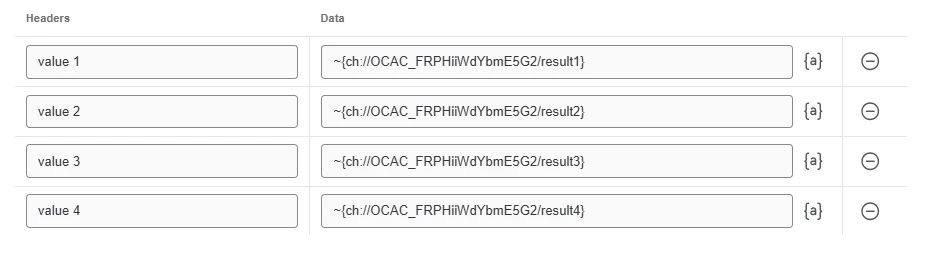
and use the above code task result in your excel task’s header value. so the setup should look like below - 


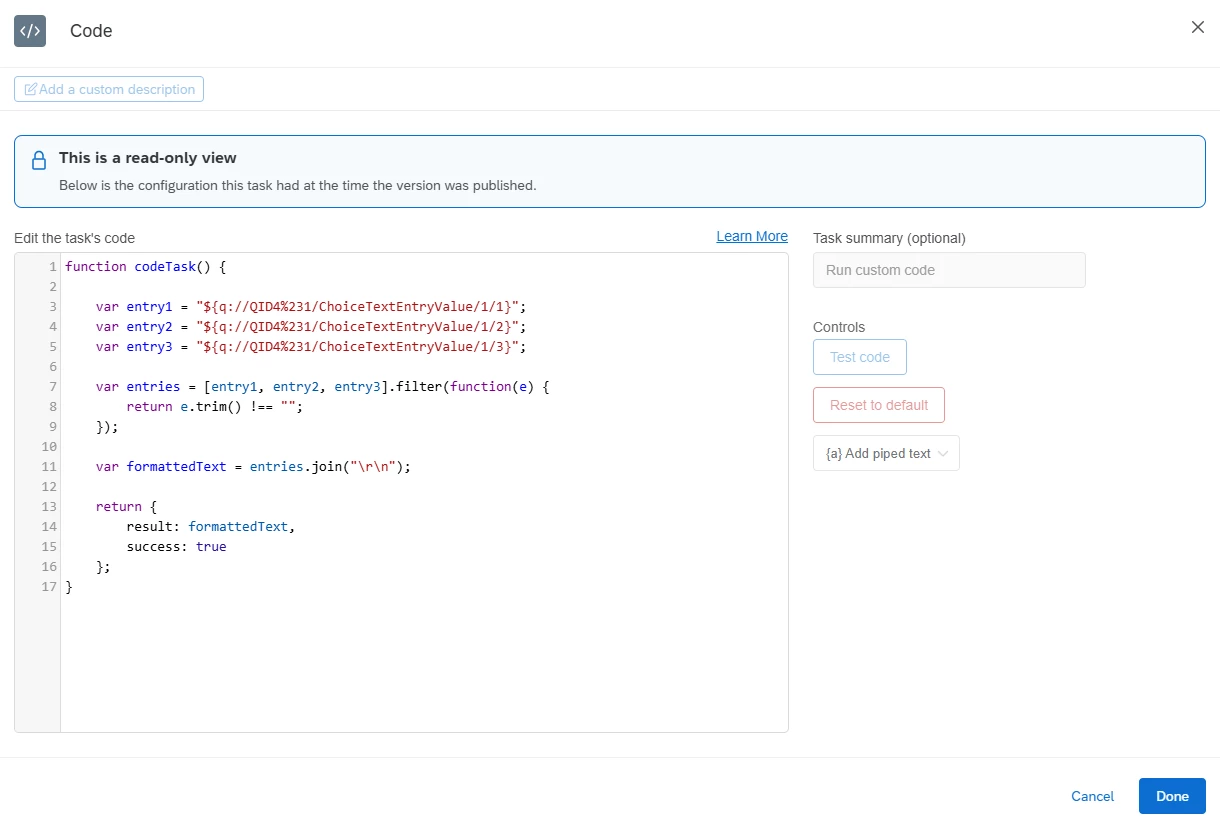
below is how your code task should look like - 

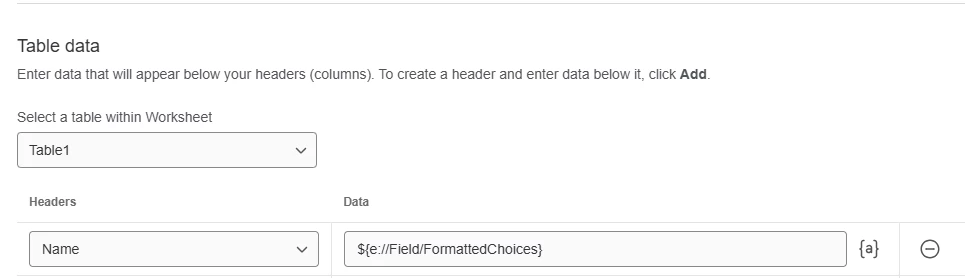
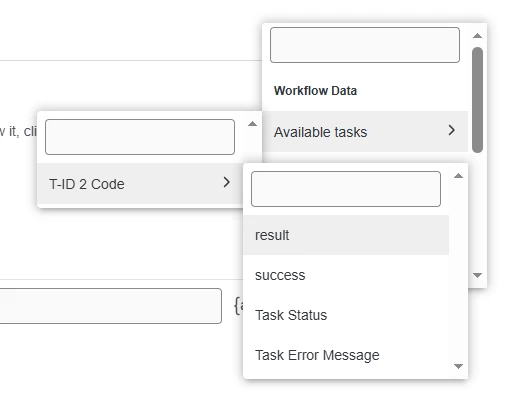
then in your excel task, use the yellow highlighted button to select the result of the above code task - 


  • available tasks → code task → result


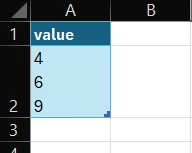
  • this is how your result will look like

once done, publish the workflow and test it. I did get the output as expected in a single cell, one below another rather than a long list


let me know if it works for you!