

Hi! Please forgive my code - I'm a newbie and have struggled at this for 2 weeks, so I can't remember which "test" this is. I'm making a salary calculator, had javascript working fine to take two dates and find the difference in days between. Problems is that I need Business days only. I installed moment.js and a Business days version but I have no idea how to get it to work with the code. I tried embedding the start and end date, didn't seem to make a difference. I just need any way at all to take my two user entered dates and find the number of business days (weekdays) in between. Please help and thank you!
{ var startDate = new
Date("$${q://QID13/ChoiceTextEntryValue/4}").value(); var endDate = new
Date("${q://QID13/ChoiceTextEntryValue/5}").value();
const calcBusinessDays = (startDate, endDate) => {
const day = moment(startDate);
let businessDays = 0;
while (day.isSameOrBefore(endDate, 'day')) {
if (day.day() !== 0 && day.day() !== 6) {
businessDays++;
}
day.add(1, 'd');
}
return businessDays;
}
Qualtrics.SurveyEngine.addEmbeddedData("DaysBetween", businessDays)
}
});

Moment.js to find business days within two user-entered dates
 +1
+1


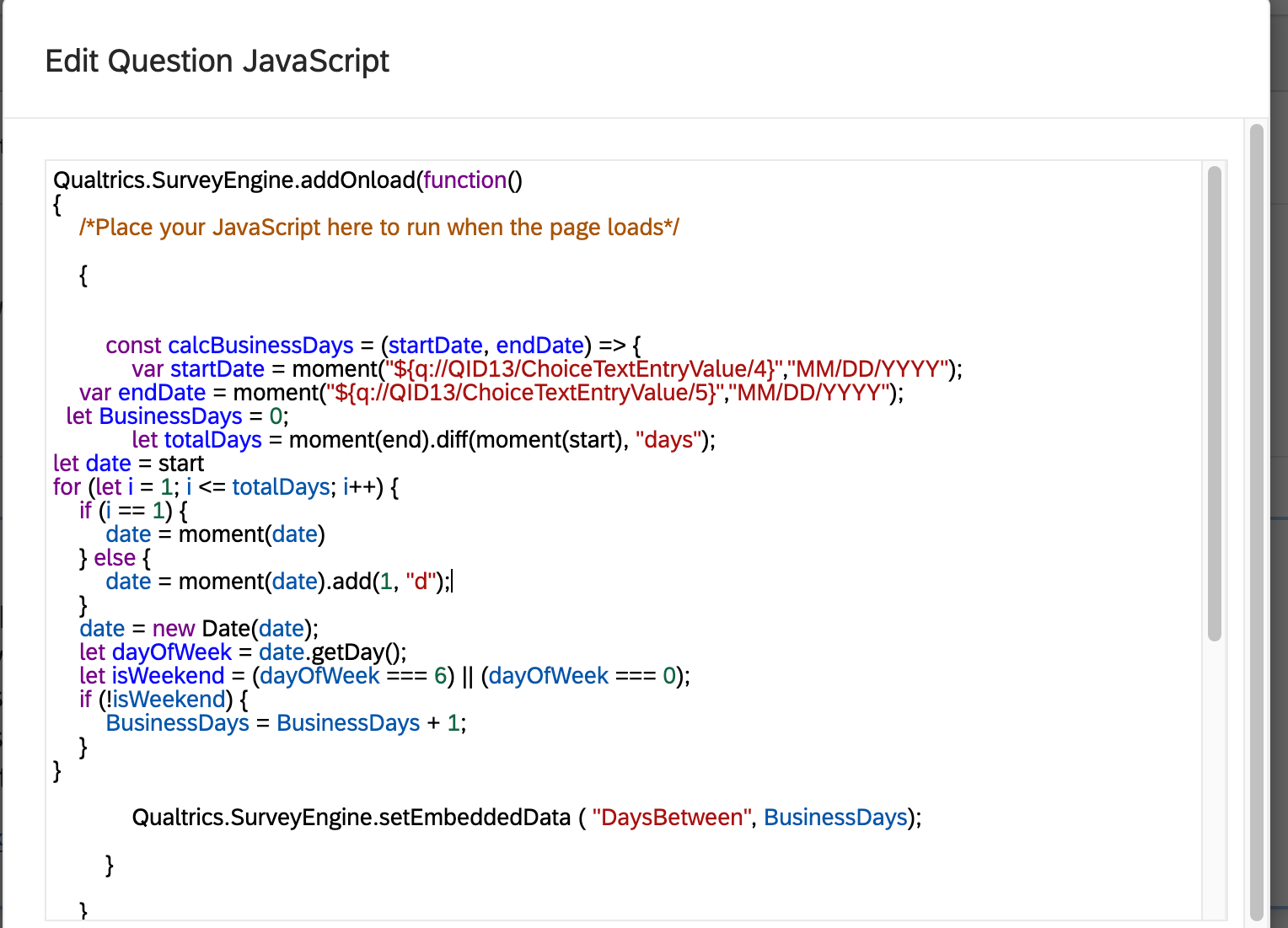
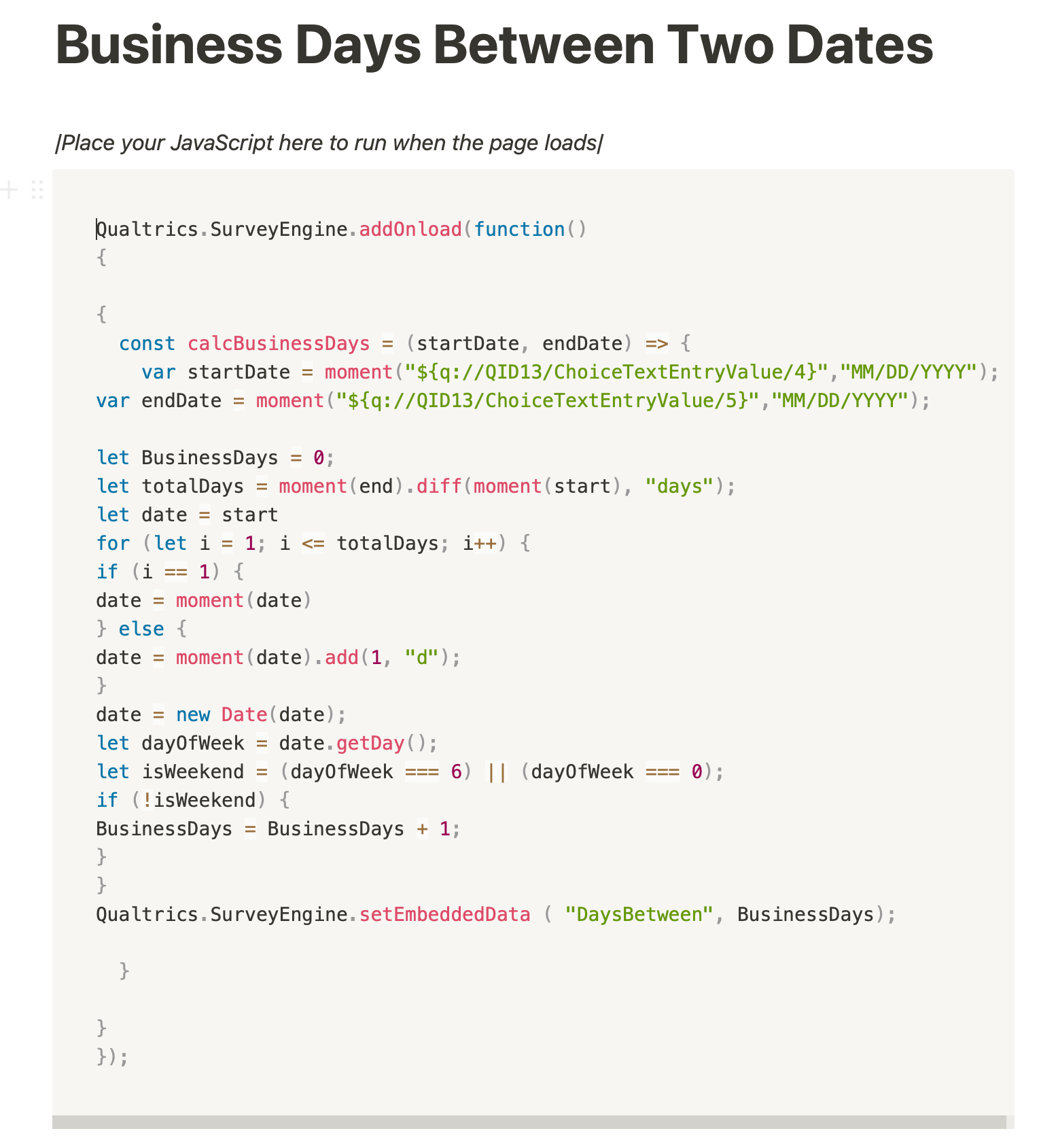
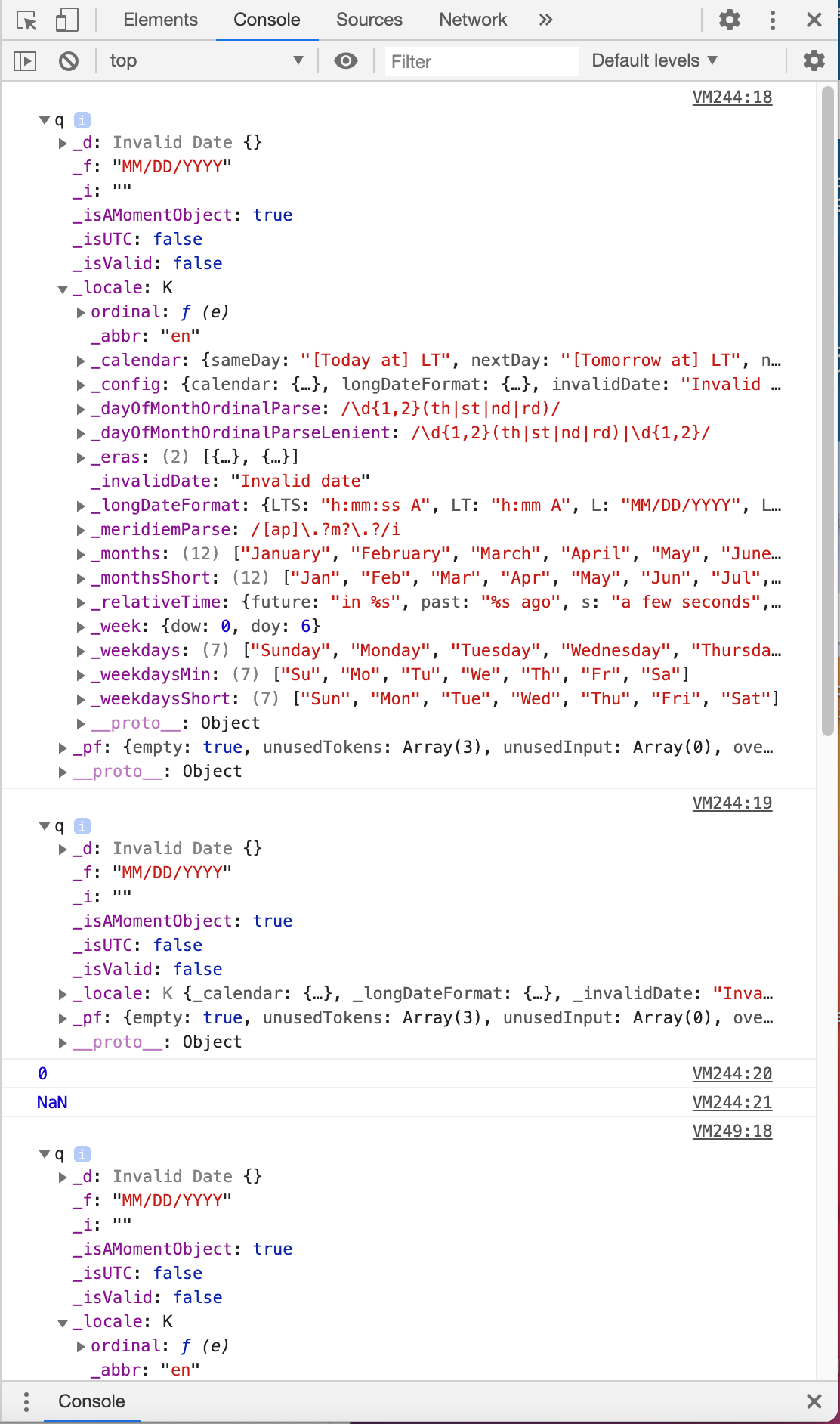 It seems to be saying "invalid date" a lot. I opened all of the drop downs for more details.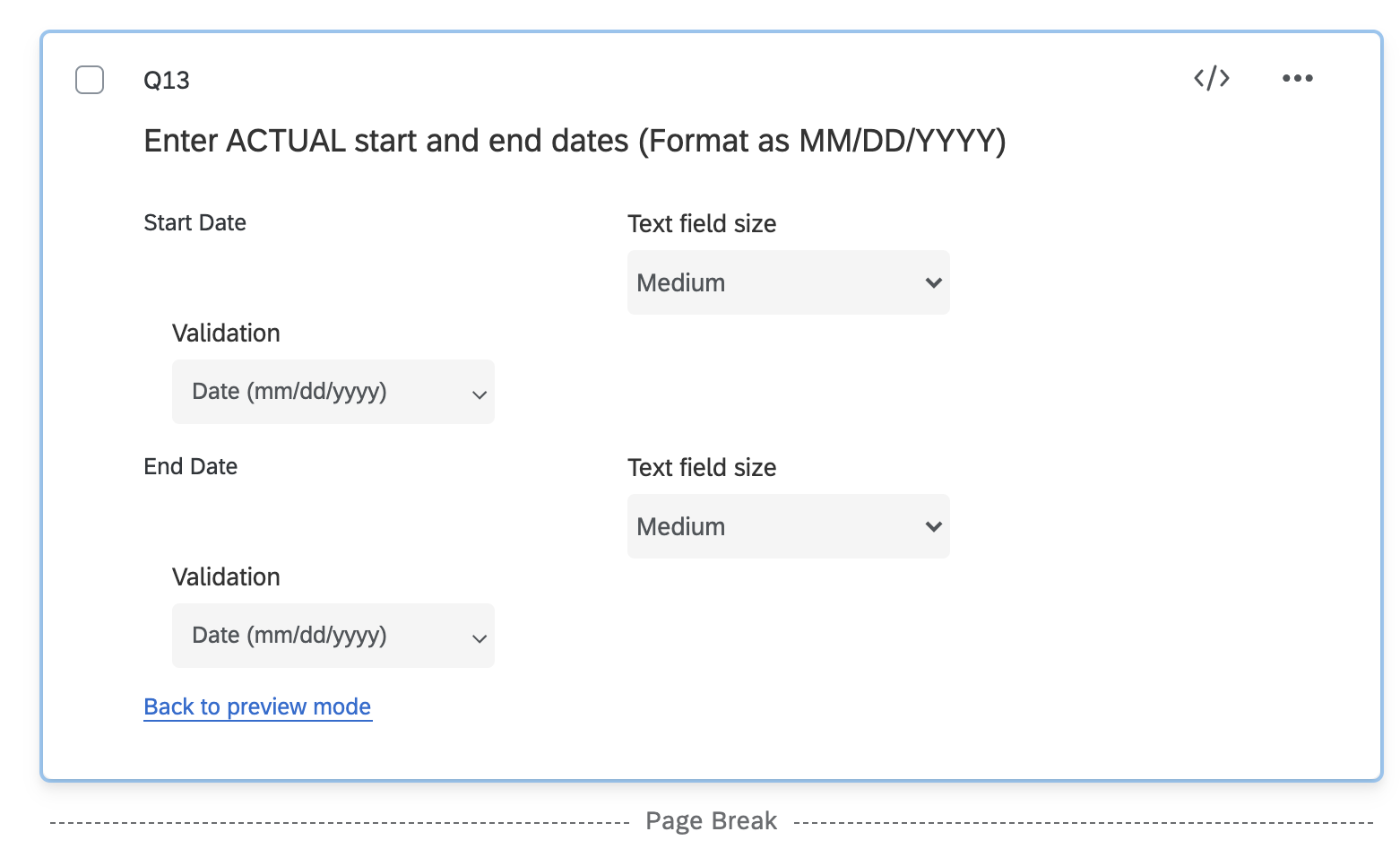
Sign up
Already have an account? Login

Welcome! To join the Qualtrics Experience Community, log in with your existing Qualtrics credentials below.
Confirm your username, share a bit about yourself, then you're ready to explore and connect .
Free trial account? No problem. Log in with your trial credentials to join.
No free trial account? No problem! Register here
Already a member? Hi and welcome back! We're glad you're here 🙂
You will see the Qualtrics login page briefly before being taken to the Experience Community.
Login with Qualtrics
Welcome! To join the Qualtrics Experience Community, log in with your existing Qualtrics credentials below.
Confirm your username, share a bit about yourself, then you're ready to explore and connect .
Free trial account? No problem. Log in with your trial credentials to join. No free trial account? No problem! Register here
Already a member? Hi and welcome back! We're glad you're here 🙂
You will see the Qualtrics login page briefly before being taken to the Experience Community.
Login to the Community
Welcome! To join the Qualtrics Experience Community, log in with your existing Qualtrics credentials below.
Confirm your username, share a bit about yourself, then you're ready to explore and connect .
Free trial account? No problem. Log in with your trial credentials to join.
No free trial account? No problem! Register here
Already a member? Hi and welcome back! We're glad you're here 🙂
You will see the Qualtrics login page briefly before being taken to the Experience Community.
Login with Qualtrics
Welcome! To join the Qualtrics Experience Community, log in with your existing Qualtrics credentials below.
Confirm your username, share a bit about yourself, then you're ready to explore and connect .
Free trial account? No problem. Log in with your trial credentials to join. No free trial account? No problem! Register here
Already a member? Hi and welcome back! We're glad you're here 🙂
You will see the Qualtrics login page briefly before being taken to the Experience Community.
Enter your E-mail address. We'll send you an e-mail with instructions to reset your password.