
Date filtering in Participation Summary widget | Experience Community
Skip to main content
Question

Date filtering in Participation Summary widget

  • September 18, 2026
  • 2 replies
  • 35 views

Forum|alt.badge.img

Hi all,


We are building a dashboard based on one of our employee lifecycle surveys and would like to display the participation rate.


I've added the Participation Summary widget to the dashboard; however, it appears to be calculating the participation rate as the number of responses received during the selected period divided by the total number of participants across all time, rather than the number of participants invited during the selected period. See the examples below:


Filtered:
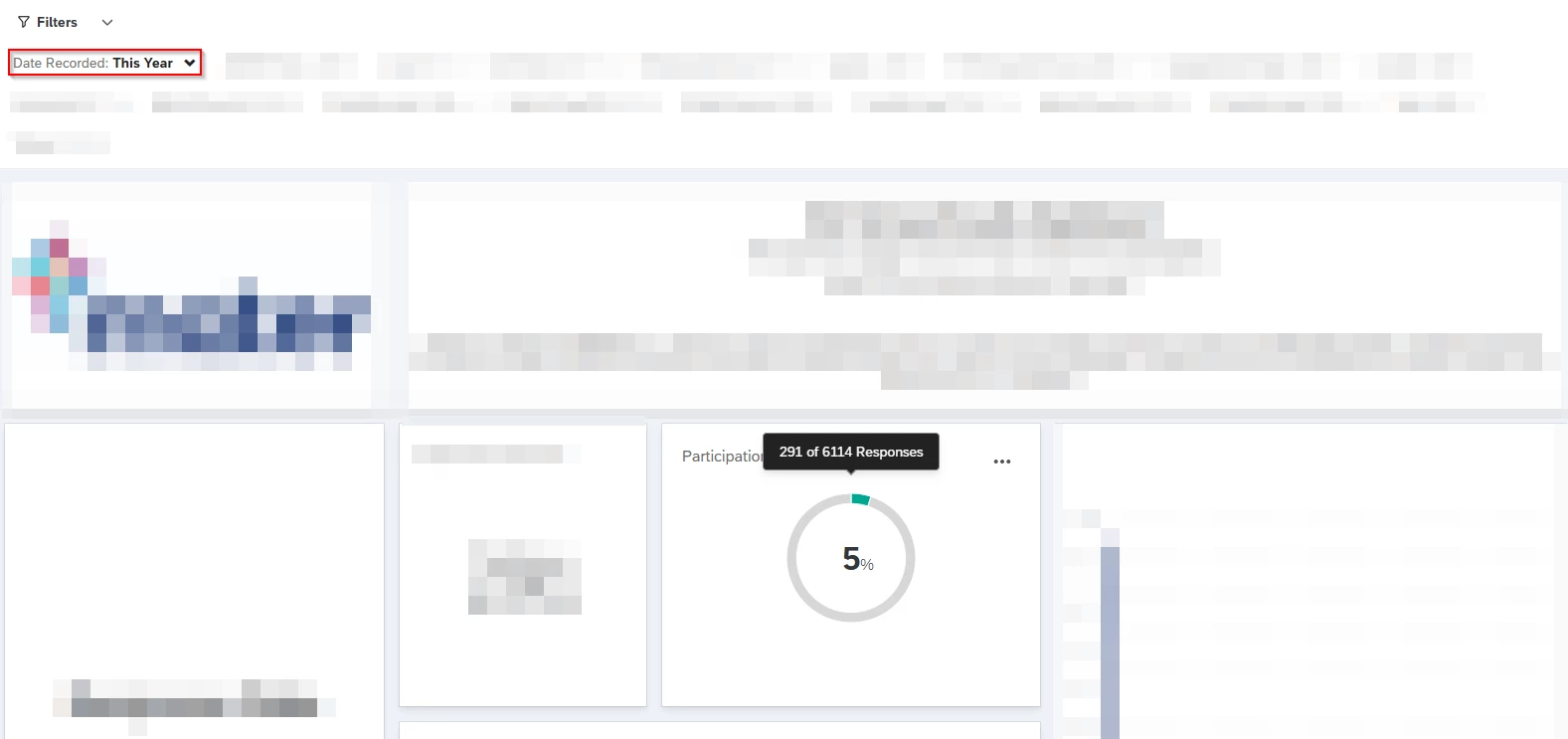
Not filtered (all time):
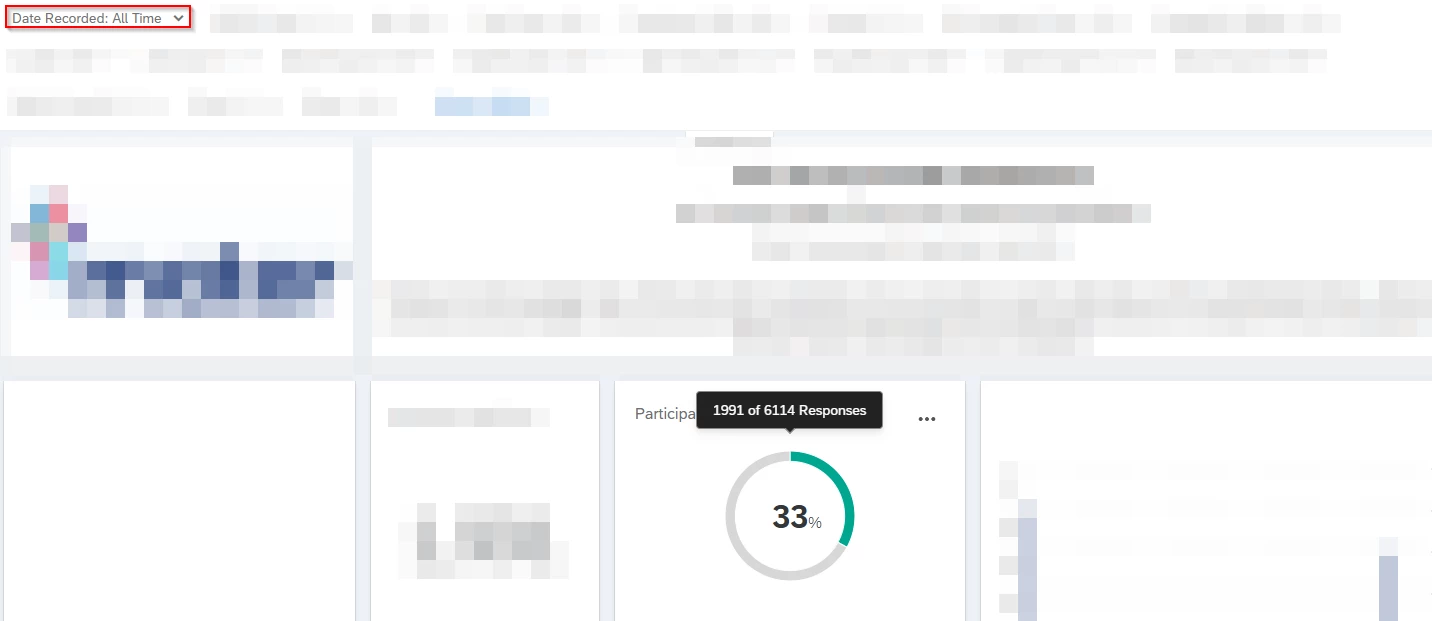
 

Is it possible to configure the widget to show the number of responses received divided by the number of participants invited within the selected period?


Thanks in advance,

Lachlan

2 replies

TusharDalwani
QPN Level 6 ●●●●●●

Hi, you can use the custom metric option to create one based on your requirement


Romanoman
Level 5 ●●●●●
Forum|alt.badge.img+14
  • Level 5 ●●●●●
  • September 29, 2026

Hi, you can use the custom metric option to create one based on your requirement

Can you though? How? The participation summary does not have too many options to configure.


I am also curious about the answer, as my solution on the same problem was showing the absolute numbers only, and comparison between those, as the recurring group size was about the same every time.