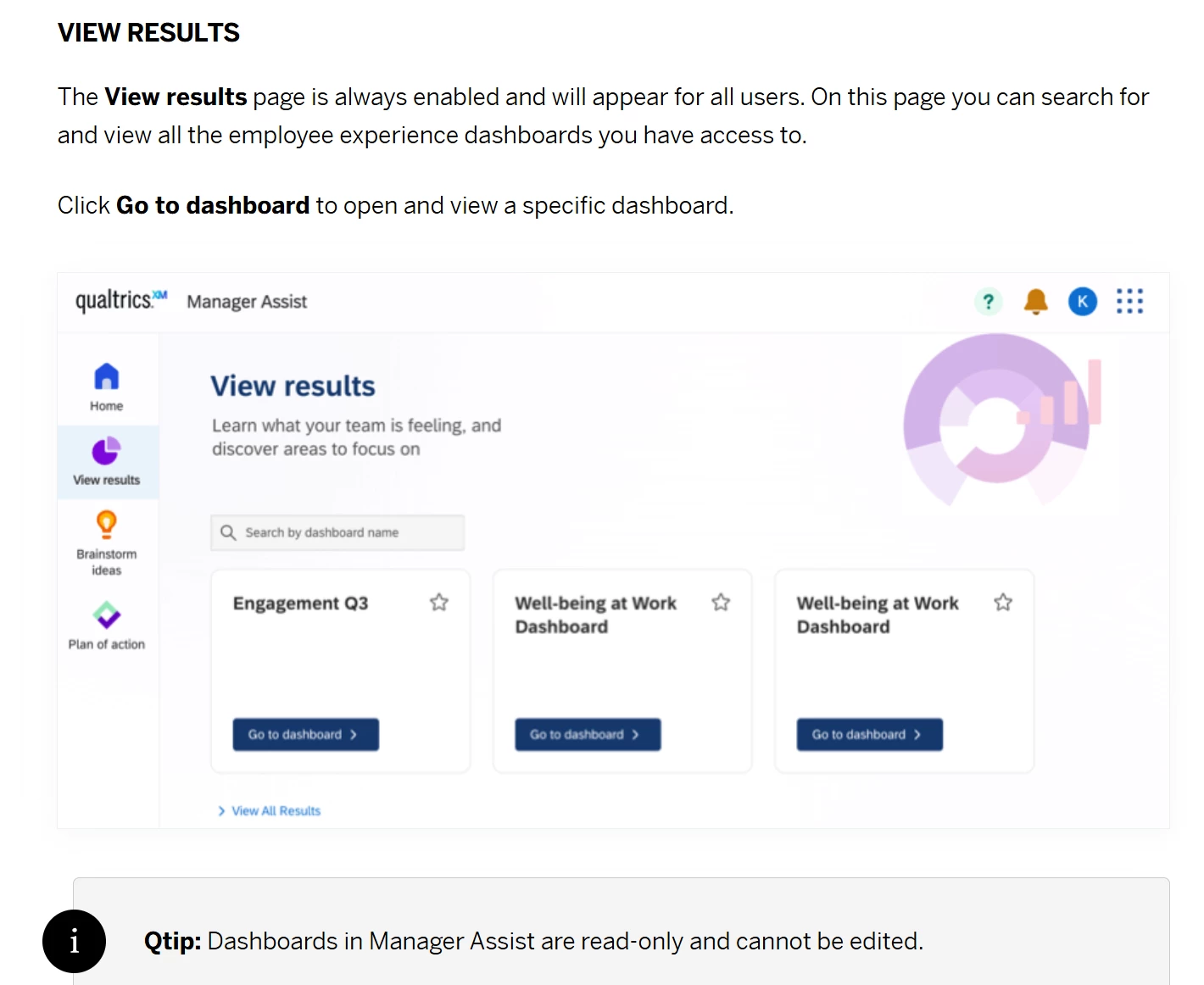
We are using the Employee Journey Analytics (EJA) project to map multiple lifecycle programs to a data model and dashboard. We are now trying roll out the dashboard to managers to use the dashboard in the platform to monitor results.
While project administrators can access the EJA project and its dashboards via the main “projects” page in the platform, there seems to be no easy way for dashboard viewers (without EJA data model access) to access the embedded dashboards via the platform UI. Instead, the only way to access the dashboard is via a direct link to the dashboard that is shared outside the platform to the user. These users have permissions to view the dashboard based on the user roles setup within the EJA project.
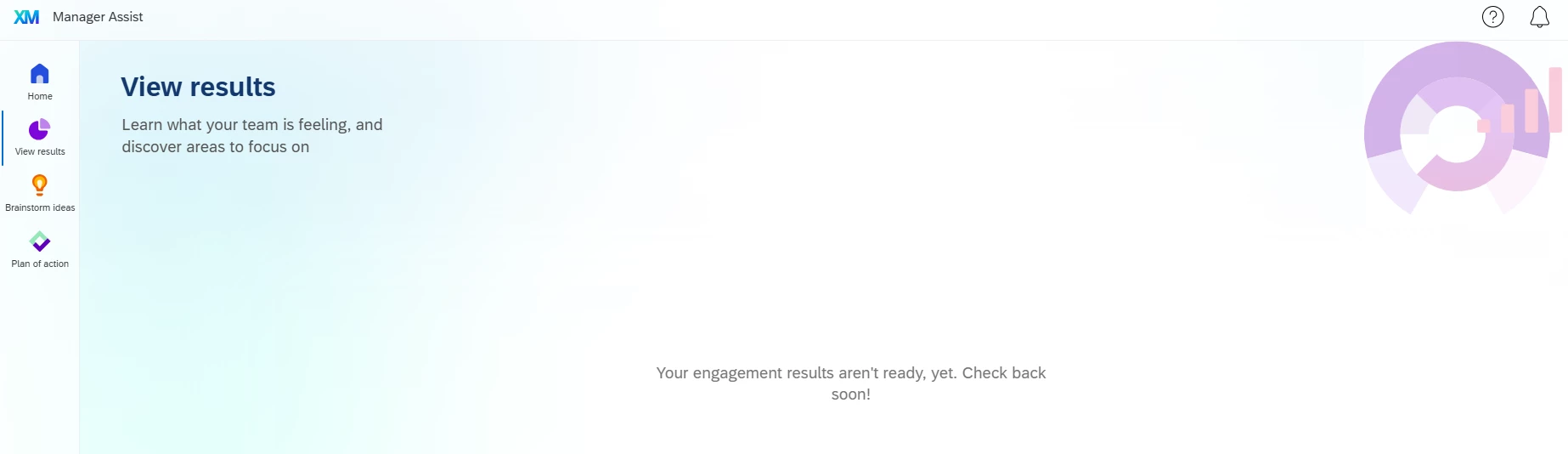
The dashboard does not appear in the Manager Assist app > View Results tab which is what I would expect.
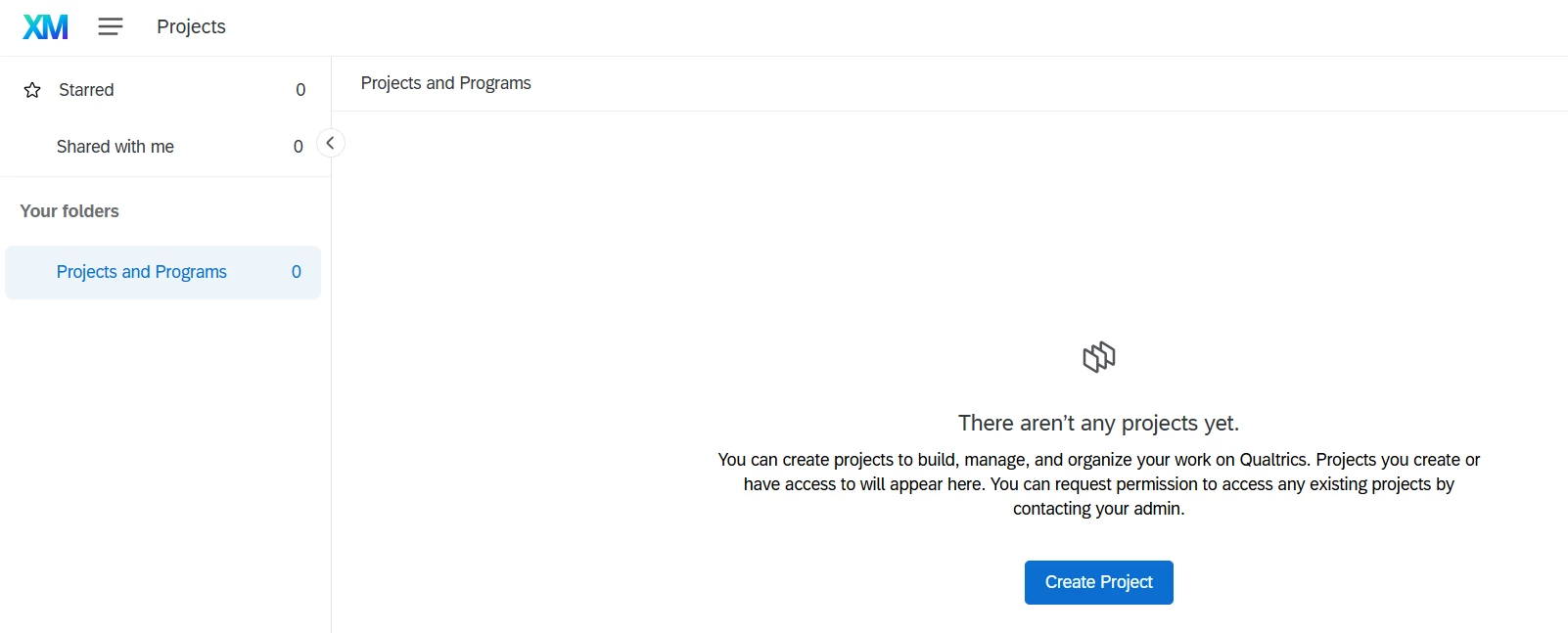
The dashboard does not appear in the Projects page.
Has anyone else had this issue or know how to make the dashboard display as an available project to dashboard users?