End-of-survey messages: automated and custom EoS appear both | Experience Community
Skip to main content
Solved

End-of-survey messages: automated and custom EoS appear both

  • October 5, 2026
  • 4 replies
  • 46 views

VictorAV
Level 3 ●●●
Forum|alt.badge.img+6

Hello Qualtrics team.

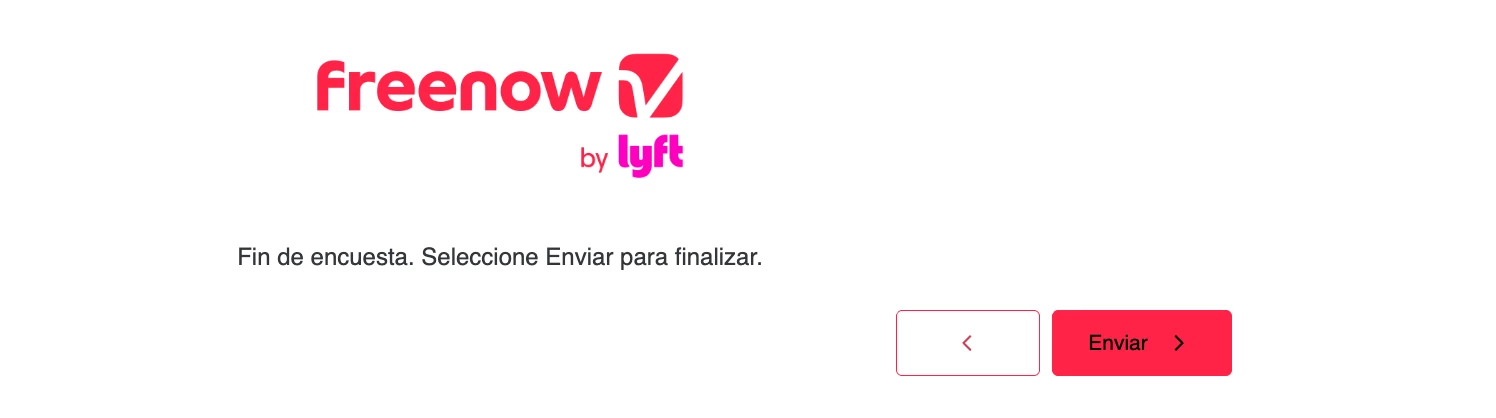
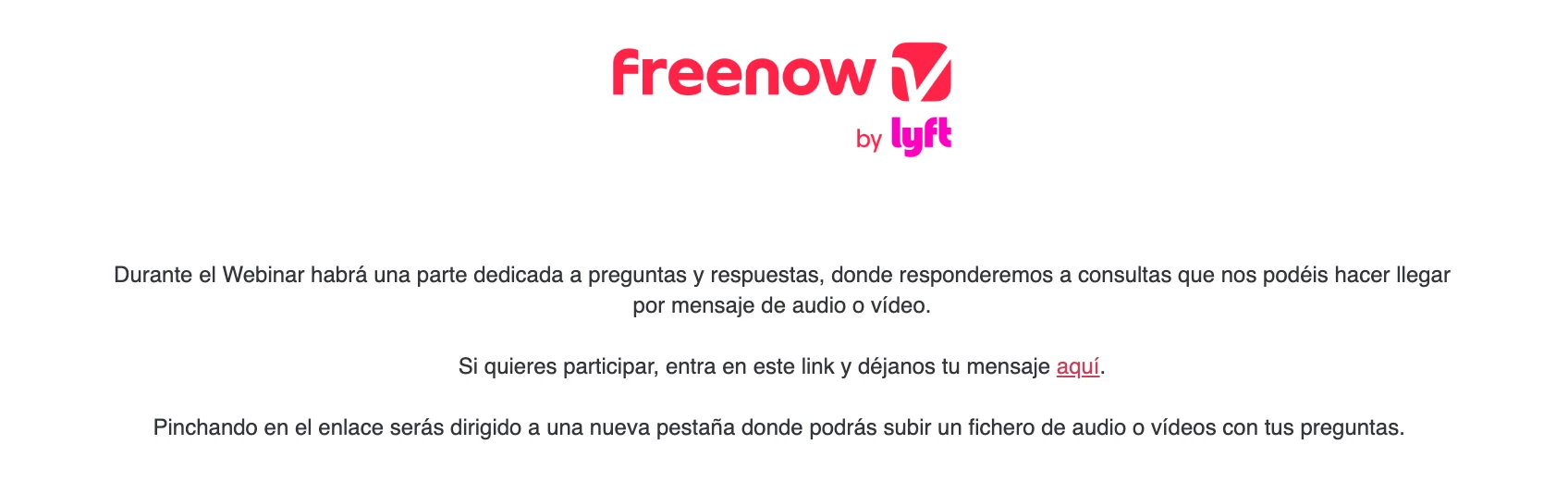
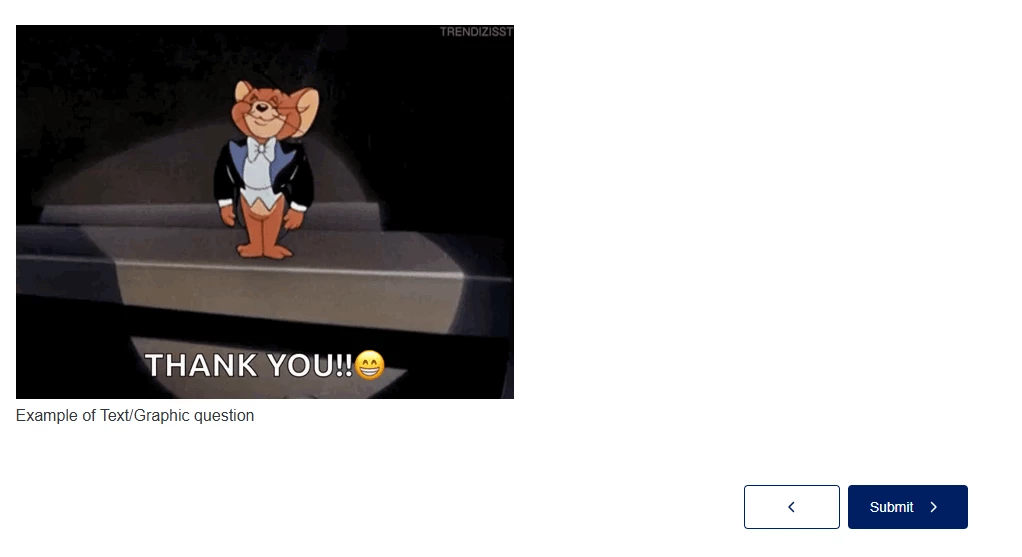
Despite of including a 'end-of-survey' message in the survey flow, there's a previous message that seems a end-of-message. How can it be deleted this 'pre' end of survey message?

Pre (automated) end-of-survey


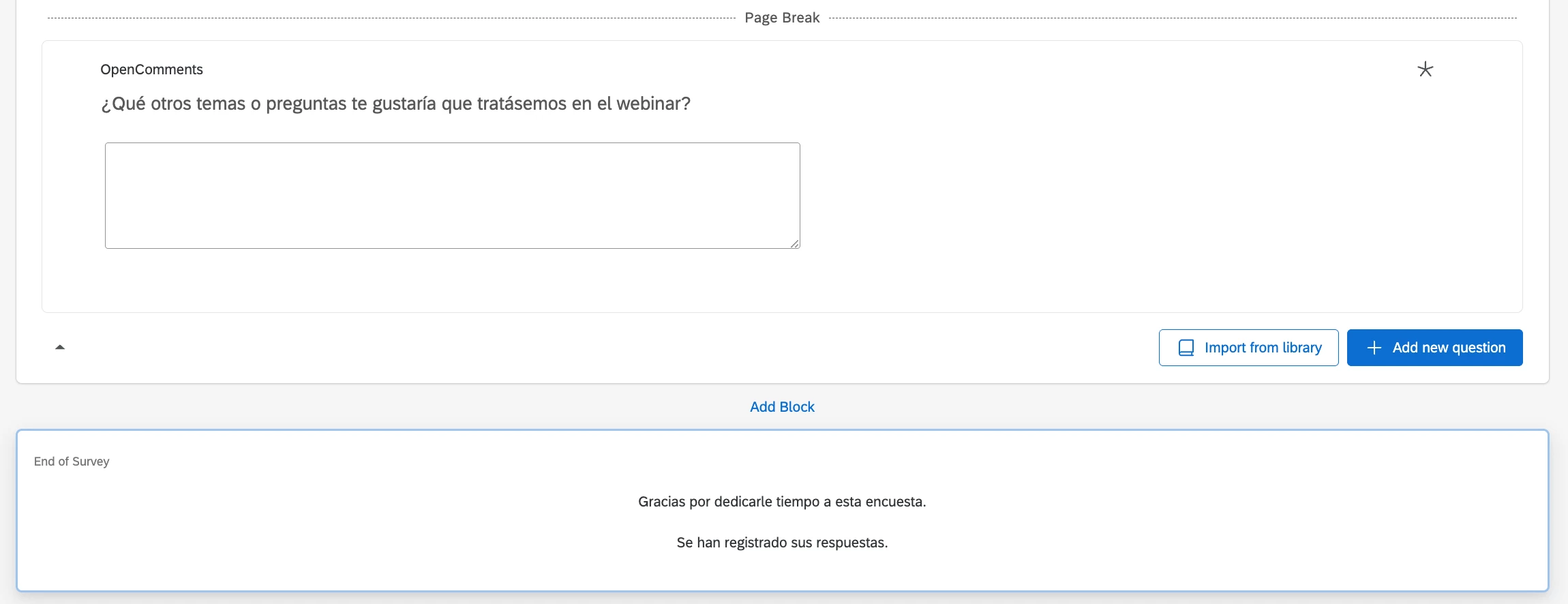
‘End-of.survey’ included in the survey flow:


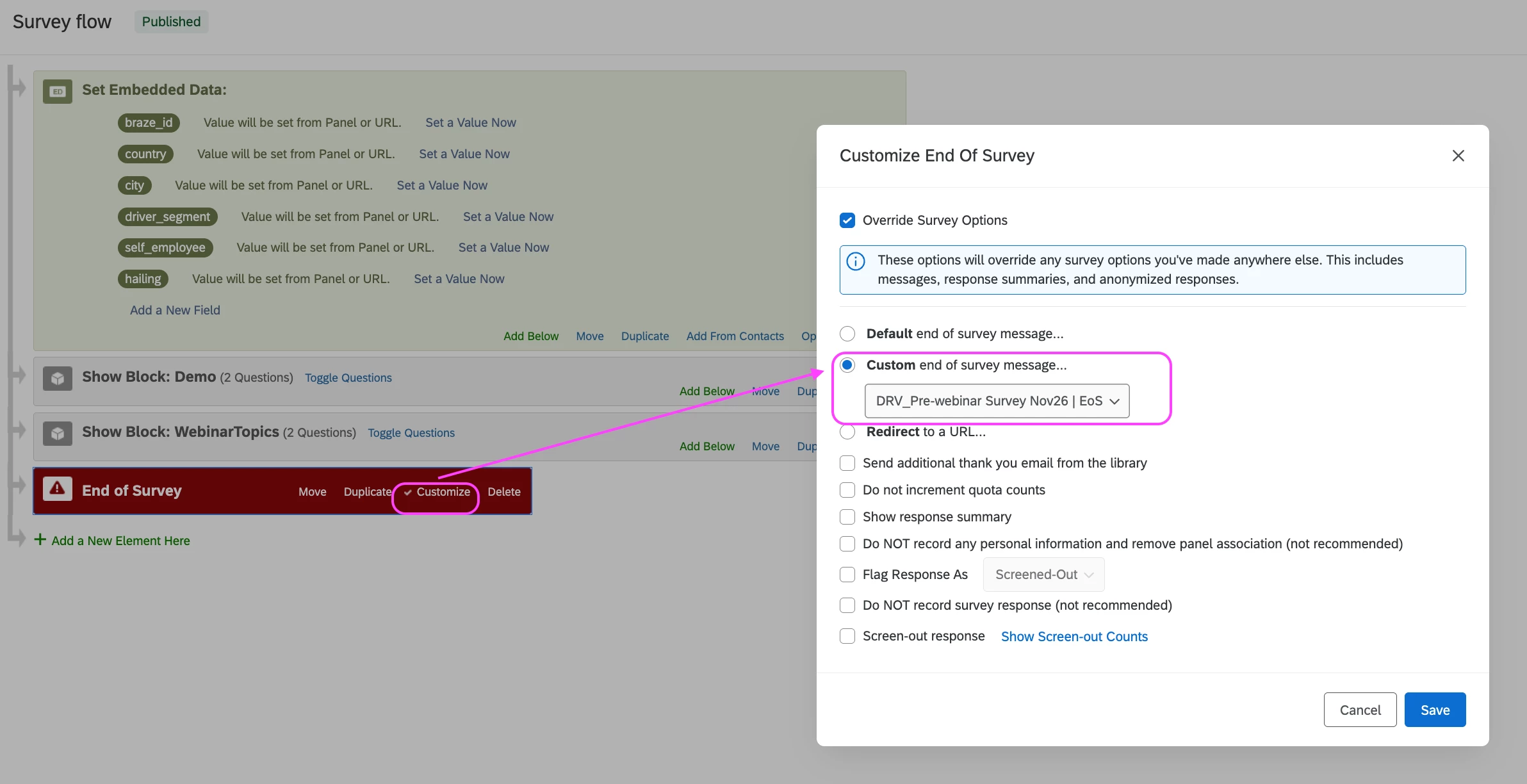
Survey flow:
 

How can I delete the automated end-of-survey included by the survey flow? Thanks!

Best answer by Chee Heng_SZ

not sure what could have cause this.

Alternatively, while waiting for advice from other users, you can look into the options below:

  1. Reach out to Qualtrics Support.
  2. Recreate the end of survey element from scratch with a new message to see if it is the End of Survey element issue
  3. Recreate the survey from scratch to see if it is an issue within the survey project.

4 replies

Forum|alt.badge.img+30

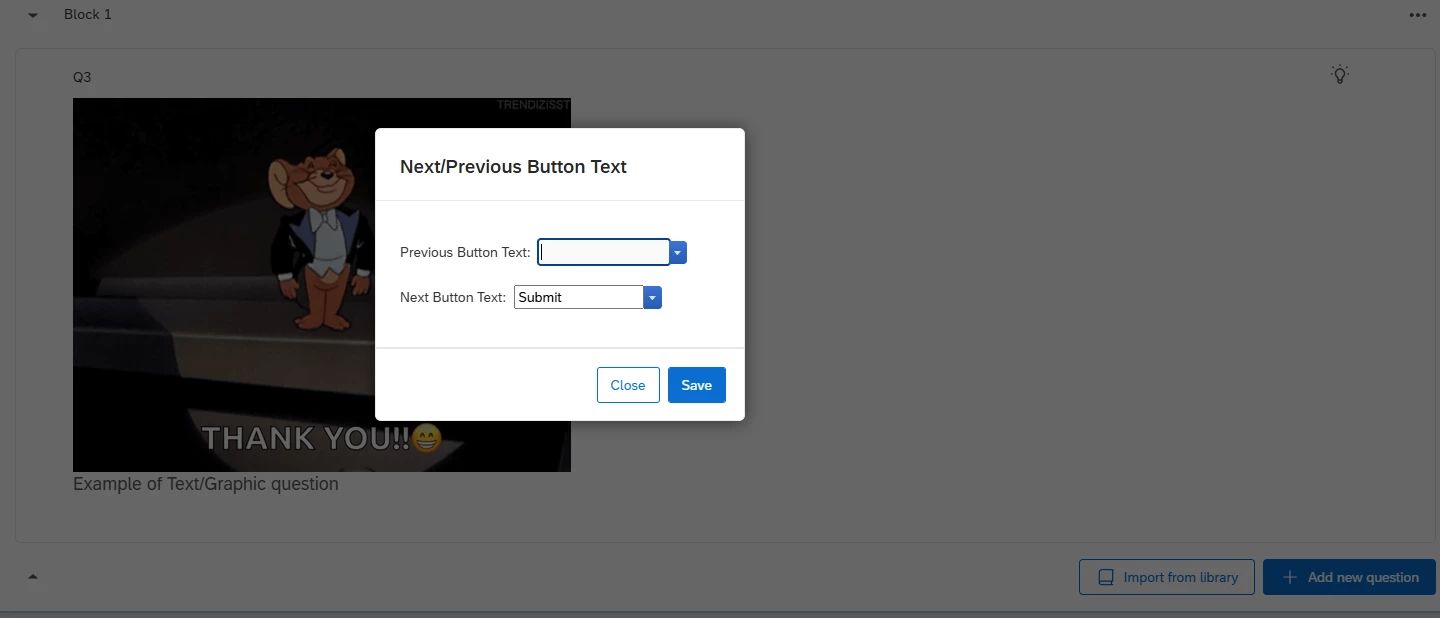
Is there a block with text/graphic question and set with the next button as ‘submit’ before the end of survey message?


VictorAV
Level 3 ●●●
Forum|alt.badge.img+6
  • Author
  • Level 3 ●●●
  • October 7, 2026

Hi ​@Chee Heng_SZ, 

Thanks for your reply, 

And no, there isn’t a block with text/graphic question and set with the next button as ‘submit’ before the end-of-Survey message. 

The only one is the block included by Qualtrics by default, the one I cannot delete:
 

Thanks!


Forum|alt.badge.img+30

not sure what could have cause this.

Alternatively, while waiting for advice from other users, you can look into the options below:

  1. Reach out to Qualtrics Support.
  2. Recreate the end of survey element from scratch with a new message to see if it is the End of Survey element issue
  3. Recreate the survey from scratch to see if it is an issue within the survey project.

VictorAV
Level 3 ●●●
Forum|alt.badge.img+6
  • Author
  • Level 3 ●●●
  • October 8, 2026

​@Chee Heng_SZ for your info, it was as simply as disable the auto-advance in the settings. 

Thanks for your help!