



Qualtrics to Jira Integration Fails with Multiple Selections | Experience Community
Skip to main content
Question

Qualtrics to Jira Integration Fails with Multiple Selections

  • July 31, 2026
  • 5 replies
  • 17 views

Forum|alt.badge.img+5

Hi everyone,

I was hoping someone could help.

I've built a survey/form in Qualtrics that populates Jira. It's working well overall, with just a few workarounds, but I'm stuck on an issue that I'm sure has a solution.

In the form, I use a multiple-selection question where users can choose different options. If they select only one option, the connection works perfectly and Jira is populated correctly. However, if they select more than one option, the connection fails and Jira isn't populated.

I suspect the issue is related to how Qualtrics formats multiple selections in the data, for example:

Option 1, Option 2, Option 3

I'm guessing Jira is expecting the data in a different format.

Has anyone come across this before or have any suggestions on alternative ways to send the data to Jira so it receives the multiple selections correctly?

Thanks in advance!
5 replies

Hi,


How exactly does Qualtrics populate Jira?


Forum|alt.badge.img+5
  • Author
  • Level 5 ●●●●●
  • July 31, 2026

Thanks for getting back to me.

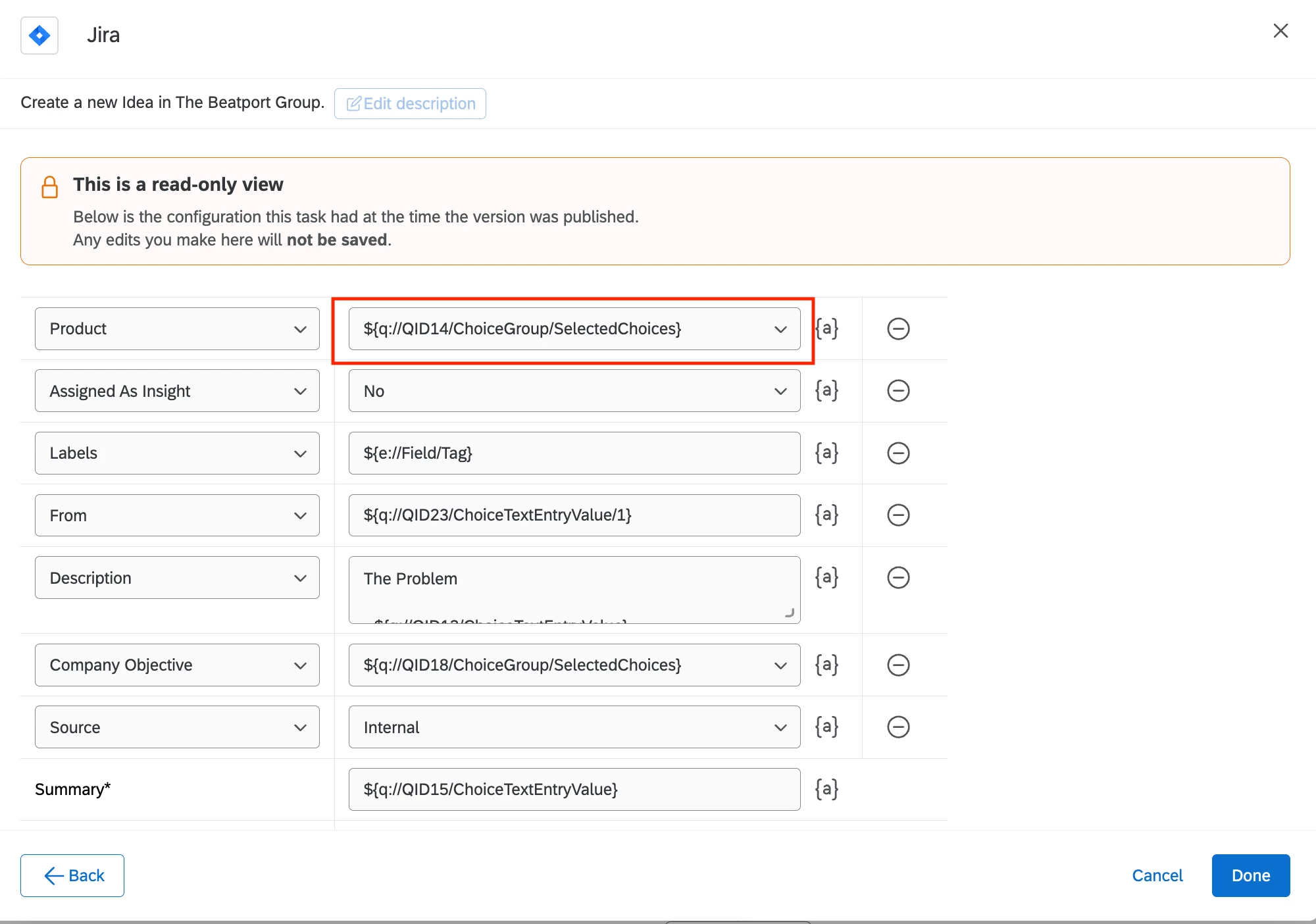
I am using a Jira workflow and have highlighted the field I am experiencing issues with.

Thanks :) 


vgayraud
QPN Level 8 ●●●●●●●●
Forum|alt.badge.img+65
  • QPN Level 8 ●●●●●●●●
  • July 31, 2026

What’s your Jira field type?


Forum|alt.badge.img+5
  • Author
  • Level 5 ●●●●●
  • July 31, 2026

Thanks ​@vgayraud 

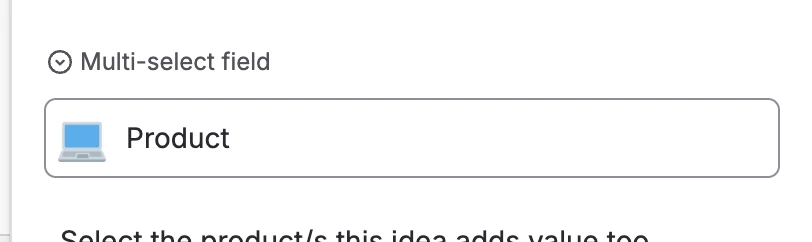
A multi-select field.

🤔


vgayraud
QPN Level 8 ●●●●●●●●
Forum|alt.badge.img+65
  • QPN Level 8 ●●●●●●●●
  • July 31, 2026

I’m not familiar with the Jira connector, so my answer is a long shot, but you could try this.

From what I know, Jira multi-select types expect an array of values. Add a task code before your Jira task with:

function codeTask() {
var raw = '${q://QID14/ChoiceGroup/SelectedChoices}';
var choices = raw ? raw.split(', ') : [];
var jsonArray = JSON.stringify(choices);

return {
result: jsonArray
};
}

and pipe in the returned value in “Product”