One of my surveys, distributed via email through Qualtrics, has started displaying this screen to someomers who received this email. I still have some responses coming in, so this isn’t happening for everyone. We’ve been sending this survey out the same way for months, so I don’t know why it’s suddenly throwing a fit.
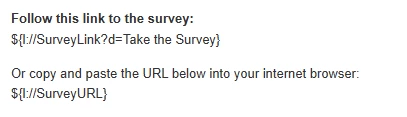
This is the survey link/URL within the email we send.
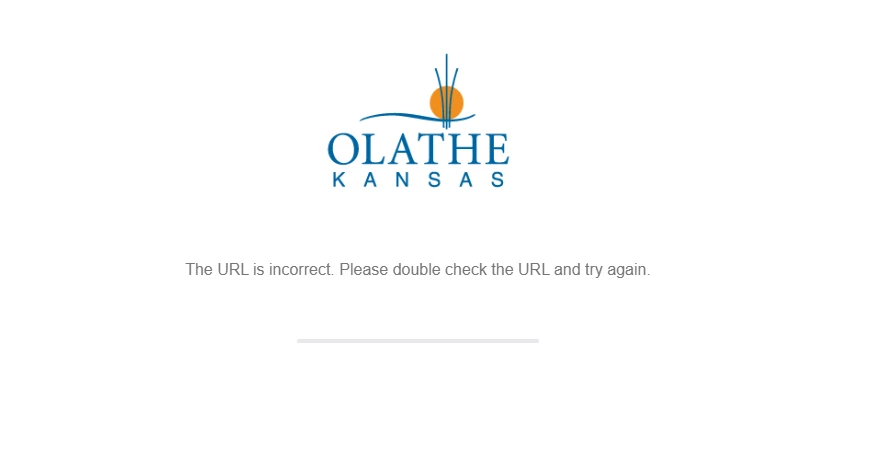
What some customers see:
Best answer by MatthewM
Hi,
Is it possible that the people seeing this message could have received more than one distribution for this project at different times? That message is identical to a system message that I have seen displayed to respondents in an annual survey I manage; it happened because they were using the link to the previous year’s survey instead of the current one (i.e., using the link we sent them in 2024 to access their 2025 survey). I believe it was displayed because I deleted the email list associated with the earlier survey, so the URL no longer existed in Qualtrics by the time they tried to open the old link the next year.
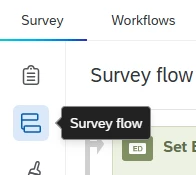
I have not seen this error message from Qualtrics standard errors before. Can you make sure there is no customization in your survey flow to have that custom end of survey message?
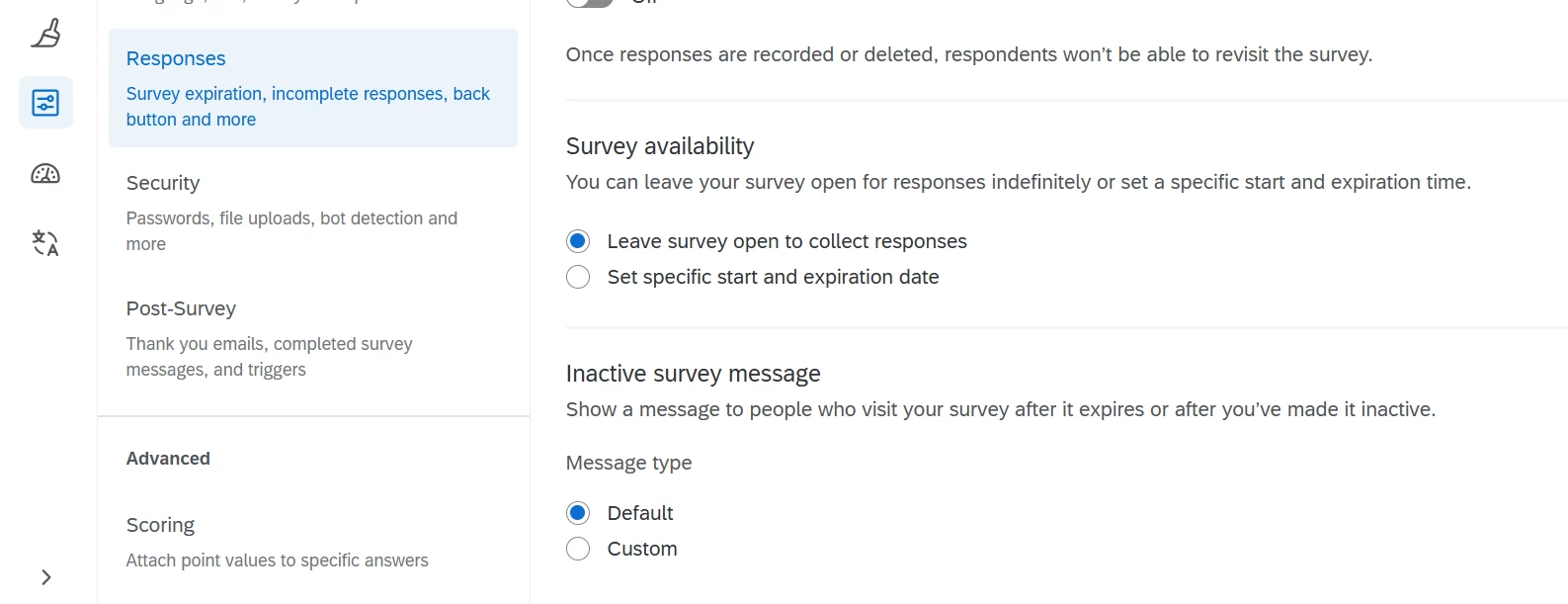
Can you also check that in your survey settings you don’t have a custom inactive message?
I have not seen this error message from Qualtrics standard errors before. Can you make sure there is no customization in your survey flow to have that custom end of survey message?
Can you also check that in your survey settings you don’t have a custom inactive message?
Thanks, Jake. Already checked in the settings and nothing has been turned on that would reflect this error message, and nothing in the survey flow either.
Support provided this information but we still had the contact in the directory and I don’t know how I would know/tell if the link was corrupted or altered.
Common Causes
Contact Deleted from Directory: If the participant’s contact was deleted from your Qualtrics directory after the survey was distributed, any individual links sent to that contact become invalid. When the respondent tries to access the survey using that link, they will see the error:
“The URL is incorrect. Please double check the URL and try again.”
Corrupted or Altered Link: If the link was accidentally altered (e.g., broken by line breaks, extra spaces, or missing characters when copying/pasting), it may not work. Make sure the link is complete and unbroken.
Thanks, Jake. Already checked in the settings and nothing has been turned on that would reflect this error message, and nothing in the survey flow either.
Support provided this information but we still had the contact in the directory and I don’t know how I would know/tell if the link was corrupted or altered.
Common Causes
Contact Deleted from Directory: If the participant’s contact was deleted from your Qualtrics directory after the survey was distributed, any individual links sent to that contact become invalid. When the respondent tries to access the survey using that link, they will see the error:
“The URL is incorrect. Please double check the URL and try again.”
Corrupted or Altered Link: If the link was accidentally altered (e.g., broken by line breaks, extra spaces, or missing characters when copying/pasting), it may not work. Make sure the link is complete and unbroken.
Hi Kelli,
Interesting! You could verify that response from support by having the customer forward you the email they received. You could then confirm that the full link is being populated in the browser when it returns an error. You could also use the IDs embedded within the customer’s personal link to see if that customer’s directory contact and transaction is still valid.
Is it possible that the people seeing this message could have received more than one distribution for this project at different times? That message is identical to a system message that I have seen displayed to respondents in an annual survey I manage; it happened because they were using the link to the previous year’s survey instead of the current one (i.e., using the link we sent them in 2024 to access their 2025 survey). I believe it was displayed because I deleted the email list associated with the earlier survey, so the URL no longer existed in Qualtrics by the time they tried to open the old link the next year.
Is it possible that the people seeing this message could have received more than one distribution for this project at different times? That message is identical to a system message that I have seen displayed to respondents in an annual survey I manage; it happened because they were using the link to the previous year’s survey instead of the current one (i.e., using the link we sent them in 2024 to access their 2025 survey). I believe it was displayed because I deleted the email list associated with the earlier survey, so the URL no longer existed in Qualtrics by the time they tried to open the old link the next year.
Oooooh!!! Yep, that makes sense. Thank you! I can fix that.