

For the love of God, can someone please tell me how i can do this? I just want my two sentences of instructions to remain visible as participants are scrolling and answering the questions that follow. How do I do this? I found a couple of posts but they were about images and I have no idea how to translate those pieces of code to use them for text, I know very little about code... Help!

Solved
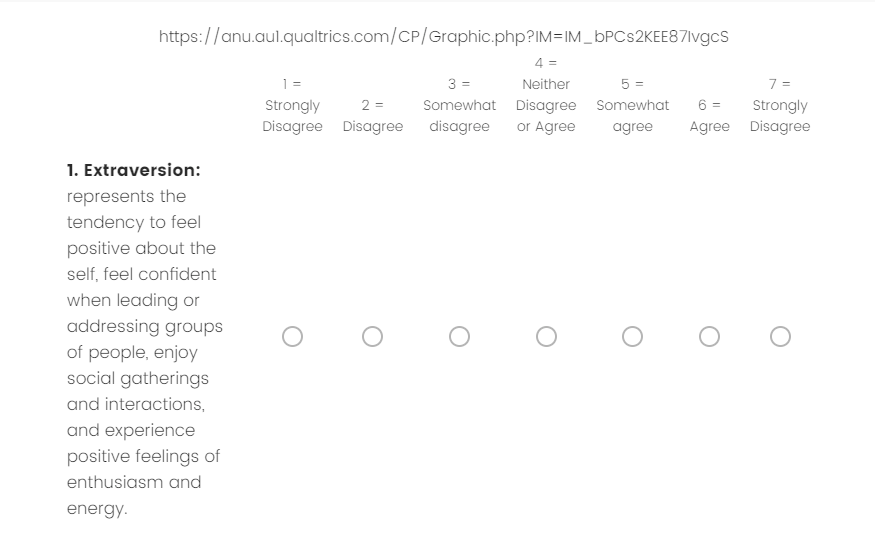
Pin instructions to top of page as participants scroll through questions.

Best answer by ahmedA
Step 1: Write your instructions in the descriptive text question EXACTLY the way you want them to appear on page.
Step 2: Click on the question text and select HTML view
Step 3: Add one backtick (shift + ~; the one on the left of 1) right at the start of everything and one right at the end.
Step 4: Select everything over there and copy it (Ctrl+A Ctrl+C).
Step 5: Paste it in the code below where it says PASTE HERE
Step 6: Add the modified code to the JS section of any question on the page.
Step 7: Preview. Smile and breathe a sigh of Relief.
Step 8: Thank God!
Qualtrics.SurveyEngine.addOnload(function()
{
base_element = document.querySelector(".SkinInner")
base_element.insertAdjacentHTML('afterbegin', '
');
new_element = document.querySelector("#sticky_vid")
// Change the text below to add the element of your choice
new_element.innerHTML = "PASTE HERE"
// This is important, otherwise, the element you add will be at the back
base_element.style.zIndex = 1;
new_element.style.zIndex = 10;
});
Demo here
Other resources here
View originalnew_element = document.querySelector("#sticky_vid")
// Change the text below to add the element of your choice
new_element.innerHTML = "PASTE HERE"
// This is important, otherwise, the element you add will be at the back
base_element.style.zIndex = 1;
new_element.style.zIndex = 10;
});
Demo here
Other resources here











Sign up
Already have an account? Login

Welcome! To join the Qualtrics Experience Community, log in with your existing Qualtrics credentials below.
Confirm your username, share a bit about yourself, then you're ready to explore and connect .
Free trial account? No problem. Log in with your trial credentials to join.
No free trial account? No problem! Register here
Already a member? Hi and welcome back! We're glad you're here 🙂
You will see the Qualtrics login page briefly before being taken to the Experience Community.
Login with Qualtrics
Welcome! To join the Qualtrics Experience Community, log in with your existing Qualtrics credentials below.
Confirm your username, share a bit about yourself, then you're ready to explore and connect .
Free trial account? No problem. Log in with your trial credentials to join. No free trial account? No problem! Register here
Already a member? Hi and welcome back! We're glad you're here 🙂
You will see the Qualtrics login page briefly before being taken to the Experience Community.
Login to the Community
Welcome! To join the Qualtrics Experience Community, log in with your existing Qualtrics credentials below.
Confirm your username, share a bit about yourself, then you're ready to explore and connect .
Free trial account? No problem. Log in with your trial credentials to join.
No free trial account? No problem! Register here
Already a member? Hi and welcome back! We're glad you're here 🙂
You will see the Qualtrics login page briefly before being taken to the Experience Community.
Login with Qualtrics
Welcome! To join the Qualtrics Experience Community, log in with your existing Qualtrics credentials below.
Confirm your username, share a bit about yourself, then you're ready to explore and connect .
Free trial account? No problem. Log in with your trial credentials to join. No free trial account? No problem! Register here
Already a member? Hi and welcome back! We're glad you're here 🙂
You will see the Qualtrics login page briefly before being taken to the Experience Community.
Enter your E-mail address. We'll send you an e-mail with instructions to reset your password.