

Hi,
Thanks in advance! I have a number of matrix questions with likert-scale options that all deal with the same 5 topics (e.g. english, math, science, art, and dance). I want to randomize the order of the 5 topics in the question, but keep the order the same in each subsequent question.
I was planning to use a randomizer for the first question and then use carryover logic, but the question wording changes each time. Typically, when there are fewer topics, we use embedded data fields to assign topics in the survey flow and manually enter all the combinations under a randomizer. With 5 options this time, I am trying to avoid having to manually code each of the 120 options in embedded data fields in the survey flow. Is there a way to randomize how embedded data fields are assigned?
For example (if it helps) the first question matrix is (with options Not at all > very much):
How much do most boys like english?
How much do most boys like math?
How much do most boys like science?
How much do most boys like art?
How much do most boys like dance?
And the next question matrix is:
How much do most girls like english?
How much do most girls like math?
How much do most girls like science?
How much do most girls like art?
How much do most girls like dance?
I want to randomize the order of the subjects, but have the order be the same in every question. Does anyone know how to do this?
Thanks so much!

How to randomize the order of Embedded Data Fields?



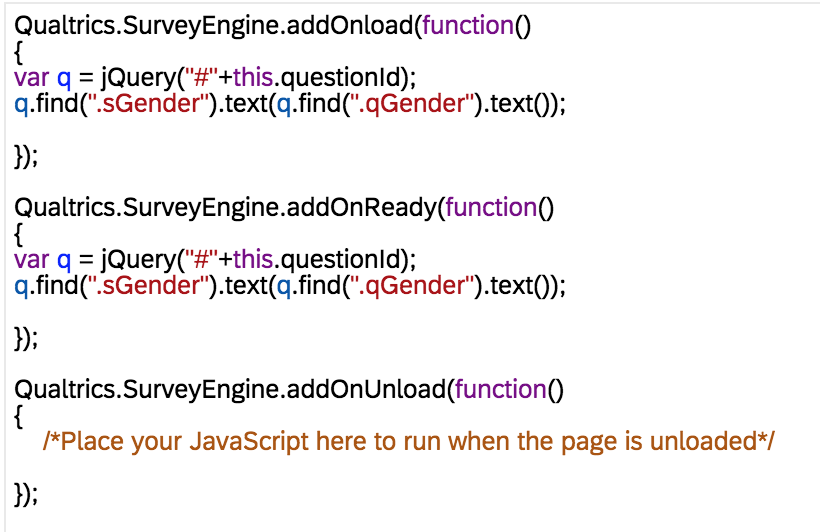
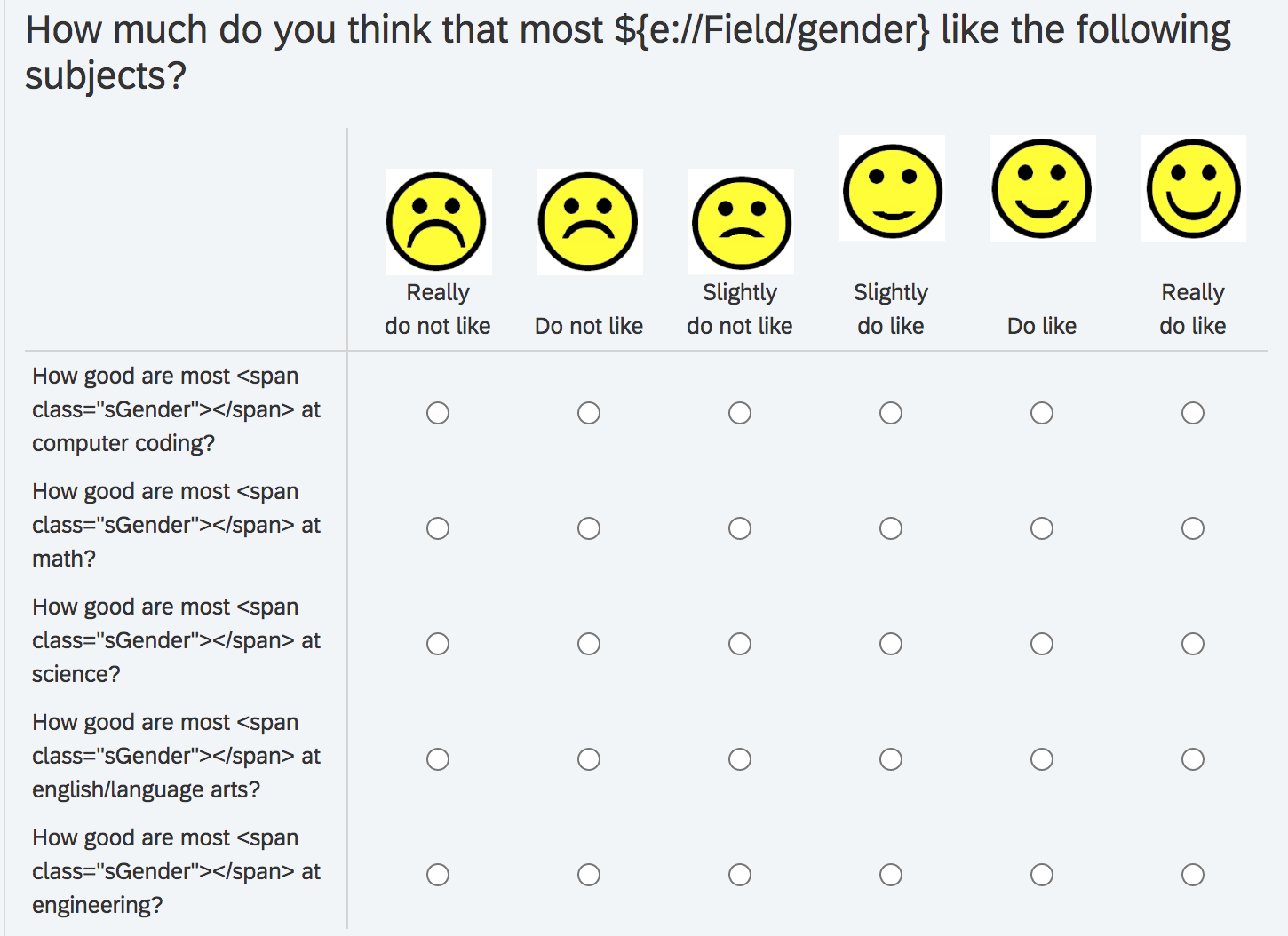
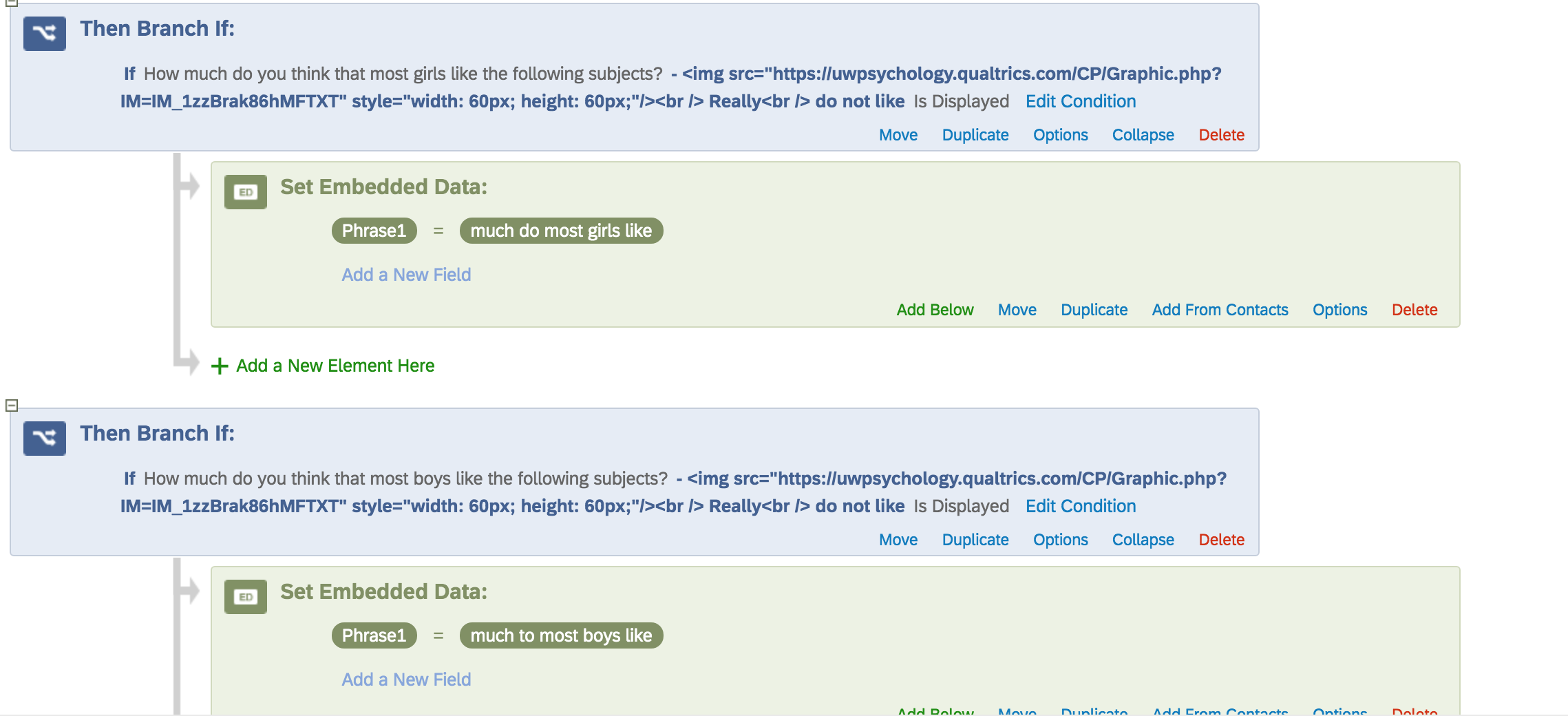 , thinking that would always be true... but when I preview, the embedded data field phrase is missing entirely from the answer choices. Any ideas?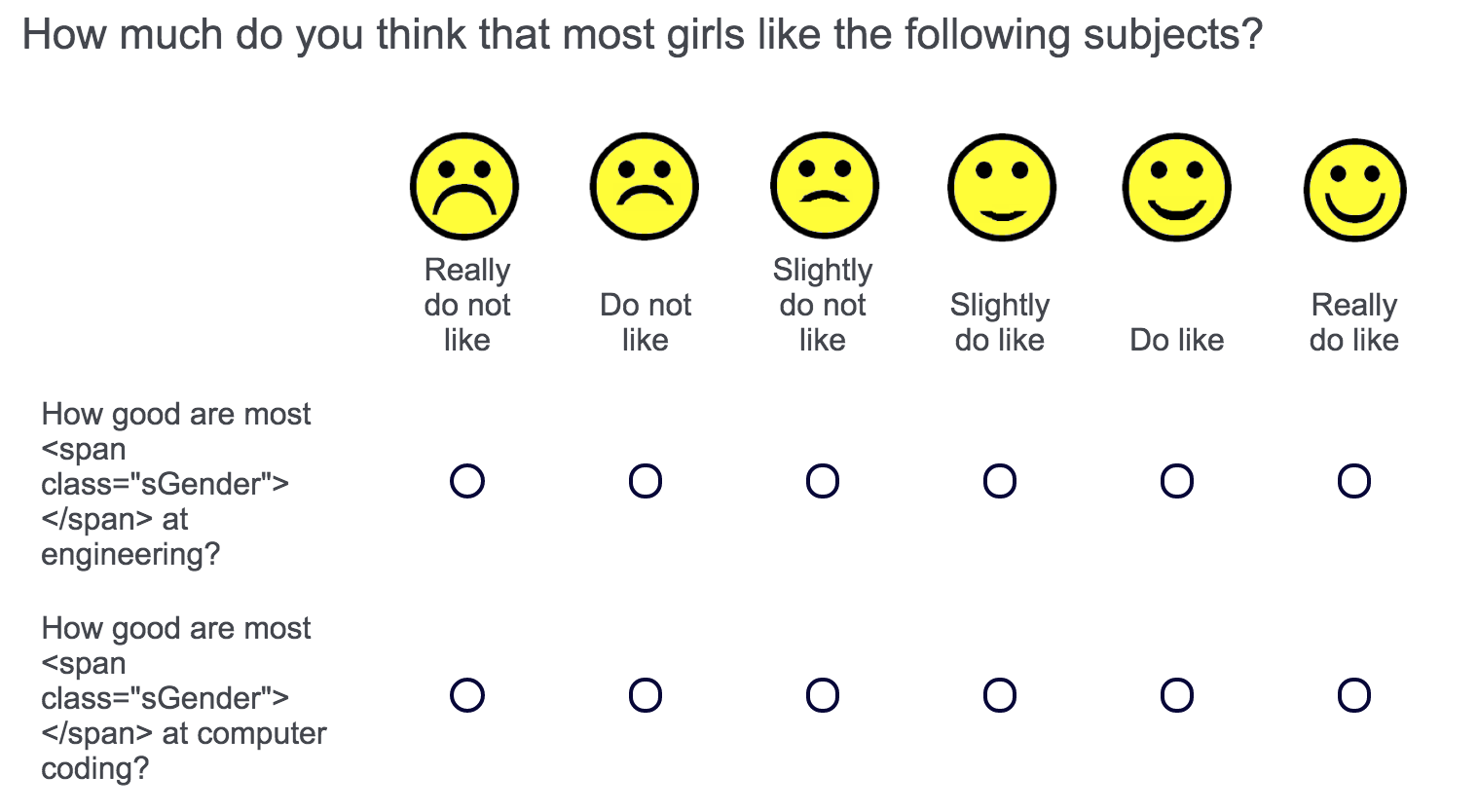
Sign up
Already have an account? Login

Welcome! To join the Qualtrics Experience Community, log in with your existing Qualtrics credentials below.
Confirm your username, share a bit about yourself, then you're ready to explore and connect .
Free trial account? No problem. Log in with your trial credentials to join.
No free trial account? No problem! Register here
Already a member? Hi and welcome back! We're glad you're here 🙂
You will see the Qualtrics login page briefly before being taken to the Experience Community.
Login with Qualtrics
Welcome! To join the Qualtrics Experience Community, log in with your existing Qualtrics credentials below.
Confirm your username, share a bit about yourself, then you're ready to explore and connect .
Free trial account? No problem. Log in with your trial credentials to join. No free trial account? No problem! Register here
Already a member? Hi and welcome back! We're glad you're here 🙂
You will see the Qualtrics login page briefly before being taken to the Experience Community.
Login to the Community
No account yet? Create an account
Welcome! To join the Qualtrics Experience Community, log in with your existing Qualtrics credentials below.
Confirm your username, share a bit about yourself, then you're ready to explore and connect .
Free trial account? No problem. Log in with your trial credentials to join.
No free trial account? No problem! Register here
Already a member? Hi and welcome back! We're glad you're here 🙂
You will see the Qualtrics login page briefly before being taken to the Experience Community.
Login with Qualtrics
Welcome! To join the Qualtrics Experience Community, log in with your existing Qualtrics credentials below.
Confirm your username, share a bit about yourself, then you're ready to explore and connect .
Free trial account? No problem. Log in with your trial credentials to join. No free trial account? No problem! Register here
Already a member? Hi and welcome back! We're glad you're here 🙂
You will see the Qualtrics login page briefly before being taken to the Experience Community.
Enter your E-mail address. We'll send you an e-mail with instructions to reset your password.