
Move Slider Labels below "Choices" | Experience Community
Skip to main content
Solved

Move Slider Labels below "Choices"

  • Jan 16, 2019 12:55 AM UTC
  • 19 replies
  • 1137 views

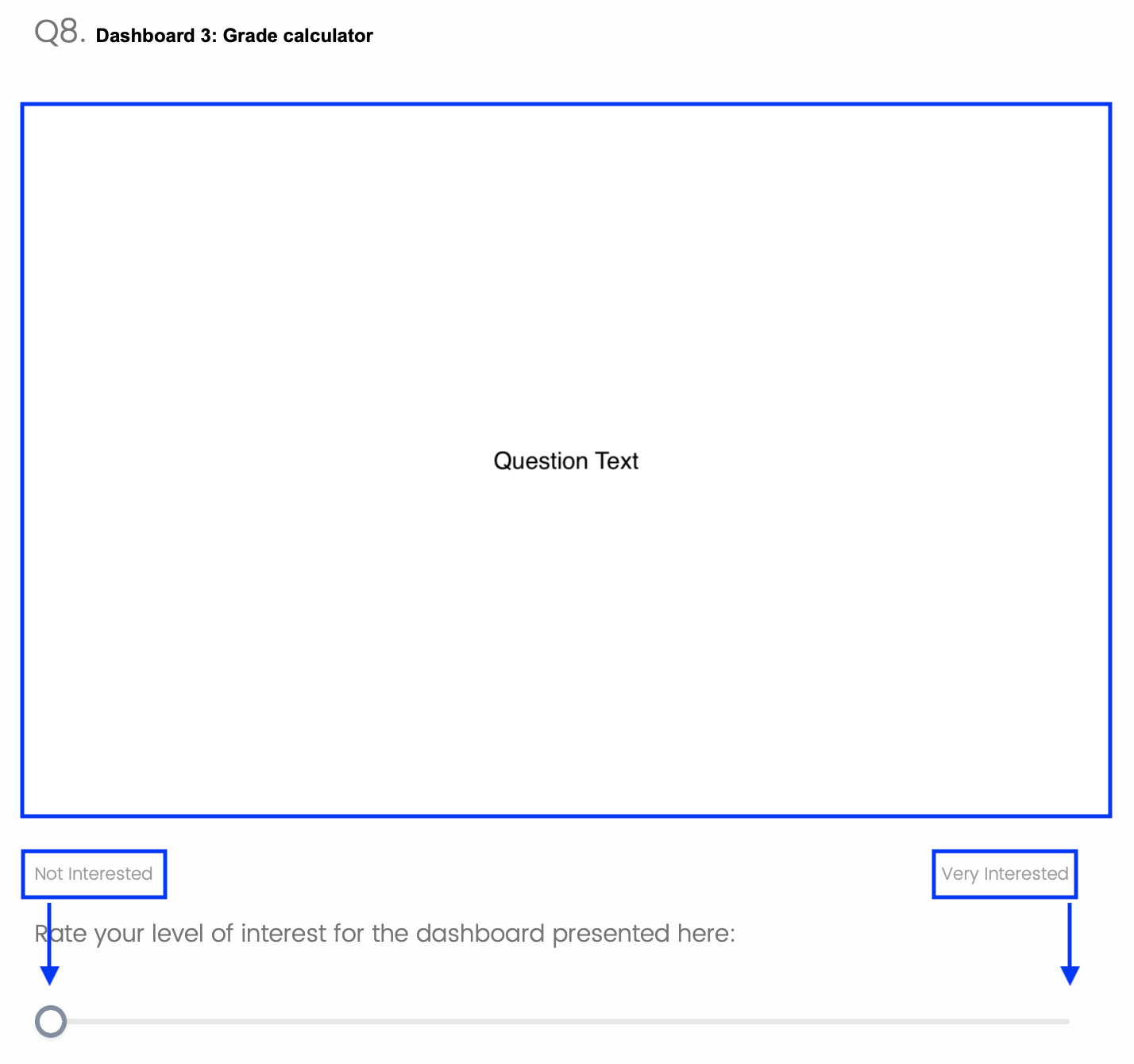
Hi folks, Hoping to get some help moving the label text below the slider bar as in the screenshot below. I've had a look at a couple of the existing questions but they don't seem to work. For e.g., on this one: https://www.qualtrics.com/community/discussion/2326/a-way-to-change-the-position-of-the-labels-in-a-slider-question With the one above, the labels just disappear. !

Best answer by fmoosvi

It turns out the above wasn't working because I had multiple slider qs on the same page. Coworker helped me figure it out, here's the code that works. It needs to be on just one slider per page: Qualtrics.SurveyEngine.addOnReady(function() { jQuery("ul.labels").insertAfter("div.slider-container"); jQuery("ul.labels").css('font-weight', '700'); }); Problem is solved thanks
View original


19 replies

  • Author
  • Answer
  • Jan 16, 2019 7:18 PM UTC
It turns out the above wasn't working because I had multiple slider qs on the same page. Coworker helped me figure it out, here's the code that works. It needs to be on just one slider per page: Qualtrics.SurveyEngine.addOnReady(function() { jQuery("ul.labels").insertAfter("div.slider-container"); jQuery("ul.labels").css('font-weight', '700'); }); Problem is solved thanks

TomG
Level 8 ●●●●●●●●
Forum|alt.badge.img+27
  • Level 8 ●●●●●●●●
  • Jan 16, 2019 9:12 PM UTC
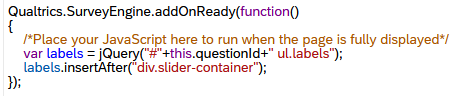
@fmoosvi, In most instances, you want to limit your selectors to the current question. That way your code won't conflict with other questions on the same page. So the following would work with multiple slider questions on the page: ``` Qualtrics.SurveyEngine.addOnReady(function() { var labels = jQuery("#"+this.questionId+" ul.labels"); labels.insertAfter("div.slider-container"); labels.css('font-weight', '700'); }); ```

  • Author
  • Jan 16, 2019 9:13 PM UTC
That is a very good point, thanks for the heads up.

Forum|alt.badge.img+1
@TomG is there a way to add to your above JS in order to define the spacing between the labels and the slider? Currently, the labels are spaced too far from the slider and I would like to bring them closer.

TomG
Level 8 ●●●●●●●●
Forum|alt.badge.img+27
  • Level 8 ●●●●●●●●
  • Feb 5, 2019 8:19 PM UTC
> @MauroUsabilitySci said: > @TomG is there a way to add to your above JS in order to define the spacing between the labels and the slider? Currently, the labels are spaced too far from the slider and I would like to bring them closer. Yes, probably. Can you provide a picture of your slider question?

Forum|alt.badge.img+1
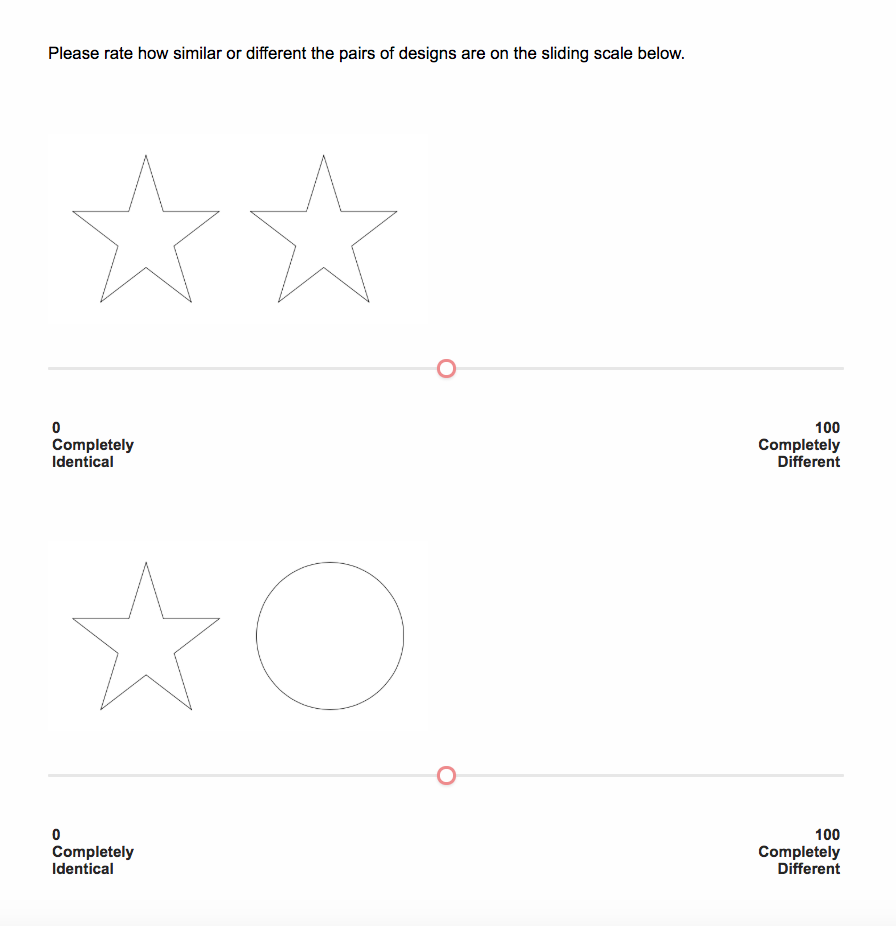
@TomG here ya go! I would like the "0 Completely Identical" and "100 Completely Different" labels to be closer to the slider axis. !

TomG
Level 8 ●●●●●●●●
Forum|alt.badge.img+27
  • Level 8 ●●●●●●●●
  • Feb 6, 2019 12:57 AM UTC
> @MauroUsabilitySci said: > @TomG here ya go! I would like the "0 Completely Identical" and "100 Completely Different" labels to be closer to the slider axis. I'm not sure what theme you are using, but try this: ``` jQuery("#"+this.questionId+" td.BarOuter").css("padding-bottom", "10px"); ```

Forum|alt.badge.img+1
Thank you @TomG , that worked!

  • Jul 9, 2019 7:14 PM UTC
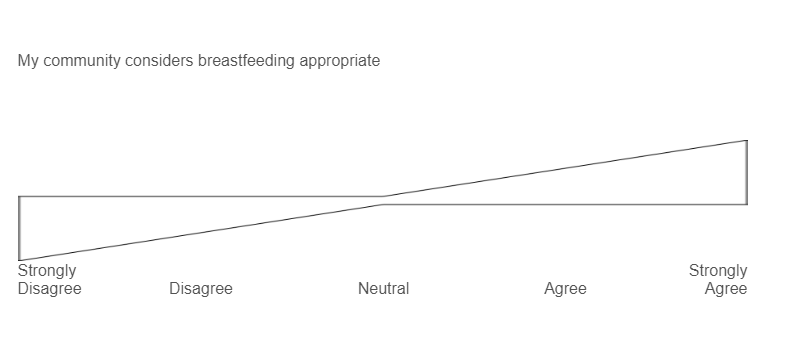
Hello - I have a similar challenge. I am working with a custom built bow tie slider that someone shared with me. I would like to bring the "choice" closer to the bow tie slider and add a little padding between the labels and the bow tie because when the choice bleeds onto a second line, the bow tie overlaps with the labels. Any suggestions? Thanks so much!!

  • Apr 2, 2020 4:20 PM UTC

Hi guys,
I am very new to Qualtrics and have been trying to incorporate these into my survey, however, no luck. I found somewhere that it could be because I am using a non-upgraded version, which would not allow these custom codes. Would that be the reason or is it me failing to install these correctly?
Any information would be much appreciated.
B.


  • May 29, 2020 9:37 AM UTC

TomG Can we add sliders label on left and right so like opposite words Happy>>>>>>SLIDER>>>>SAD


TomG
Level 8 ●●●●●●●●
Forum|alt.badge.img+27
  • Level 8 ●●●●●●●●
  • May 29, 2020 12:31 PM UTC

@Rock,
Yes, but it must be done with JavaScript. It is called a bipolar or AHP slider (AHP has a scale, bipolar doesn't). See: https://www.qualtrics.com/community/discussion/2201/analytic-hierarchy-process-in-qualtrics for an example.


  • Aug 19, 2021 6:31 AM UTC

https://community.qualtrics.com/XMcommunity/discussion/comment/10522#Comment_10522Hi, despite using this code, the labels are being applied to all slider questions on the page.
Do I need to change the question id in this code?
Anything else I can do to make it work?
Context: I need to add customized labels to each slider question (5-7 questions on a page).


TomG
Level 8 ●●●●●●●●
Forum|alt.badge.img+27
  • Level 8 ●●●●●●●●
  • Aug 19, 2021 4:17 PM UTC

https://community.qualtrics.com/XMcommunity/discussion/comment/39857#Comment_39857The code in that post only applies to the current question. If it is applied to all questions on the page it is coming from some other JS or CSS style.


Forum|alt.badge.img
  • Nov 29, 2021 10:47 PM UTC

https://community.qualtrics.com/XMcommunity/discussion/comment/10522#Comment_10522Thanks TomG , great solution.
Although I would add on that the css selector passed into .insertAfter() method has to be specific to the questionId. So instead of:
labels.insertAfter("div.slider-container");
we should use:
labels.insertAfter("#"+this.questionId+"div.slider-container");


TomG
Level 8 ●●●●●●●●
Forum|alt.badge.img+27
  • Level 8 ●●●●●●●●
  • Nov 29, 2021 11:08 PM UTC

https://community.qualtrics.com/XMcommunity/discussion/comment/42129#Comment_42129No, that is unnecessary. In the code above, labels is already specific to the question.


Forum|alt.badge.img
  • Nov 30, 2021 12:00 AM UTC

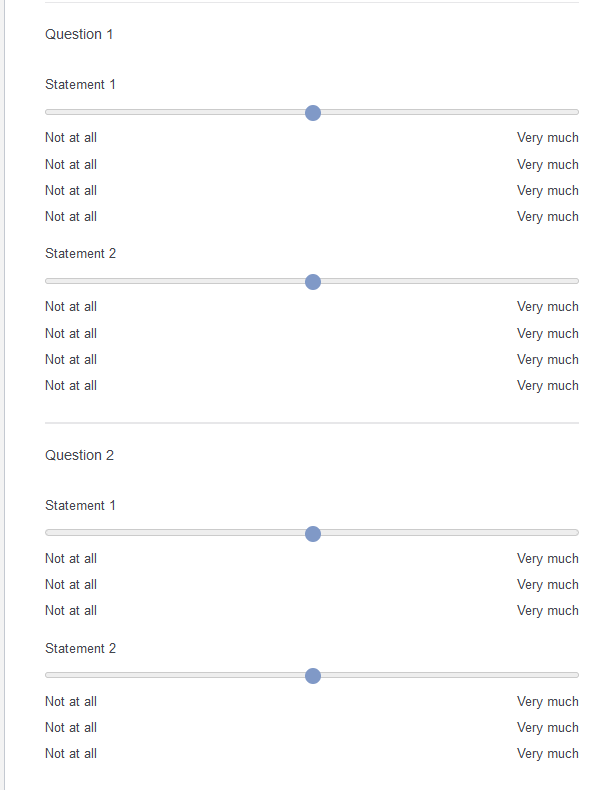
https://community.qualtrics.com/XMcommunity/discussion/comment/42130#Comment_42130When i use
labels.insertAfter("div.slider-container");
I get
Capture.PNGThe ul.labels got inserted multiple times.
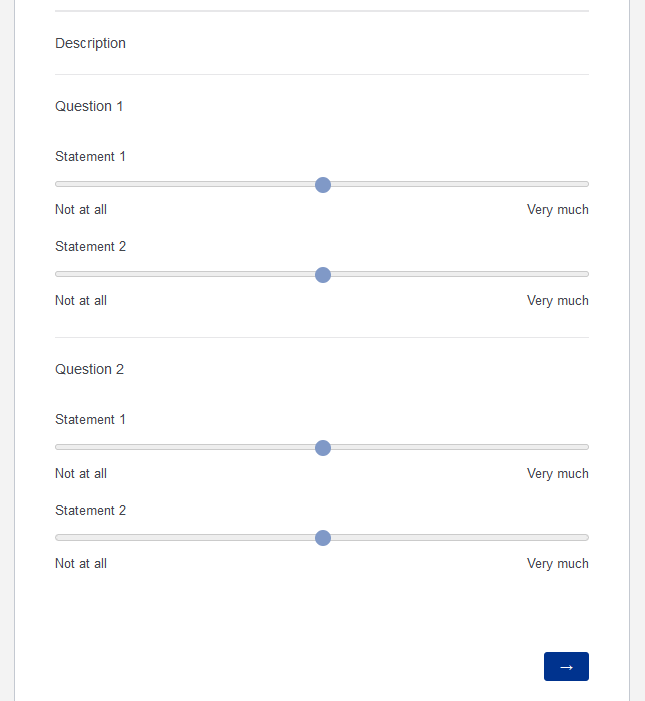
But if i use:
labels.insertAfter("#"+this.questionId+"div.slider-container");
I get
Capture.PNG


TomG
Level 8 ●●●●●●●●
Forum|alt.badge.img+27
  • Level 8 ●●●●●●●●
  • Nov 30, 2021 12:02 PM UTC

https://community.qualtrics.com/XMcommunity/discussion/comment/42131#Comment_42131That’s because you didn’t set labels as in my accepted answer post above.


Forum|alt.badge.img
  • Nov 30, 2021 12:09 PM UTC

https://community.qualtrics.com/XMcommunity/discussion/comment/42133#Comment_42133I did for both questions. The ul.labels will get duplicated.
image.png