Need Help Moving Slider Labels Below the Slider | Experience Community
Skip to main content
Solved

Need Help Moving Slider Labels Below the Slider

  • Apr 28, 2025 8:47 PM UTC
  • 10 replies
  • 282 views

Forum|alt.badge.img+2
Slider Lables to be repostioned 

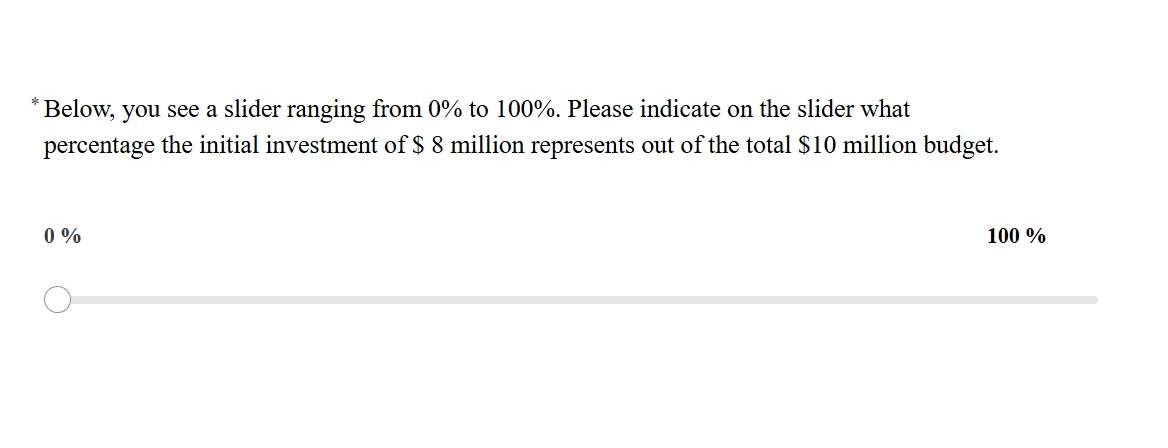
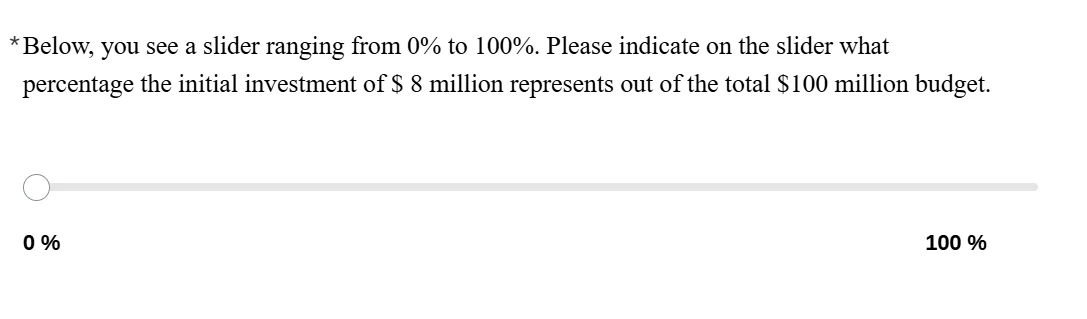
Hi, I would like to reposition the labels in my slider question. Currently, they appear above the slider, but I want them to be displayed below it, as shown in the picture, with 0% and 100% positioned at the ends of the slider. I have tried using some JavaScript, but it they don’t seem to be working. Can you please help?

Best answer by vgayraud

No, it’s fine. You’re just using the new survey experience, which has no layout and different class names.

This should work :

.slider-min, .slider-max {
display: none;
}

.slider .question-content {
display: flex;
flex-direction: column;
}

.slider .slider-labels {
order: 2;
}

.slider .slider-statement {
order: 1;
}


View original

10 replies

vgayraud
QPN Level 8 ●●●●●●●●
Forum|alt.badge.img+67
  • QPN Level 8 ●●●●●●●●
  • Apr 29, 2025 6:11 AM UTC

Hi,

Add the following CSS style in your question’s source.

<style type="text/css">.horizontalbar {
display: flex;
flex-direction: column;
}

.labels-container {
order: 2;
}

.slider-container {
order: 1;
}
</style>


Forum|alt.badge.img+2
  • Author
  • Level 2 ●●
  • Apr 29, 2025 11:25 AM UTC

Hi @vgayraud

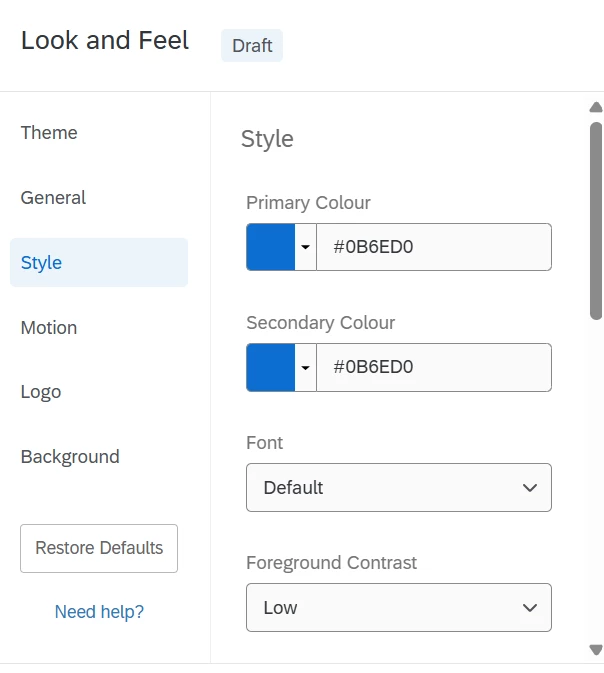
Thank you for the reply .I tried applying the CSS you shared by adding it to the Custom CSS section under Look & Feel → Style → Custom CSS. I also included the following code to hide the scale points on my slider, which works perfectly:

: “.slider-min, .slider-max {
    display: none;
}”

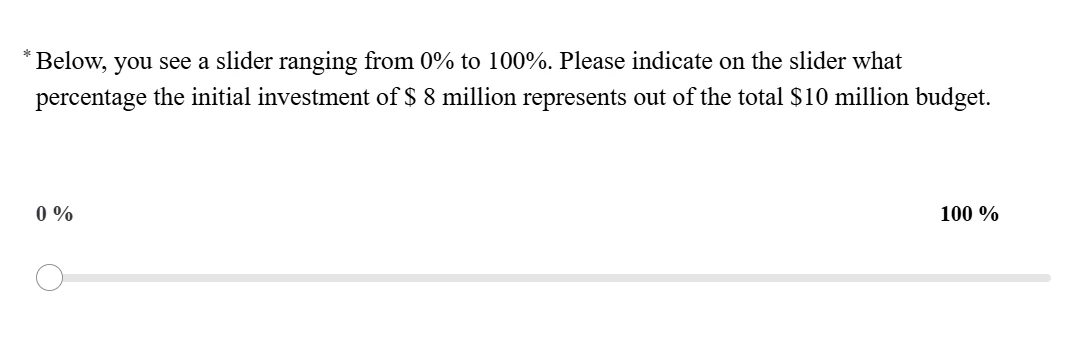
Now, I've combined both your code and the one above to hide scale points . While the scale points are successfully hidden (as intended), the issue is that the slider labels are still appearing above the slider instead of below (as in the screenshot below) , despite the using the CSS. Could you please advise on how to ensure the labels appear underneath the slider?

I have used the two codes in combination as : 

.slider-min, .slider-max {
    display: none;
}
<style type="text/css">.horizontalbar {
    display: flex;
    flex-direction: column;
}

.labels-container {
    order: 2;
}

.slider-container {
    order: 1;
}
</style>


vgayraud
QPN Level 8 ●●●●●●●●
Forum|alt.badge.img+67
  • QPN Level 8 ●●●●●●●●
  • Apr 29, 2025 11:59 AM UTC

If you apply it in the look & feel custom CSS, don’t include the <style></style> tags.


Forum|alt.badge.img+2
  • Author
  • Level 2 ●●
  • Apr 29, 2025 12:20 PM UTC

Hi @vgayraud,
I’ve removed the <style> tags as suggested , but the labels are still appearing above the slider instead of below. 

.horizontalbar {
    display: flex;
    flex-direction: column;
}

.labels-container {
    order: 2;
}

.slider-container {
    order: 1;
}


vgayraud
QPN Level 8 ●●●●●●●●
Forum|alt.badge.img+67
  • QPN Level 8 ●●●●●●●●
  • Apr 29, 2025 12:25 PM UTC

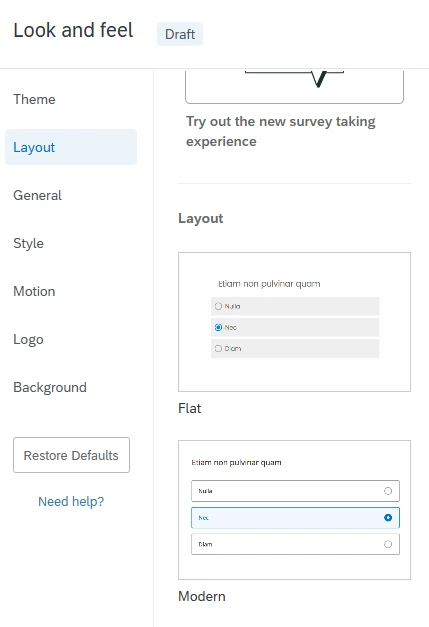
Which layout are you using?


Forum|alt.badge.img+2
  • Author
  • Level 2 ●●
  • Apr 29, 2025 12:35 PM UTC

I’m unable to see the Layout tab, which I believe may be restricted by my organization. Could the issue be related to the layout settings? If so, I can reach out to my organization’s Brand Administrator for further assistance.


vgayraud
QPN Level 8 ●●●●●●●●
Forum|alt.badge.img+67
  • QPN Level 8 ●●●●●●●●
  • Answer
  • Apr 29, 2025 12:37 PM UTC

No, it’s fine. You’re just using the new survey experience, which has no layout and different class names.

This should work :

.slider-min, .slider-max {
display: none;
}

.slider .question-content {
display: flex;
flex-direction: column;
}

.slider .slider-labels {
order: 2;
}

.slider .slider-statement {
order: 1;
}


Forum|alt.badge.img+2
  • Author
  • Level 2 ●●
  • Apr 29, 2025 12:45 PM UTC

Yes, thank you. This worked perfectly. It now appears as shown in the screenshot. Is there a way to align 100% to the extreme right, similar to how 0% is positioned on the extreme left, to improve the clarity of the task?




vgayraud
QPN Level 8 ●●●●●●●●
Forum|alt.badge.img+67
  • QPN Level 8 ●●●●●●●●
  • Apr 29, 2025 12:54 PM UTC
.slider-min, .slider-max {
display: none;
}

.slider .question-content {
display: flex;
flex-direction: column;
}

.slider .slider-labels {
order: 2;
padding-inline-end: 0;
}

.slider .slider-statement {
order: 1;
}


Forum|alt.badge.img+2
  • Author
  • Level 2 ●●
  • Apr 29, 2025 12:58 PM UTC

Thank you so much, @vgayraud . It looks perfect now!