



Hi All,
Is there a way I can use the Link option in a text/graphic widget that when you click on the hyperlink it will open a new window? I'd like to reference some help documents for certain widgets and it would be nice to be able to provide a link which opens up a new window so that you don't navigate away from the page.
If the hyperlink function doesn't work, is there another way to perhaps trick Qualtrics and give it some html code
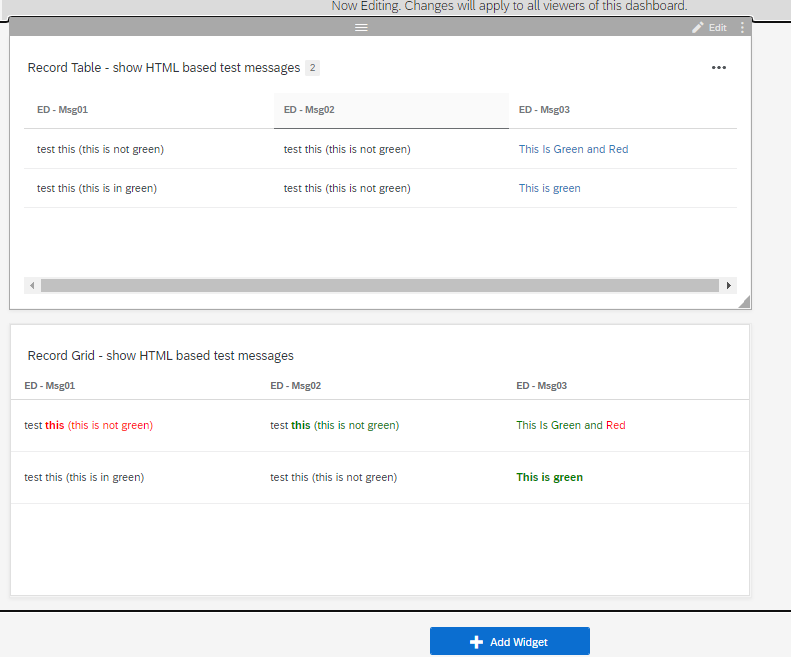
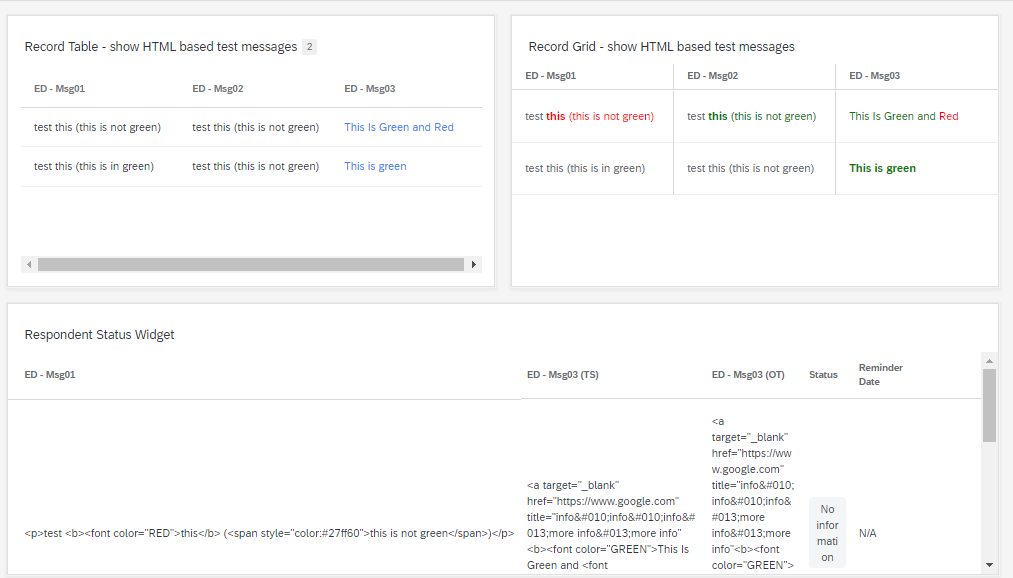
I know there was some way to put HTML code inside either the data settings fields or the translation part of the dashboard settings (eg different colours) [although I've never used that technique] and there is a way to do silent characters (ie empty titles) in widgets / metric titles so pehaps there is a way put HTML code in to create a custom link?
Thanks in advance
Rod Pestell

URL in a (eg text/graphic) widget that opens a new window

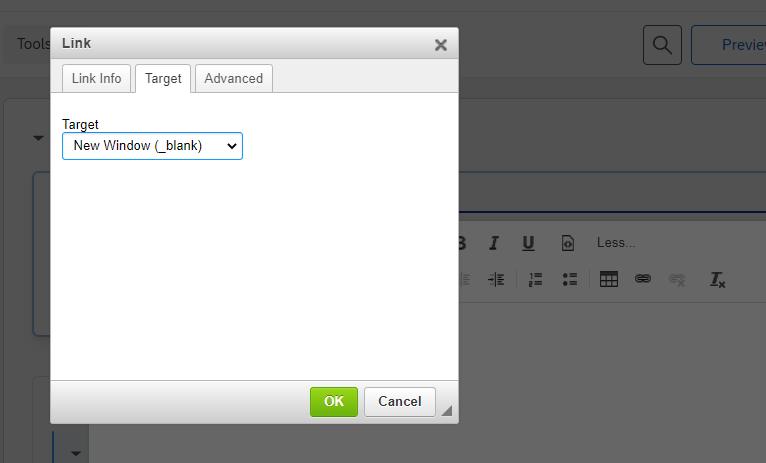 Hope that helps!


 Hope it helps!
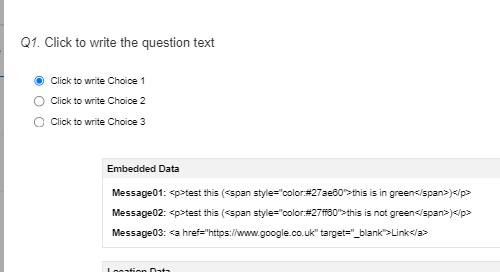 So it looks ok there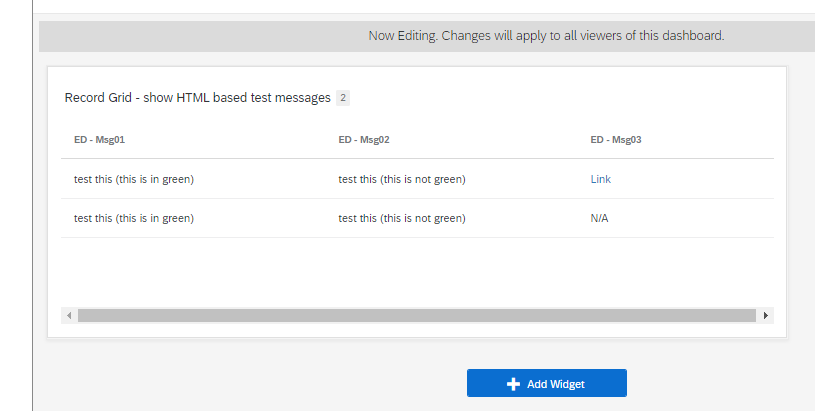

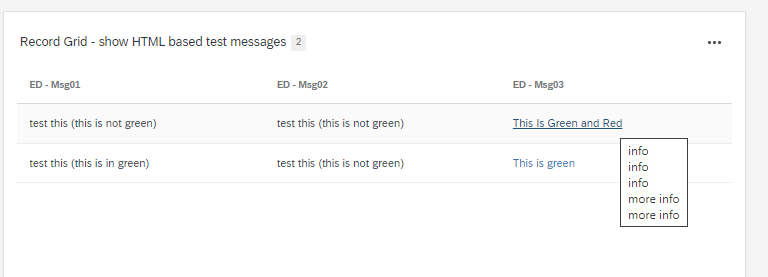 msg03:
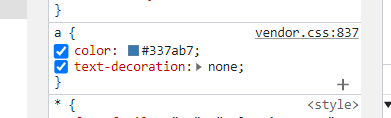
 Hope there is a simple solution. even if it's just possible to add test of different colours and then have a link at the end I guess would be good but so far nothing seems to be coming through.
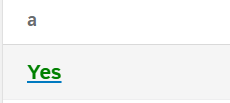 Hope it helps!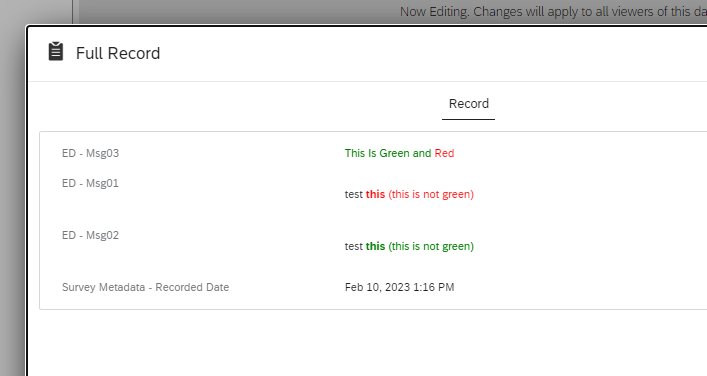
Sign up
Already have an account? Login

Welcome! To join the Qualtrics Experience Community, log in with your existing Qualtrics credentials below.
Confirm your username, share a bit about yourself, then you're ready to explore and connect .
Free trial account? No problem. Log in with your trial credentials to join.
No free trial account? No problem! Register here
Already a member? Hi and welcome back! We're glad you're here 🙂
You will see the Qualtrics login page briefly before being taken to the Experience Community.
Login with Qualtrics
Welcome! To join the Qualtrics Experience Community, log in with your existing Qualtrics credentials below.
Confirm your username, share a bit about yourself, then you're ready to explore and connect .
Free trial account? No problem. Log in with your trial credentials to join. No free trial account? No problem! Register here
Already a member? Hi and welcome back! We're glad you're here 🙂
You will see the Qualtrics login page briefly before being taken to the Experience Community.
Login to the Community
Welcome! To join the Qualtrics Experience Community, log in with your existing Qualtrics credentials below.
Confirm your username, share a bit about yourself, then you're ready to explore and connect .
Free trial account? No problem. Log in with your trial credentials to join.
No free trial account? No problem! Register here
Already a member? Hi and welcome back! We're glad you're here 🙂
You will see the Qualtrics login page briefly before being taken to the Experience Community.
Login with Qualtrics
Welcome! To join the Qualtrics Experience Community, log in with your existing Qualtrics credentials below.
Confirm your username, share a bit about yourself, then you're ready to explore and connect .
Free trial account? No problem. Log in with your trial credentials to join. No free trial account? No problem! Register here
Already a member? Hi and welcome back! We're glad you're here 🙂
You will see the Qualtrics login page briefly before being taken to the Experience Community.
Enter your E-mail address. We'll send you an e-mail with instructions to reset your password.