
I need to add a Gabor Granger pricing study inside a longer survey that contains various types of questions : multi choice, open text, max diff.
Is it possible or i need to run a separate survey for pricing only ?
thanks

 +1
I need to add a Gabor Granger pricing study inside a longer survey that contains various types of questions : multi choice, open text, max diff.
Is it possible or i need to run a separate survey for pricing only ?
thanks
Best answer by Nam Nguyen
Hi
It’s possible but you have to totally get the pricing study principle and can customize it from default qualtrics survey by yourself, drawing the curve also by yourself.
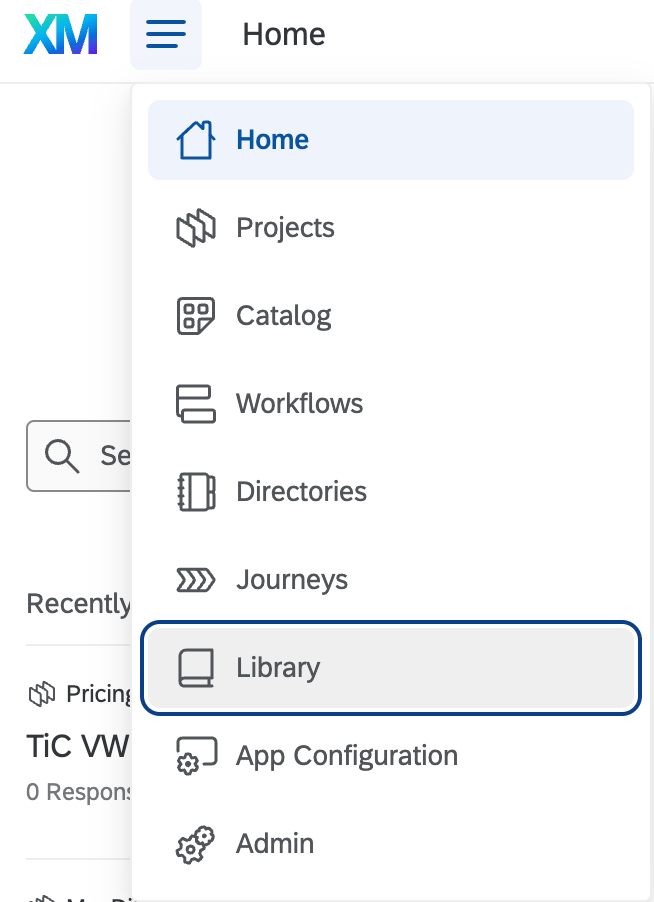
An easier way is to:
Hope this helps
Already have an account? Login

Welcome! To join the Qualtrics Experience Community, log in with your existing Qualtrics credentials below.
Confirm your username, share a bit about yourself, then you're ready to explore and connect .
Free trial account? No problem. Log in with your trial credentials to join. No free trial account? No problem! Register here
Already a member? Hi and welcome back! We're glad you're here 🙂
You will see the Qualtrics login page briefly before being taken to the Experience Community.
Enter your E-mail address. We'll send you an e-mail with instructions to reset your password.