

Hi all!
For a current survey I would like to have a question with 5 statements which can be answered with a value between 1 and 5 (either with a matrix with 5 columns OR as an alternative I thought of a matrix with just 1 column and one text box per statement to fill in a number between 1 and 5). You can see the two possible options on the screenshot below: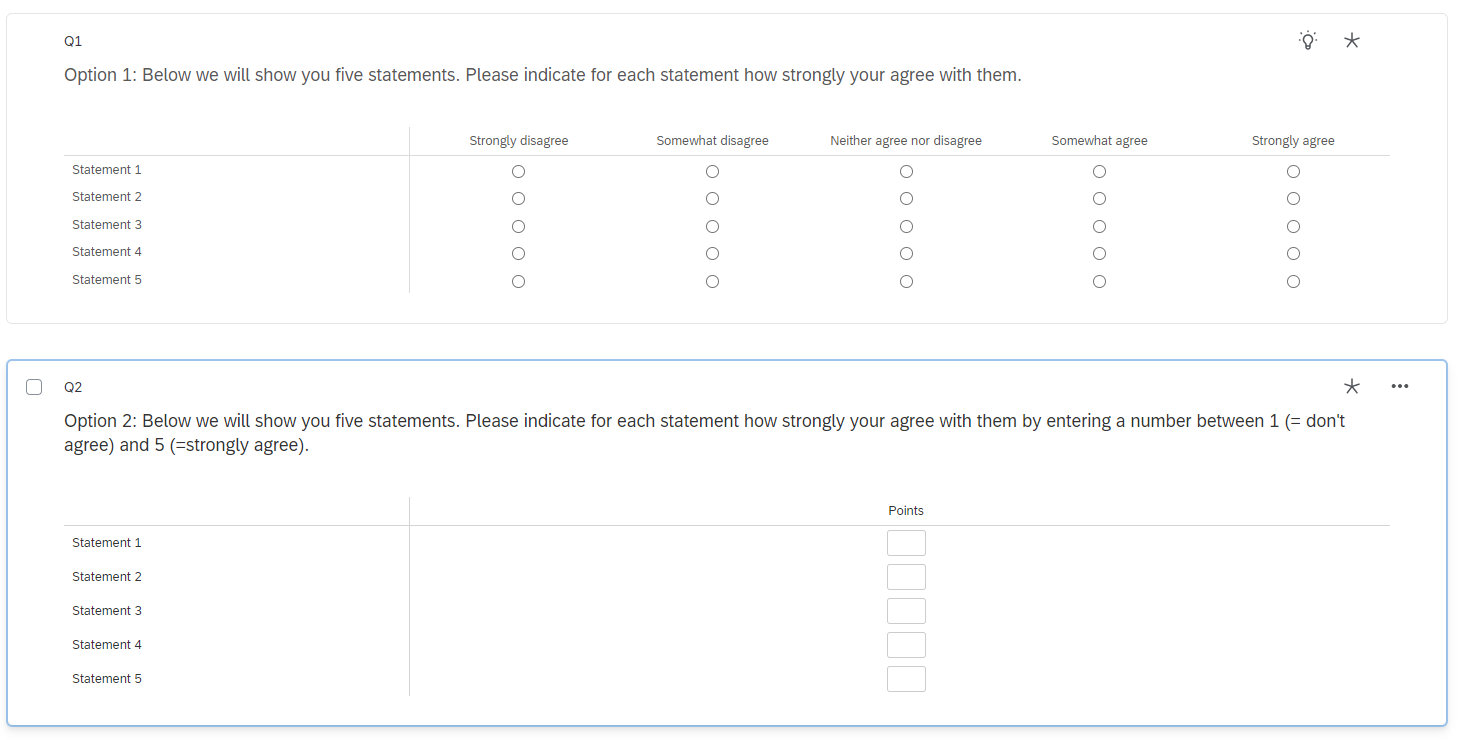 However, I would like respondents to assign up to 15 points in total. I cannot use a "Constant sum" question as they would have to insert exactly 15 points - in my case it could be less or equal 15.
Does anybody know how to do that? Do I need to use JavaScript for that? I would be super thankful for every info you can give me!
Thanks a lot and kind regards

Solved
Set a maximum score for a matrix question
 +1
+1Best answer by bstrahin
LisaK25 you can create a loop in the survey flow to achieve this.
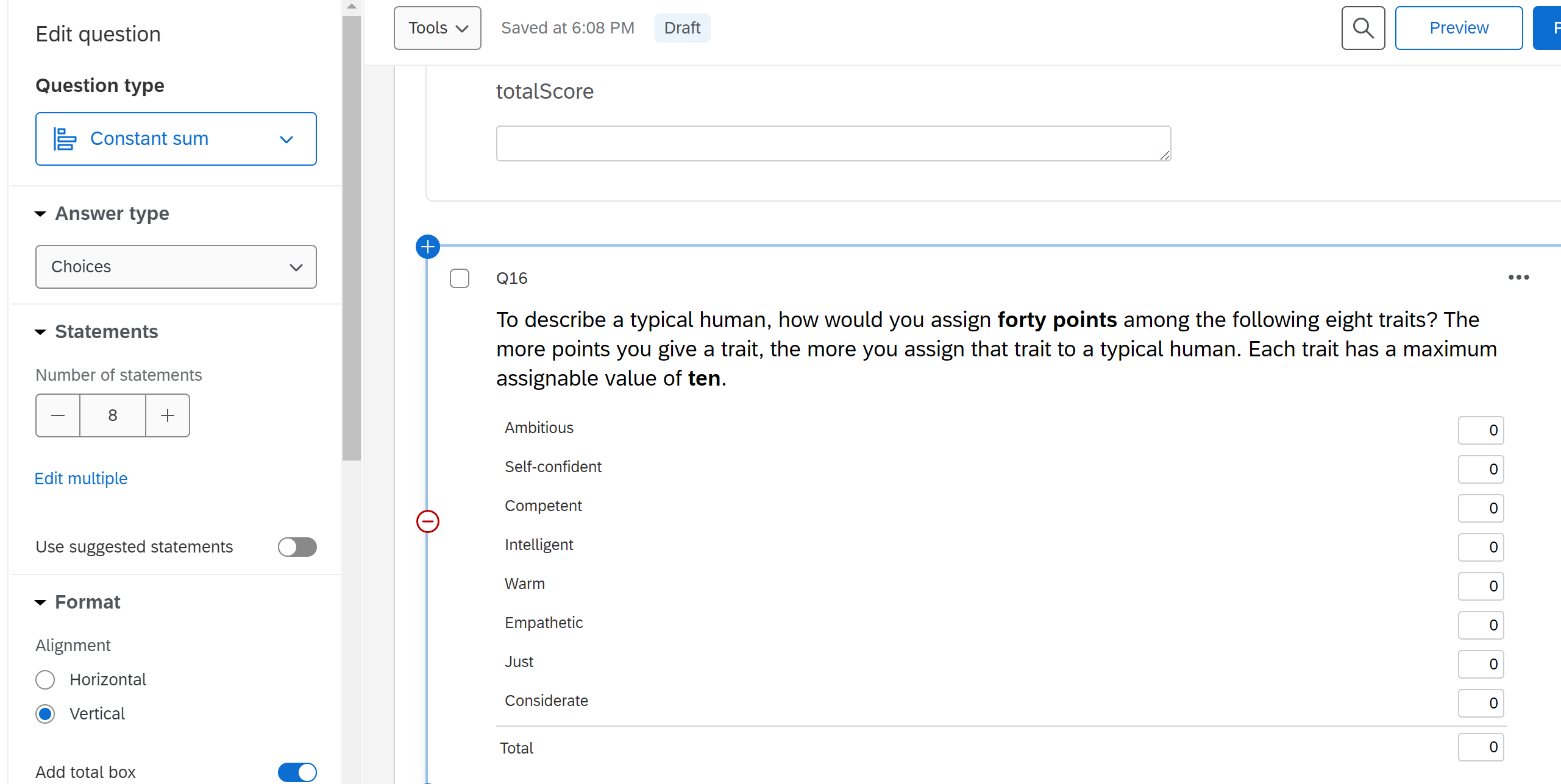
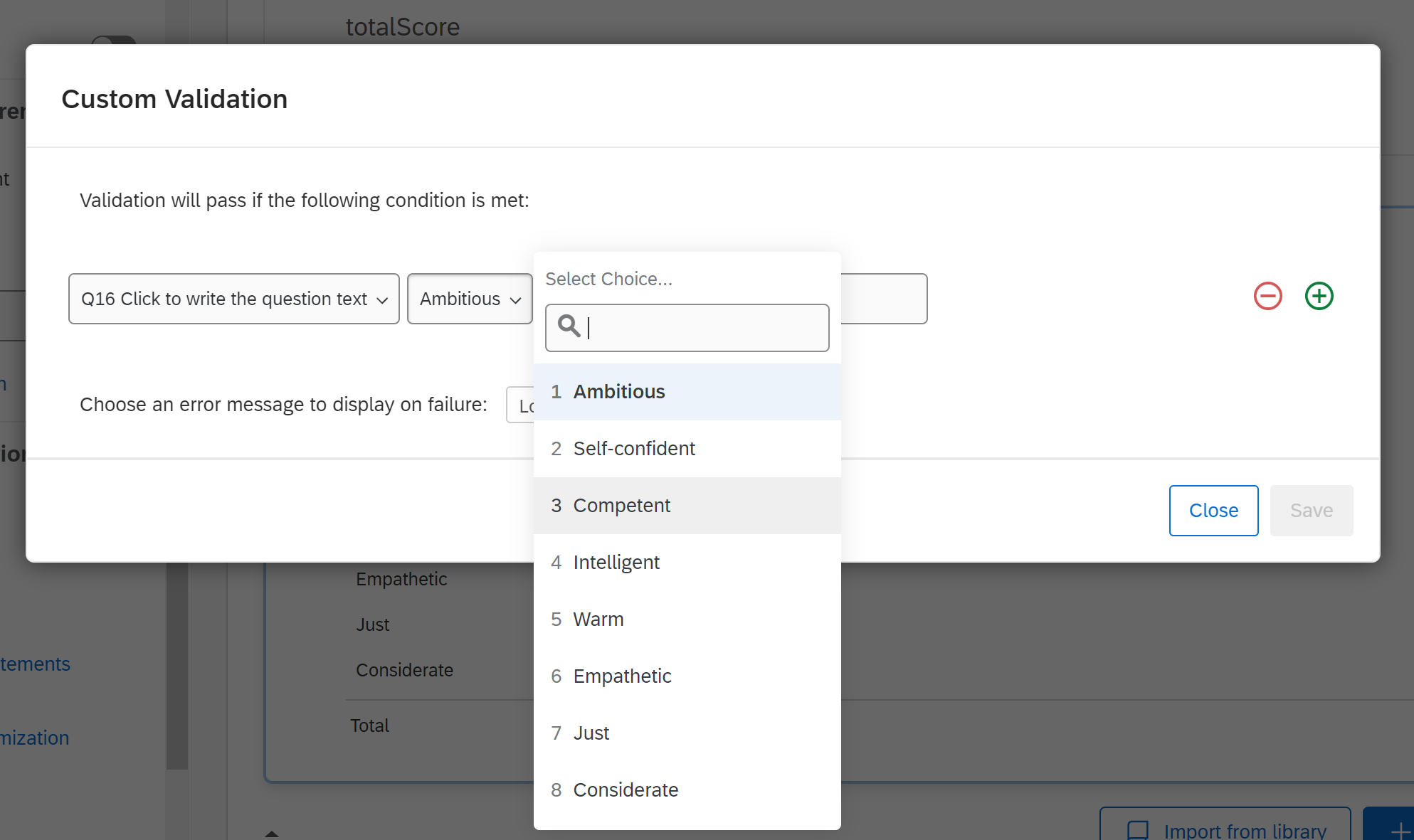
Some logic, an embedded data field that sums the responses and display logic and you are all set. Upload the attached .QSF file to see all the details (look at the Survey Flow and Q5 display logic). You should have these two questions contained in their own block for easiest application.
Scoring.qsf See this article for importing help: https://www.qualtrics.com/support/survey-platform/survey-module/survey-tools/import-and-export-surveys/






Sign up
Already have an account? Login

Welcome! To join the Qualtrics Experience Community, log in with your existing Qualtrics credentials below.
Confirm your username, share a bit about yourself, then you're ready to explore and connect .
Free trial account? No problem. Log in with your trial credentials to join.
No free trial account? No problem! Register here
Already a member? Hi and welcome back! We're glad you're here 🙂
You will see the Qualtrics login page briefly before being taken to the Experience Community.
Login with Qualtrics
Welcome! To join the Qualtrics Experience Community, log in with your existing Qualtrics credentials below.
Confirm your username, share a bit about yourself, then you're ready to explore and connect .
Free trial account? No problem. Log in with your trial credentials to join. No free trial account? No problem! Register here
Already a member? Hi and welcome back! We're glad you're here 🙂
You will see the Qualtrics login page briefly before being taken to the Experience Community.
Login to the Community
No account yet? Create an account
Welcome! To join the Qualtrics Experience Community, log in with your existing Qualtrics credentials below.
Confirm your username, share a bit about yourself, then you're ready to explore and connect .
Free trial account? No problem. Log in with your trial credentials to join.
No free trial account? No problem! Register here
Already a member? Hi and welcome back! We're glad you're here 🙂
You will see the Qualtrics login page briefly before being taken to the Experience Community.
Login with Qualtrics
Welcome! To join the Qualtrics Experience Community, log in with your existing Qualtrics credentials below.
Confirm your username, share a bit about yourself, then you're ready to explore and connect .
Free trial account? No problem. Log in with your trial credentials to join. No free trial account? No problem! Register here
Already a member? Hi and welcome back! We're glad you're here 🙂
You will see the Qualtrics login page briefly before being taken to the Experience Community.
Enter your E-mail address. We'll send you an e-mail with instructions to reset your password.