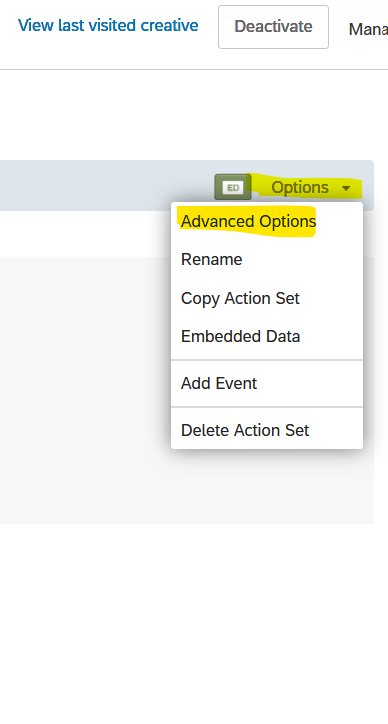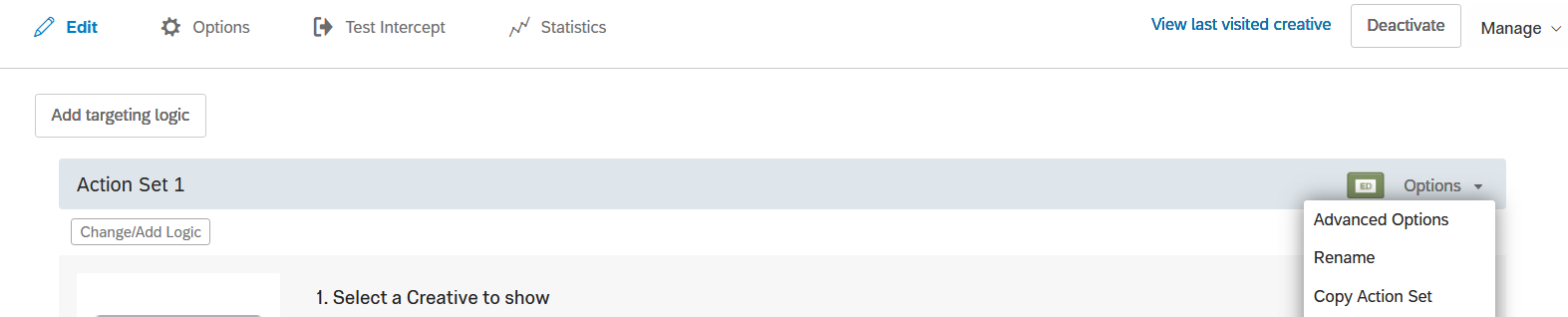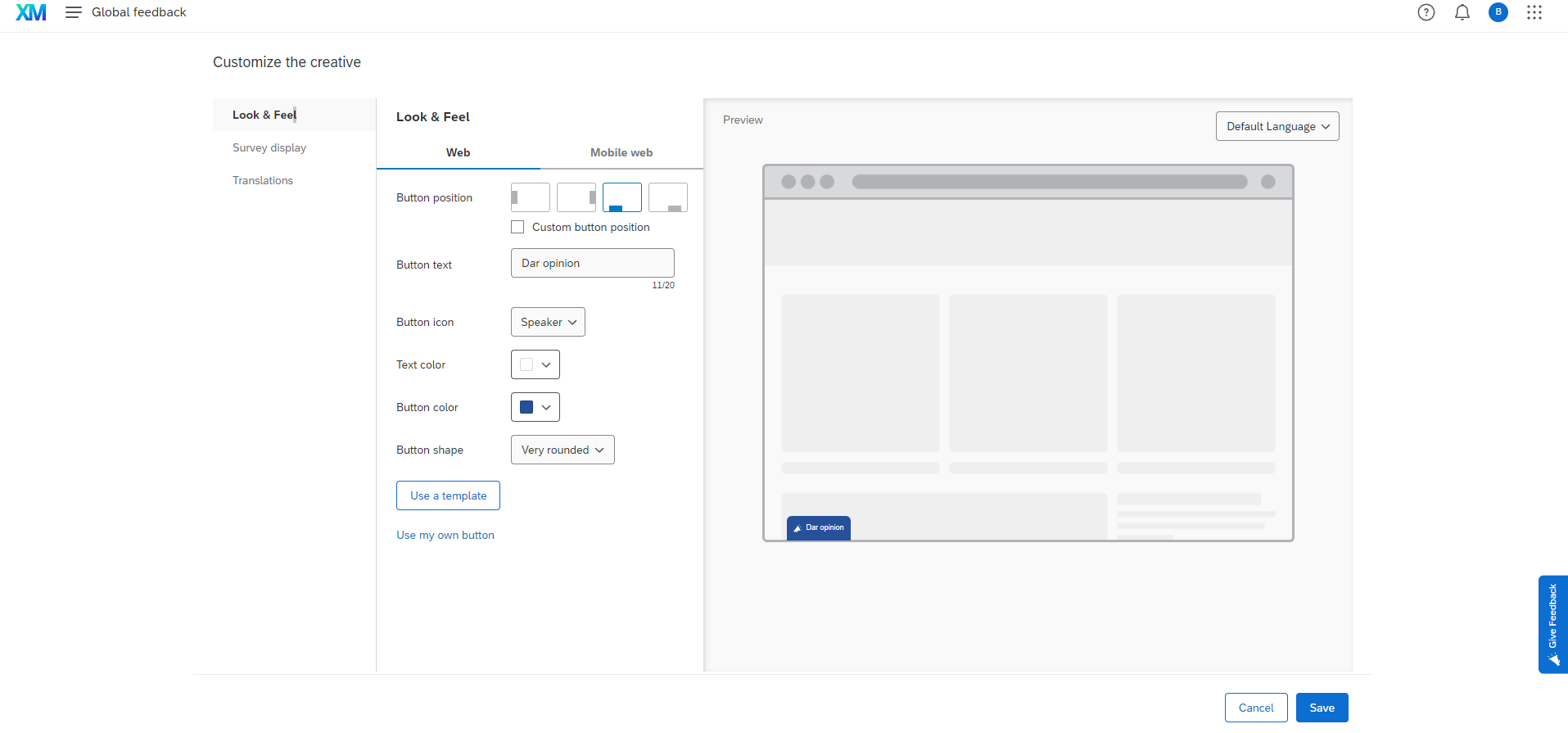

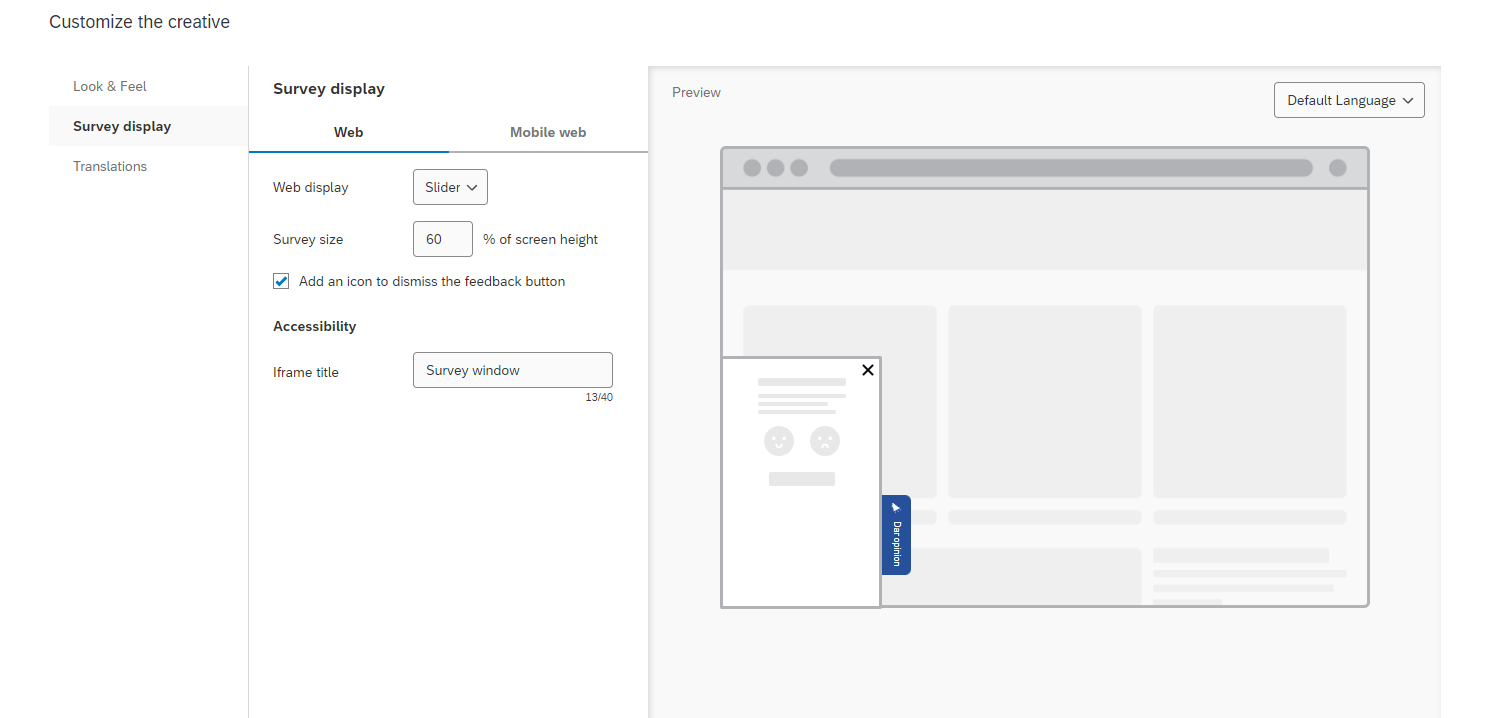
Hey guy, do you have any idea how to have a bigger window like this on a banner ? on my side, the window opened is really short (around only 1/4 of the height of my screen...)
Big thanks ! :)
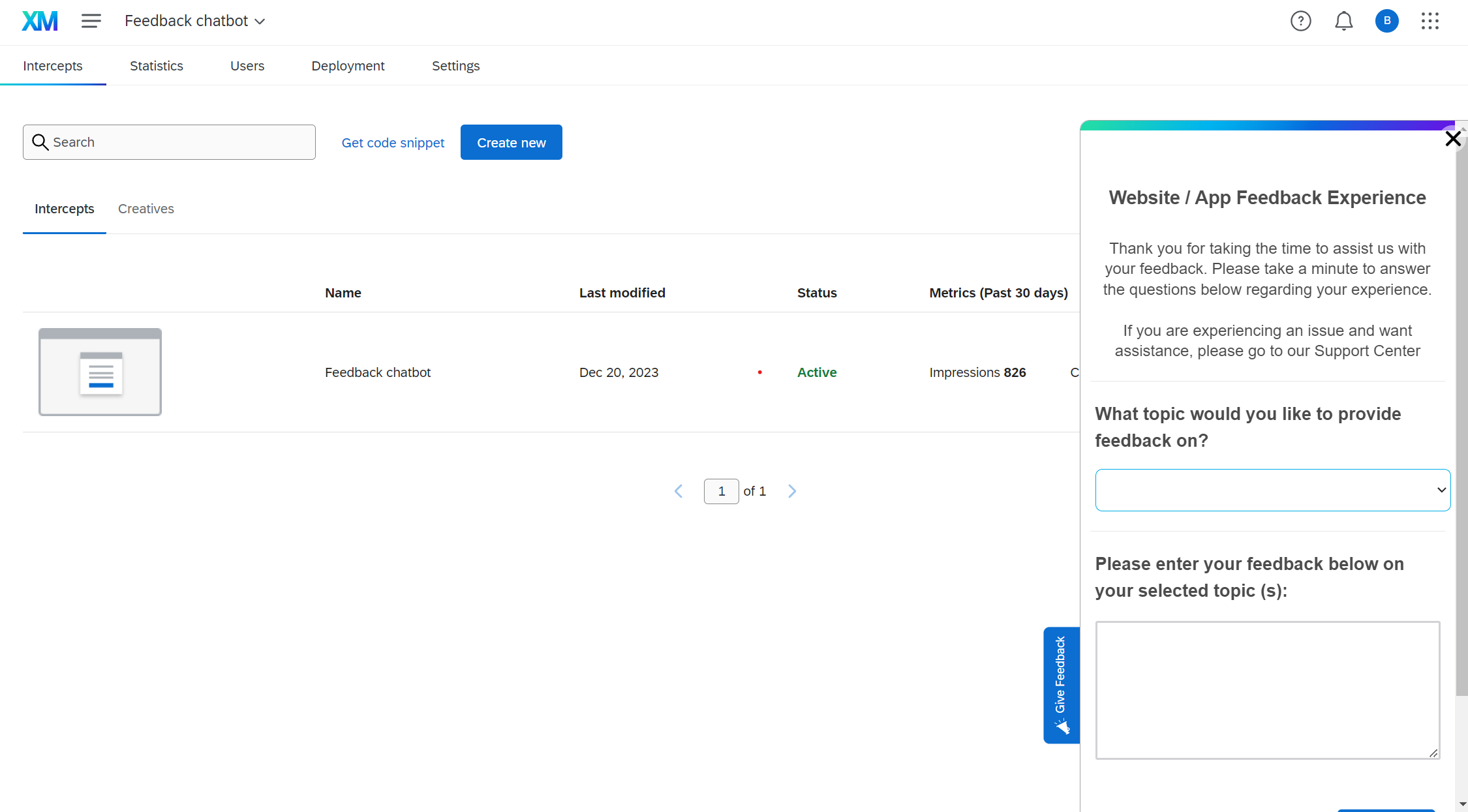

Hey guy, do you have any idea how to have a bigger window like this on a banner ? on my side, the window opened is really short (around only 1/4 of the height of my screen...)
Big thanks ! :)
Best answer by B_Raymond
Did you check under survey display option? Also it looks like you are looking under creative instead of intercept. Can you please check and confirm.
Yes I double checked. I found a plan B : adjust the % of the survey (ONLY AVAILABLE IF THE BUTTON IS ON RIGHT OR LEFT SIDE)
It will be nice for me, thanks
Already have an account? Login

Welcome! To join the Qualtrics Experience Community, log in with your existing Qualtrics credentials below.
Confirm your username, share a bit about yourself, then you're ready to explore and connect .
Free trial account? No problem. Log in with your trial credentials to join. No free trial account? No problem! Register here
Already a member? Hi and welcome back! We're glad you're here 🙂
You will see the Qualtrics login page briefly before being taken to the Experience Community.
Welcome! To join the Qualtrics Experience Community, log in with your existing Qualtrics credentials below.
Confirm your username, share a bit about yourself, then you're ready to explore and connect .
Free trial account? No problem. Log in with your trial credentials to join. No free trial account? No problem! Register here
Already a member? Hi and welcome back! We're glad you're here 🙂
You will see the Qualtrics login page briefly before being taken to the Experience Community.
Enter your E-mail address. We'll send you an e-mail with instructions to reset your password.