

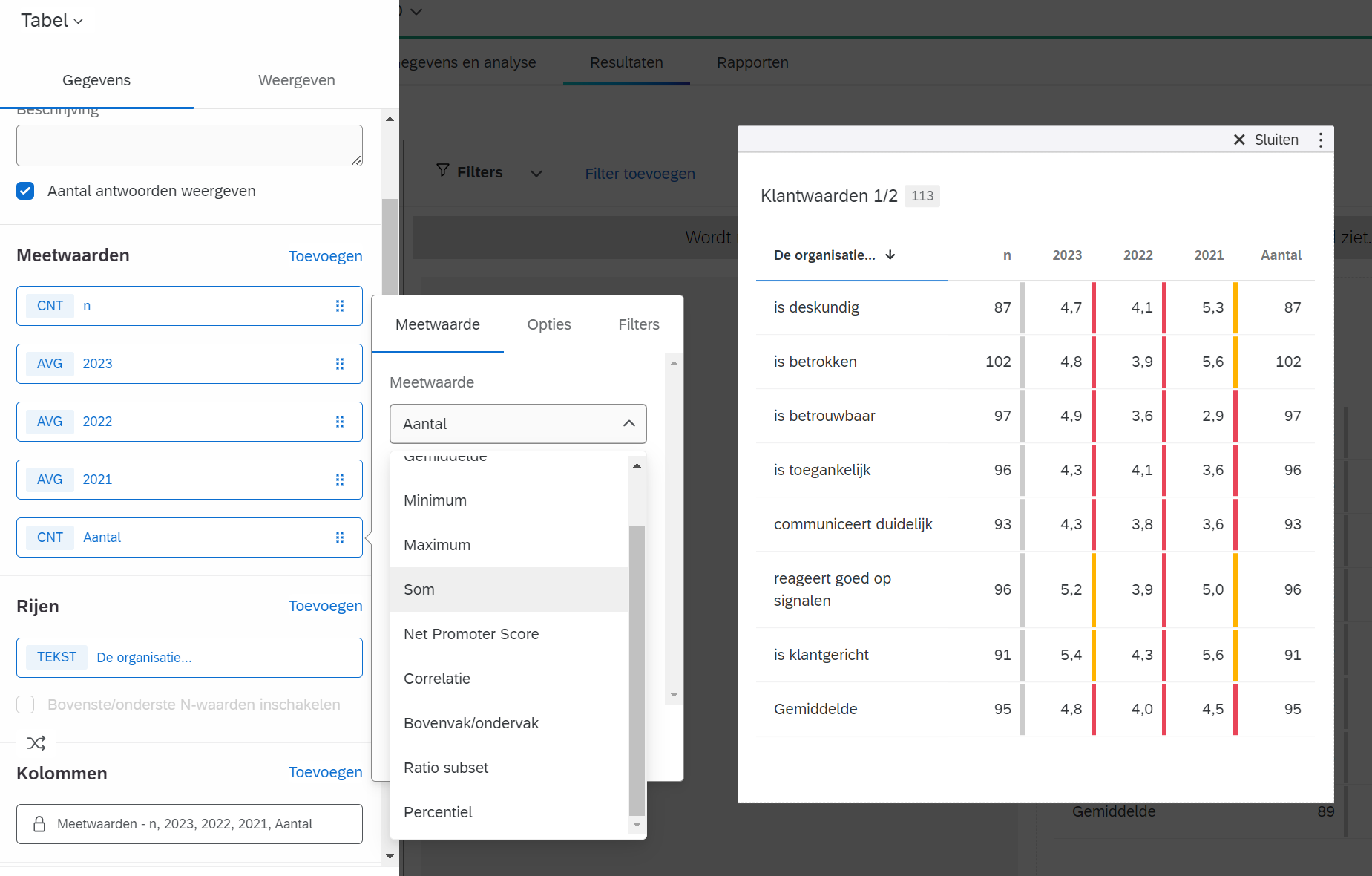
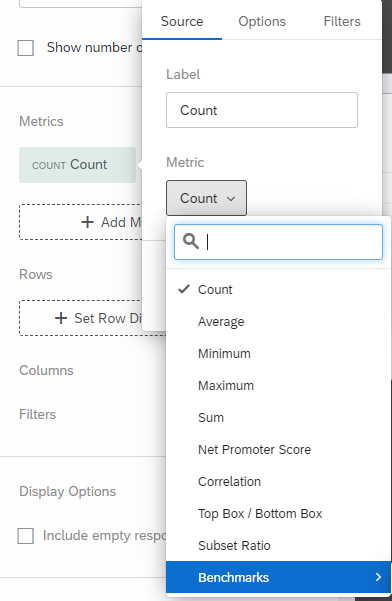
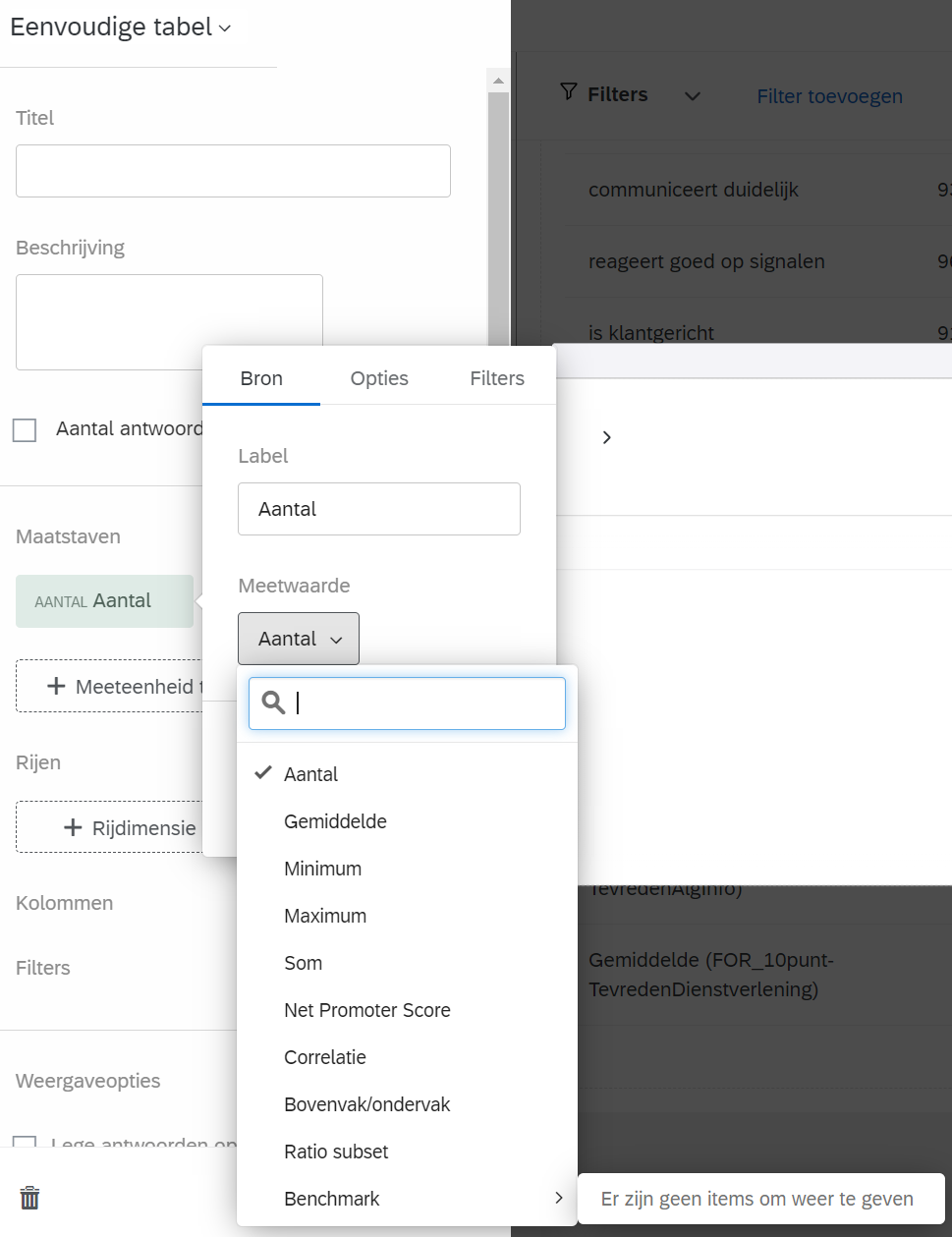
Hi! What would be the most efficent way to add a custom benchmark score to the Results page in the Survey Platform? I understand this has to be done manually, but how?

Solved
Manually adding benchmark scores to Results tab widgets


 +12
+12Best answer by EricCrayon101
Hello
To add a benchmark manually you can navigate to your dashboard - settings - benchmark editor that should be located at the very bottom I believe. Click the drop down arrow and there will be an option to import your own benchmarks. You have a few options on the configuring your benchmark but usually I got with “New Benchmarks”, “CSV”, and from here “Download Template”.
Downloading the template will make everything easier where you can add those benchmarks you have the ability to add those benchmarks and name them. Save that file once completed as a CSV UTF-8 Encoded and choose that file within the Benchmark Editor.
From here you select your metric type of your choosing and lastly you can review your import to double check that your data is mapped correctly and upload those benchmarks! It is easier said than done but Qualtrics I believe has a support page that I followed for extra help on this! I hope this helps and answers your question.
I can send you that link to the support page if you need it?



Sign up
Already have an account? Login

Welcome! To join the Qualtrics Experience Community, log in with your existing Qualtrics credentials below.
Confirm your username, share a bit about yourself, then you're ready to explore and connect .
Free trial account? No problem. Log in with your trial credentials to join.
No free trial account? No problem! Register here
Already a member? Hi and welcome back! We're glad you're here 🙂
You will see the Qualtrics login page briefly before being taken to the Experience Community.
Login with Qualtrics
Welcome! To join the Qualtrics Experience Community, log in with your existing Qualtrics credentials below.
Confirm your username, share a bit about yourself, then you're ready to explore and connect .
Free trial account? No problem. Log in with your trial credentials to join. No free trial account? No problem! Register here
Already a member? Hi and welcome back! We're glad you're here 🙂
You will see the Qualtrics login page briefly before being taken to the Experience Community.
Login to the Community
No account yet? Create an account
Welcome! To join the Qualtrics Experience Community, log in with your existing Qualtrics credentials below.
Confirm your username, share a bit about yourself, then you're ready to explore and connect .
Free trial account? No problem. Log in with your trial credentials to join.
No free trial account? No problem! Register here
Already a member? Hi and welcome back! We're glad you're here 🙂
You will see the Qualtrics login page briefly before being taken to the Experience Community.
Login with Qualtrics
Welcome! To join the Qualtrics Experience Community, log in with your existing Qualtrics credentials below.
Confirm your username, share a bit about yourself, then you're ready to explore and connect .
Free trial account? No problem. Log in with your trial credentials to join. No free trial account? No problem! Register here
Already a member? Hi and welcome back! We're glad you're here 🙂
You will see the Qualtrics login page briefly before being taken to the Experience Community.
Enter your E-mail address. We'll send you an e-mail with instructions to reset your password.