Answer option alignment | Experience Community
Skip to main content
Solved

Answer option alignment

  • January 15, 2026
  • 2 replies
  • 34 views

Forum|alt.badge.img+1


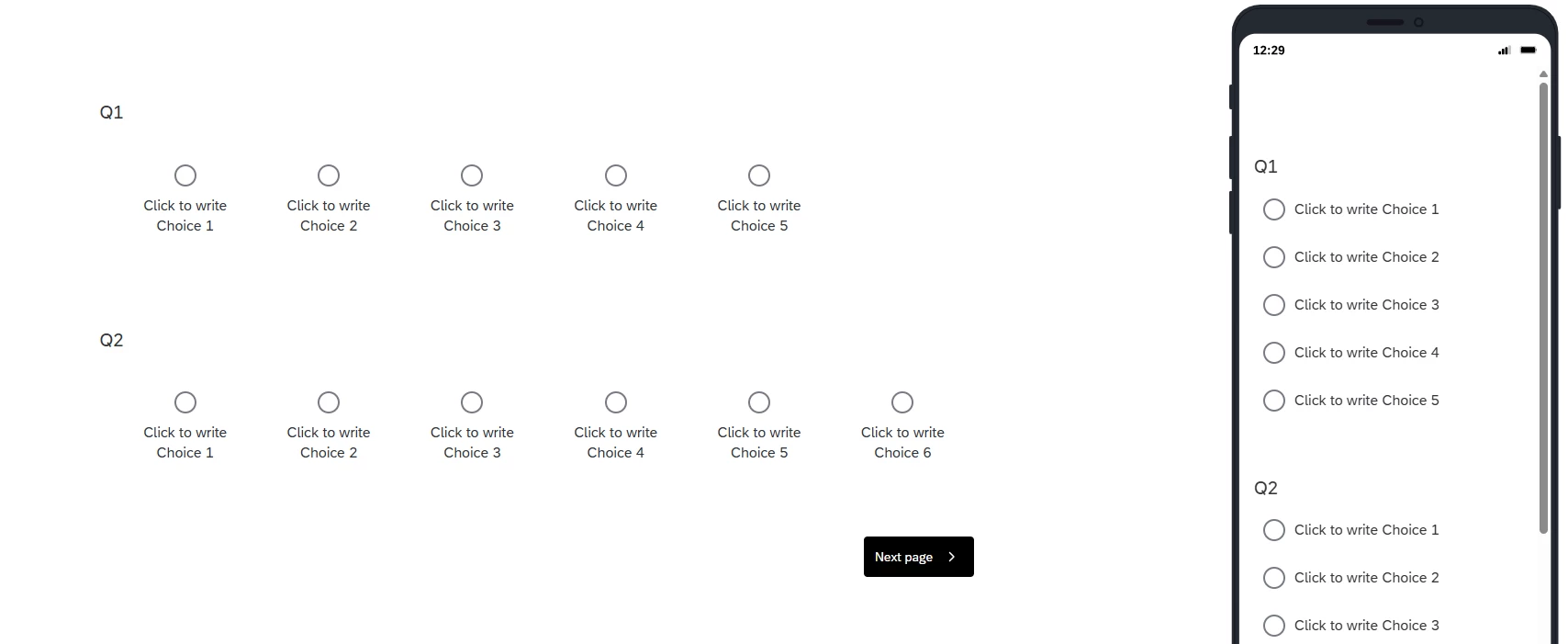
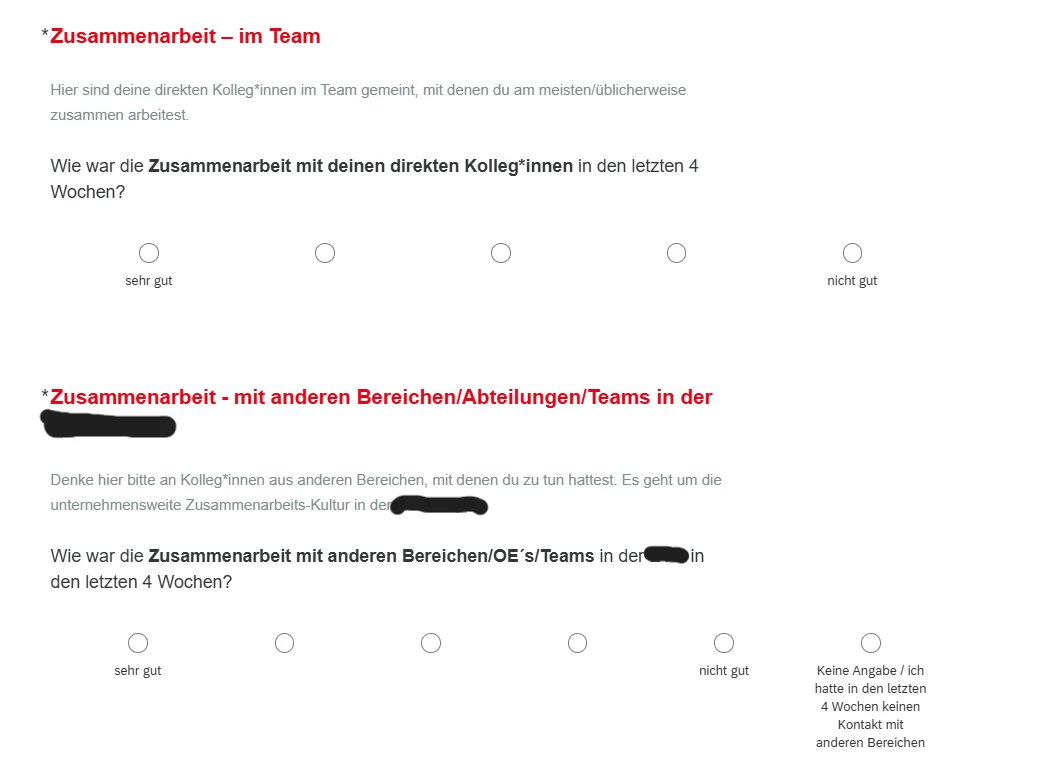
I need to align the top answer options with the bottom, the support suggested this css but it didn’t work:
.mc.horizontal .choices {
  width: auto!important; 
}

I also have this code related with the choices alignment, in case it conflicts with the added code:

@media (min-width: 30rem) {

    .mc.horizontal .choices .choice.above .choice-label {

        flex-direction: column;

        max-width: 10.625rem;

        min-width: 2.75rem;

        padding: .625rem;

        text-align: center;

        margin: 20px;

    }

Best answer by vgayraud

Hi,

I think an easy way would be to create an empty cell in your 1st question.

Try something like this:

Qualtrics.SurveyEngine.addOnReady(function() {

var choicesWrapper = this.getQuestionContainer().querySelector('.choices');
var choicePlaceholder = document.createElement('div');
choicePlaceholder.className = 'choice above radio';
choicesWrapper.appendChild(choicePlaceholder);

});


2 replies

vgayraud
QPN Level 7 ●●●●●●●
Forum|alt.badge.img+60
  • QPN Level 7 ●●●●●●●
  • Answer
  • January 15, 2026

Hi,

I think an easy way would be to create an empty cell in your 1st question.

Try something like this:

Qualtrics.SurveyEngine.addOnReady(function() {

var choicesWrapper = this.getQuestionContainer().querySelector('.choices');
var choicePlaceholder = document.createElement('div');
choicePlaceholder.className = 'choice above radio';
choicesWrapper.appendChild(choicePlaceholder);

});


Forum|alt.badge.img+1
  • Author
  • January 15, 2026

Hi, 
Thank you so much, this worked!