Grouping answer choices from a Likert Matrix in a Qualtrics Report | Experience Community
Skip to main content
Question

Grouping answer choices from a Likert Matrix in a Qualtrics Report

  • January 25, 2026
  • 2 replies
  • 16 views

Forum|alt.badge.img+1

Good Afternoon,

I have a survey with a few Likert Matrices with the following format: Multiple questions asking for respondents to rate their satisfaction with different areas of their employment on the scale: Excellent, Good, Average, Poor, Very Poor.

I also have a report for this survey, and I see that I can display these matrix results in a data table or a statistics table.

Here is where I am looking for help. I would like to display the results for each matrix in the following format, in a Qualtrics report:

  • Above average (Group Excellent and Good)
  • Average
  • Below average (Group Poor and Very Poor)

Additionally, I would prefer to display these as percentages or proportions, rather than counts.

I have gotten pretty close to what I would want using a statistics table with top box and bottom box, but I am not sure how to also show the proportion of average results in that format.


Thank you very much for any help or suggestions, I really appreciate it!

2 replies

PeeyushBansal
Level 7 ●●●●●●●
Forum|alt.badge.img+46
  • Level 7 ●●●●●●●
  • January 26, 2026

@GaryF 


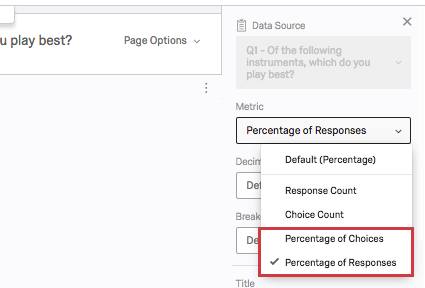
You can add a statistic table visualization to your report.

In the table settings:

Enable Top Box and select “Excellent” and “Good.”

Enable Bottom Box and select “Poor” and “Very Poor.”

Ensure “Show Percentages” is enabled.

The “Average” row will appear as its own percentage.

Statistics Table Example


Forum|alt.badge.img+1
  • Author
  • January 26, 2026

Hi ​@PeeyushBansal,


Thank you very much for the information. Unfortunately, in my statistics table I see slightly different settings, and I am not sure why.

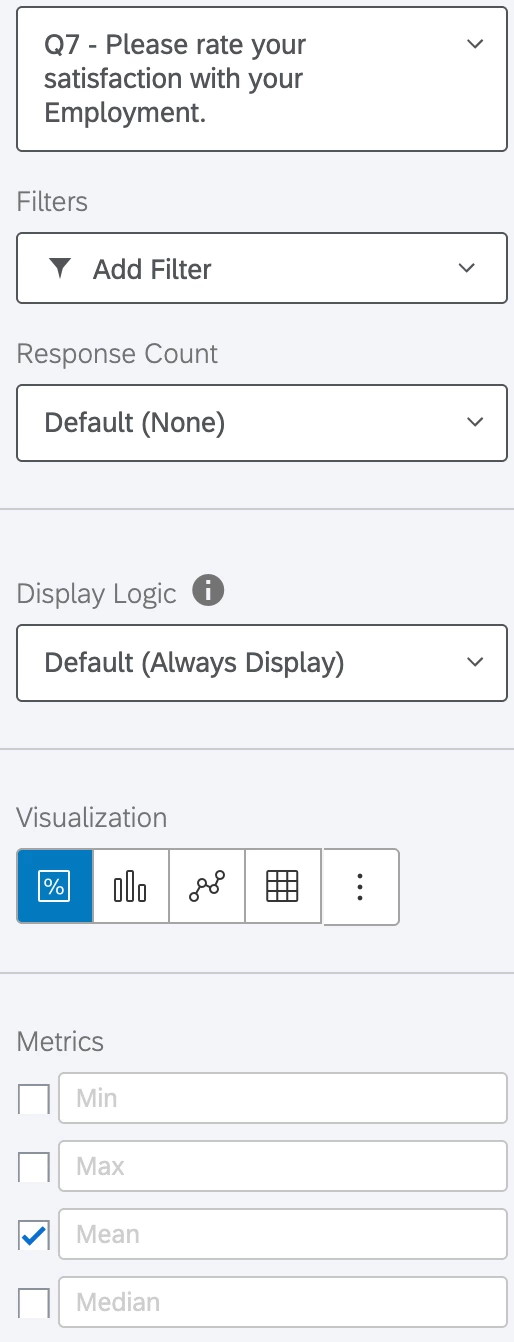
To get here, I:

  • Hit Insert > Questions > My Likert Matrix Question
  • Ensured the visualization was set to statistics table
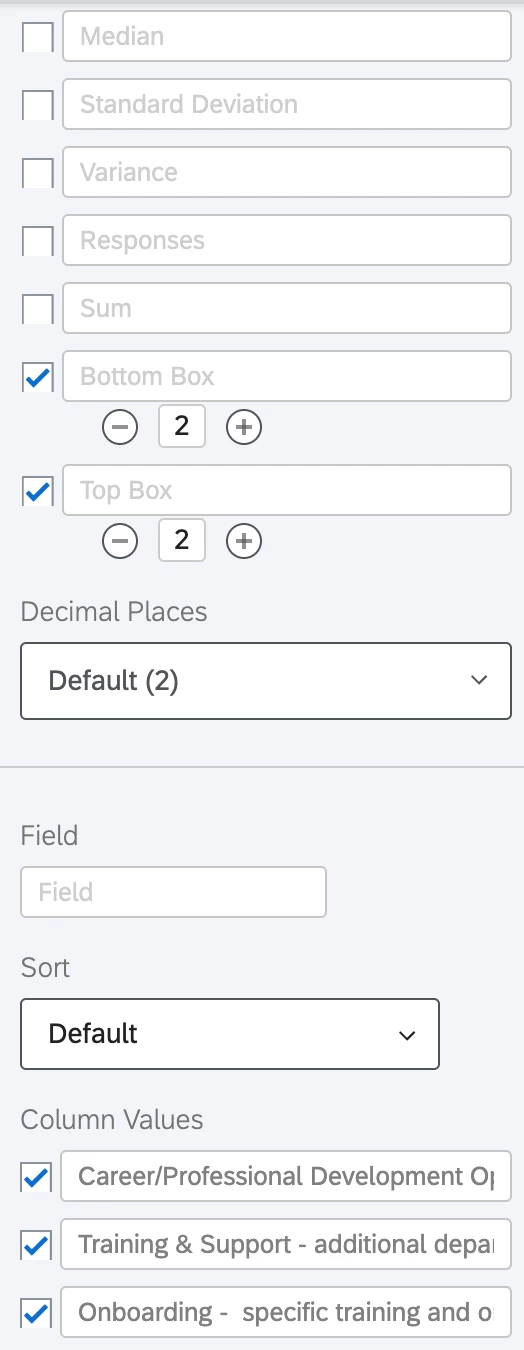
  • Set top box to 2 and bottom box to 2

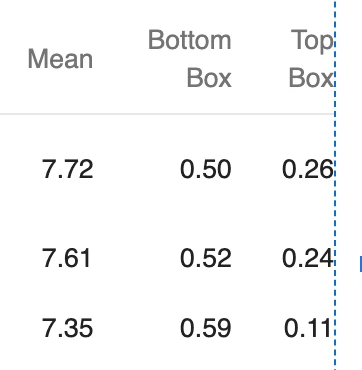
At this point, if I select Mean it gives a number around 8, while top and bottom box are both between 0 and 1. Additionally, I am not seeing a metric dropdown.


Here are some photos to try and further explain. Thank you again for the help!

Below this is just the option to remove the visualization.