

How to overcome the Branch Limitation in ADVANCED CONDITIONAL FIELD in Basic Transformation in Workflow without modifying the source data?
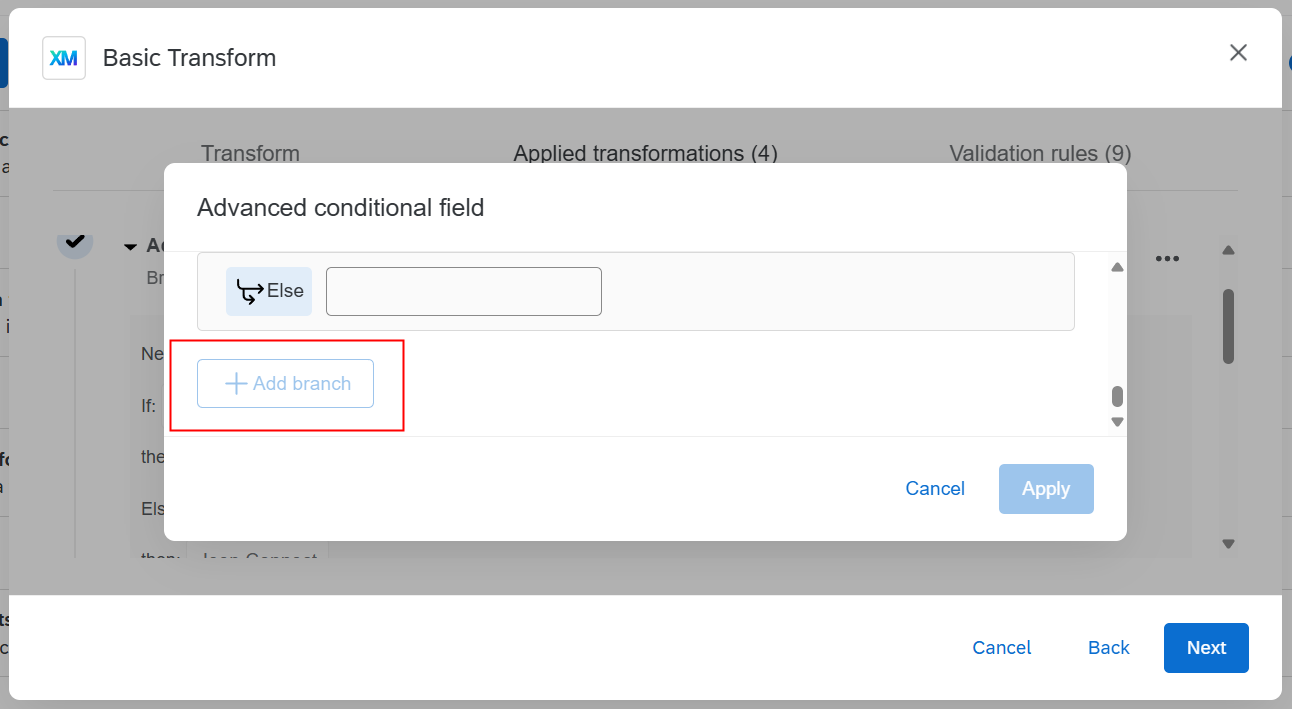
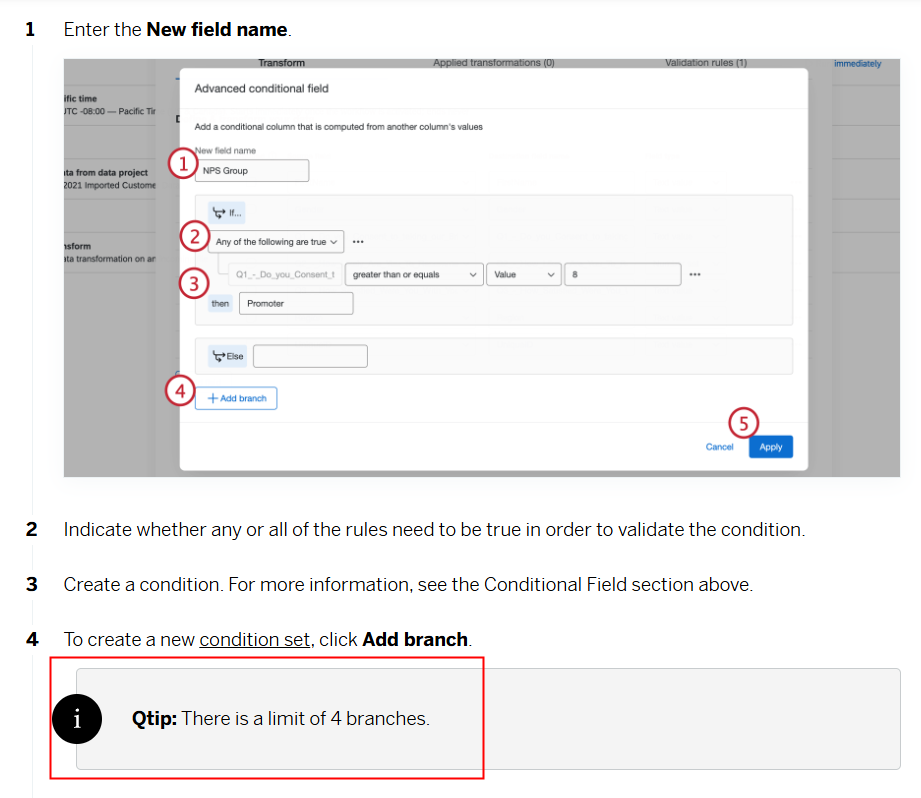
Add Branch disables after adding 4 branches.
I have 5 different possible options.


 +1
+1How to overcome the Branch Limitation in ADVANCED CONDITIONAL FIELD in Basic Transformation in Workflow without modifying the source data?
Add Branch disables after adding 4 branches.
I have 5 different possible options.
Best answer by vgayraud
Hi,
I usually start by splitting my source field by an impossible delimiter, keeping only 1 resulting part (basically, it copies the source field).
Then I apply successive “replace value” transformations based on regex expressions. There is no limit on the number of “replace value” transformations you can apply to a field.
Already have an account? Login

Welcome! To join the Qualtrics Experience Community, log in with your existing Qualtrics credentials below.
Confirm your username, share a bit about yourself, then you're ready to explore and connect .
Free trial account? No problem. Log in with your trial credentials to join. No free trial account? No problem! Register here
Already a member? Hi and welcome back! We're glad you're here 🙂
You will see the Qualtrics login page briefly before being taken to the Experience Community.
No account yet? Create an account
Welcome! To join the Qualtrics Experience Community, log in with your existing Qualtrics credentials below.
Confirm your username, share a bit about yourself, then you're ready to explore and connect .
Free trial account? No problem. Log in with your trial credentials to join. No free trial account? No problem! Register here
Already a member? Hi and welcome back! We're glad you're here 🙂
You will see the Qualtrics login page briefly before being taken to the Experience Community.
Enter your E-mail address. We'll send you an e-mail with instructions to reset your password.


