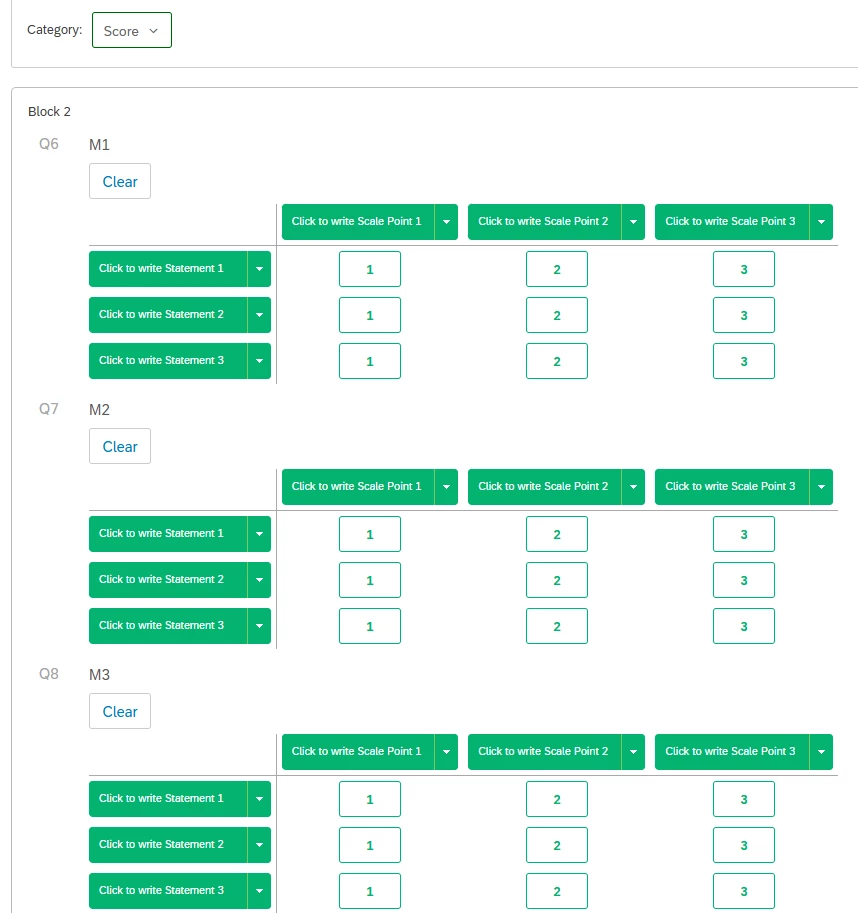
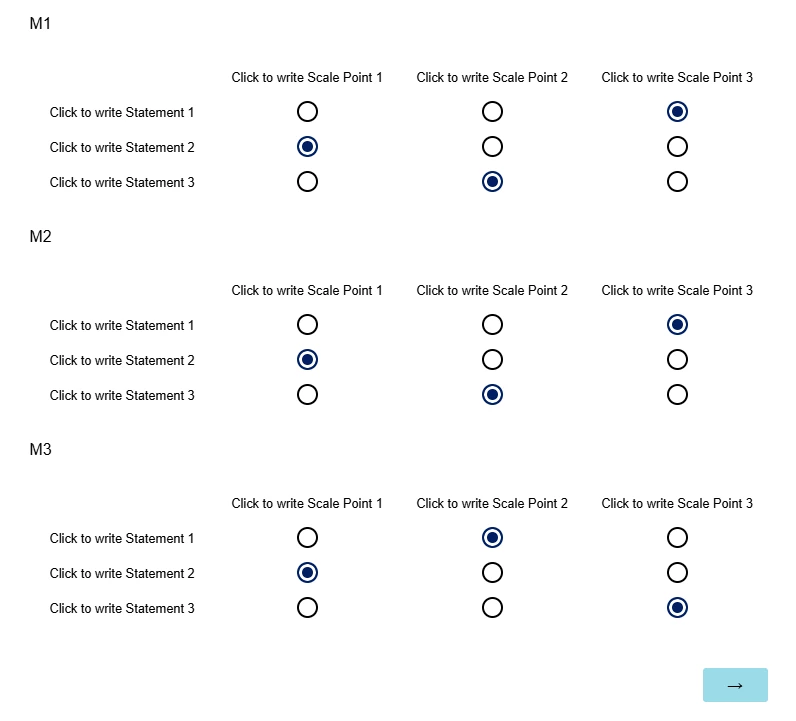
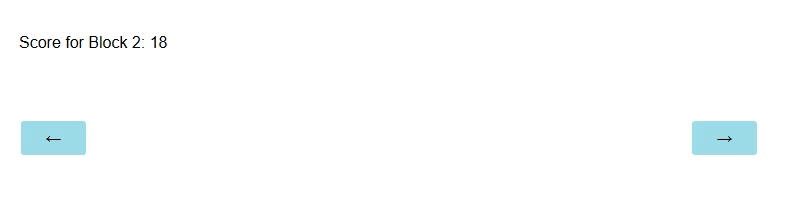
I have a survey with scoring where questions will be weighted differently for their final score. Typically I can weight and do calculations/custom metrics within a dashboard - except for this project I must have the weight calculations completed and have it hit the data & analysis within the survey as I export the data to be used in a 3rd party reporting/dashboard platform.

Solved
Scoring weighting WITHIN a survey flow


 +31
+31Best answer by Chee Heng_SZ
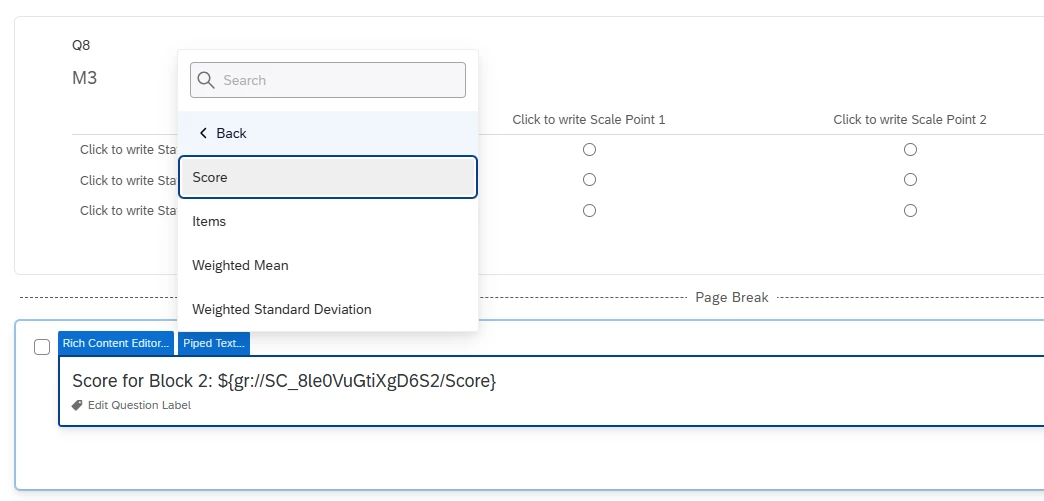
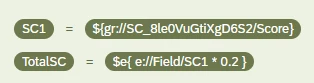
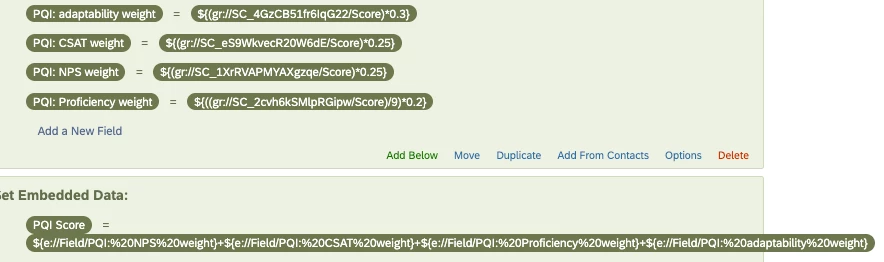
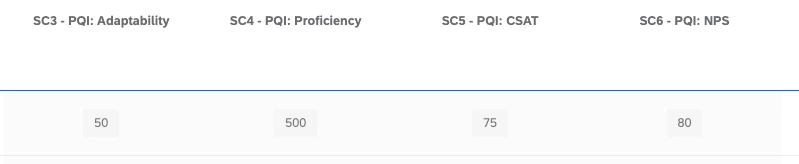
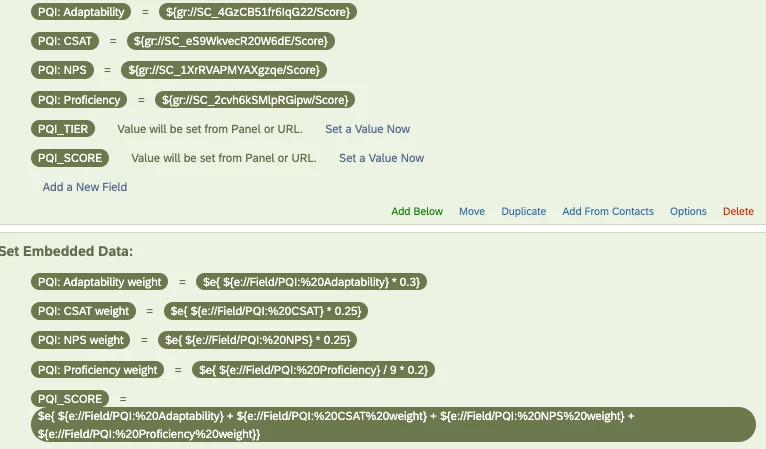
I did not try out doing math operations directly on the scoring category ${gr://...} before but from what I see in your screenshots, you should follow the Qualtrics math operations syntax. This is also mentioned within the Qualtrics supporting documentation.
I am guessing you are missing the e in $e{ } for it to be considered math operations. Try $e{ gr://SC_.../Score * 0.3 }
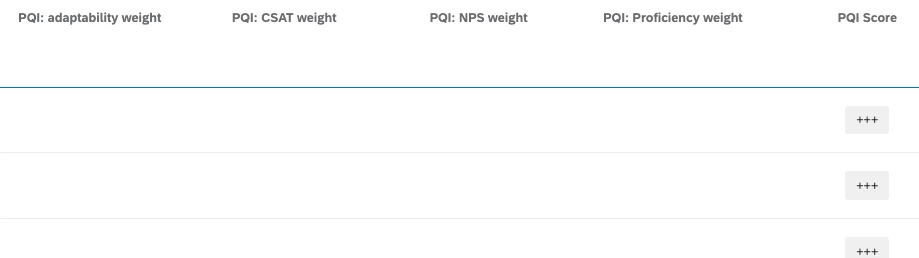
Any combination of terms as values of embedded data is considered as concatenating by default. Since the 4 PQI terms are unable to be determine, they are considered as blanks.
Hence, blanks with the + signs resulted in +++.
If you are performing another math operation to sum up the PQIs, it should be something like PQI= $e{ e://Field/PQI1 + e://Field/PQI2 + e://Field/PQI3 + e://Field/PQI4 }.
Hope this is helpful and clear enough.
If not, I can provide screenshots tomorrow once I am available.


Sign up
Already have an account? Login

Welcome! To join the Qualtrics Experience Community, log in with your existing Qualtrics credentials below.
Confirm your username, share a bit about yourself, Once your account has been approved by our admins then you're ready to explore and connect .
Free trial account? No problem. Log in with your trial credentials to join.
No free trial account? No problem! Register here
Already a member? Hi and welcome back! We're glad you're here 🙂
You will see the Qualtrics login page briefly before being taken to the Experience Community
Login with Qualtrics
Welcome! To join the Qualtrics Experience Community, log in with your existing Qualtrics credentials below.
Confirm your username, share a bit about yourself, Once your account has been approved by our admins then you're ready to explore and connect .
Free trial account? No problem. Log in with your trial credentials to join. No free trial account? No problem! Register here
Already a member? Hi and welcome back! We're glad you're here 🙂
You will see the Qualtrics login page briefly before being taken to the Experience Community
Login to the Community
Welcome! To join the Qualtrics Experience Community, log in with your existing Qualtrics credentials below.
Confirm your username, share a bit about yourself, Once your account has been approved by our admins then you're ready to explore and connect .
Free trial account? No problem. Log in with your trial credentials to join.
No free trial account? No problem! Register here
Already a member? Hi and welcome back! We're glad you're here 🙂
You will see the Qualtrics login page briefly before being taken to the Experience Community
Login with Qualtrics
Welcome! To join the Qualtrics Experience Community, log in with your existing Qualtrics credentials below.
Confirm your username, share a bit about yourself, Once your account has been approved by our admins then you're ready to explore and connect .
Free trial account? No problem. Log in with your trial credentials to join. No free trial account? No problem! Register here
Already a member? Hi and welcome back! We're glad you're here 🙂
You will see the Qualtrics login page briefly before being taken to the Experience Community
Enter your E-mail address. We'll send you an e-mail with instructions to reset your password.