The QX support added some of the customer’s email address as default sender email and also as default reply-to email. This is a valid mailbox (employee-survey@customerdomain.com).
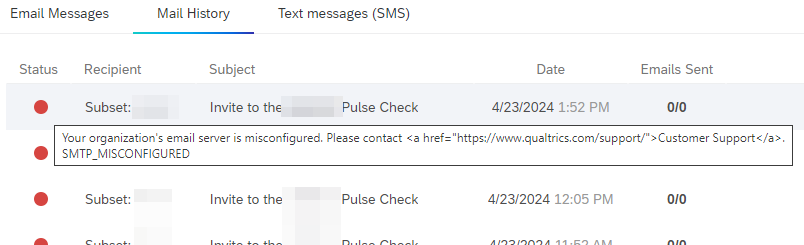
When trying to send a message from some project, we receive error “Your organization’s email server is misconfigured. Please contact Customer Support. SMTP MISCONFIGURED”.
Did someone encounter the same issue in the past? Any hint what could be missing or misconfigured? The setup in Qualtrics is the same as within the customer’s CX tenant (which works).
Thanks for pointing us in the right direction!
Best answer by Sachin Nandikol
Hello @chackbusch,
The error message ‘Your organization’s email server is misconfigured. Please contact Customer Support. SMTP MISCONFIGURED’ typically indicates that there might be an issue with the SMTP relay setup. Here are a few things you can check:
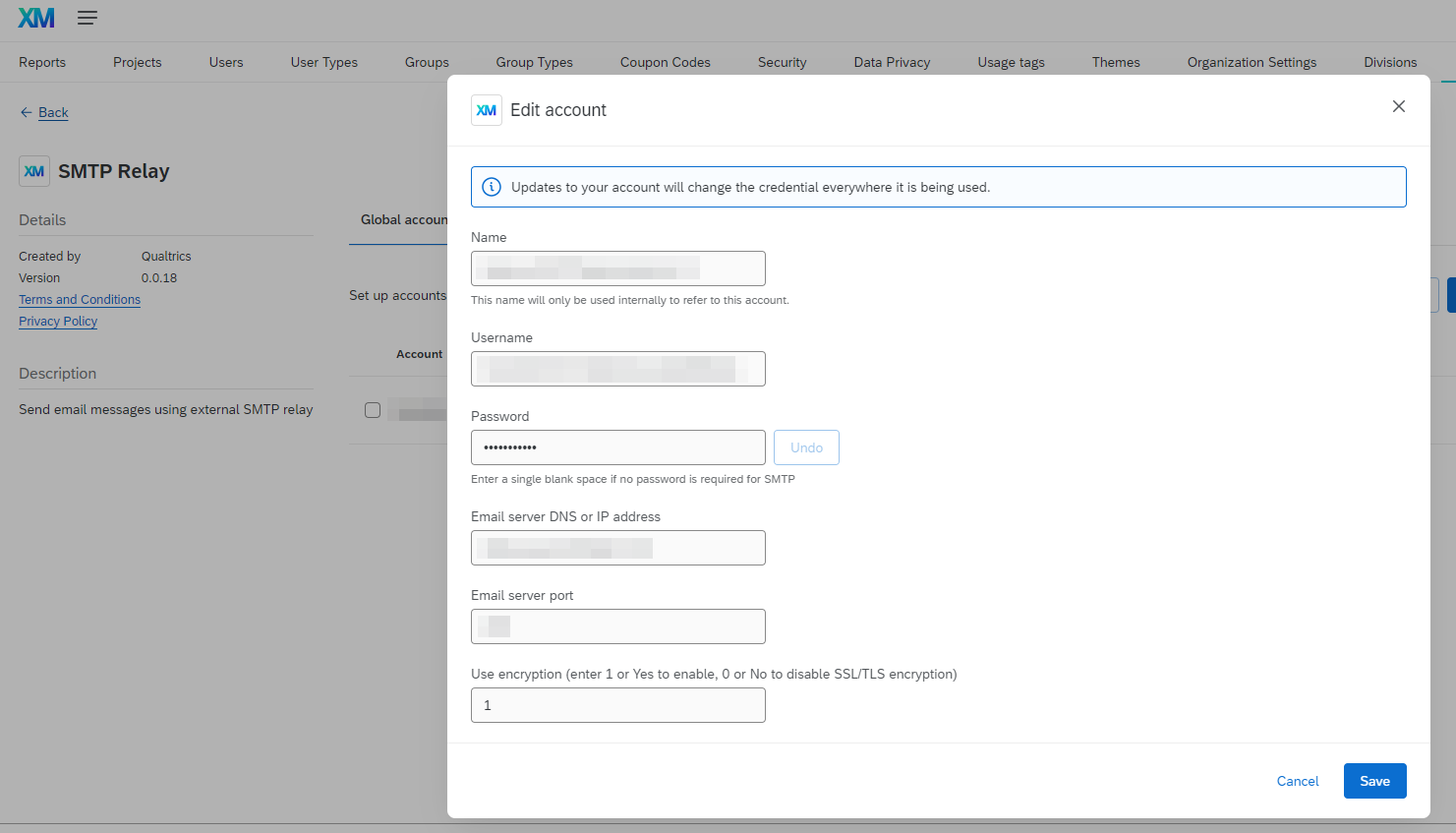
SMTP Server Details: Ensure that the SMTP server details (server name, port, username, and password) are correctly entered in the Qualtrics SMTP settings.
Firewall Settings: Check if the firewall settings of your organization's email server allow connections from Qualtrics. You might need to allowlist Qualtrics' IP addresses.
Email Address Authorization: Make sure that the email address you're using as the ‘From’ address is authorized to send emails through your organization's SMTP server.
SSL/TLS Settings: Check if the SSL/TLS settings in the Qualtrics SMTP settings match with your email server's requirements.
If you've checked all these and the issue persists, I recommend reaching out to Qualtrics Support for further assistance. They can help investigate the issue in more detail and provide specific guidance based on your account and setup.
The error message ‘Your organization’s email server is misconfigured. Please contact Customer Support. SMTP MISCONFIGURED’ typically indicates that there might be an issue with the SMTP relay setup. Here are a few things you can check:
SMTP Server Details: Ensure that the SMTP server details (server name, port, username, and password) are correctly entered in the Qualtrics SMTP settings.
Firewall Settings: Check if the firewall settings of your organization's email server allow connections from Qualtrics. You might need to allowlist Qualtrics' IP addresses.
Email Address Authorization: Make sure that the email address you're using as the ‘From’ address is authorized to send emails through your organization's SMTP server.
SSL/TLS Settings: Check if the SSL/TLS settings in the Qualtrics SMTP settings match with your email server's requirements.
If you've checked all these and the issue persists, I recommend reaching out to Qualtrics Support for further assistance. They can help investigate the issue in more detail and provide specific guidance based on your account and setup.
thank for the input. I had reached out to Qualtrics support and they could provide me same backlog file after the ticket was escalated.
This contained a log “535 5.7.0 - authentication rejected” which pointed the IT to the right direction. They checked again the credentials for the SMTP extension and removed the DKIM header. Afterwards, messaging worked successfully.
Hi @chackbusch one thing I’m curious about is this: when you were getting the “SMTP misconfigured” error in Qualtrics, were you able to see any logs on the Microsoft side?