Hello! I'm trying to set up a workflow that enters a row in Excel.
I have a Matrix Likert table and I want to split the results up by a line break instead of a comma. I'm not even sure where to begin. My rudimentary research led me to put the following code in Javascript:
var sampleString = "${q://QID13/ChoiceGroup/SelectedChoicesForAnswer/1}";
var comma = ", ";
var sampleArray = sampleString.split(comma);
var sampleOne = sampleArray[0];
Qualtrics.SurveyEngine.addEmbeddedData ("sampleOne", sampleOne);
alert(sampleOne);
but I suspect I need to put an Embedded Data block in the survey flow, but I'm not sure what variables and how to pull the information from my code... My alert box also shows up as a blank so I'm assuming my code is wrong too, anyways.
Thank you in advance for your consideration in helping!

Matrix Likert Table Script
 +2
+2


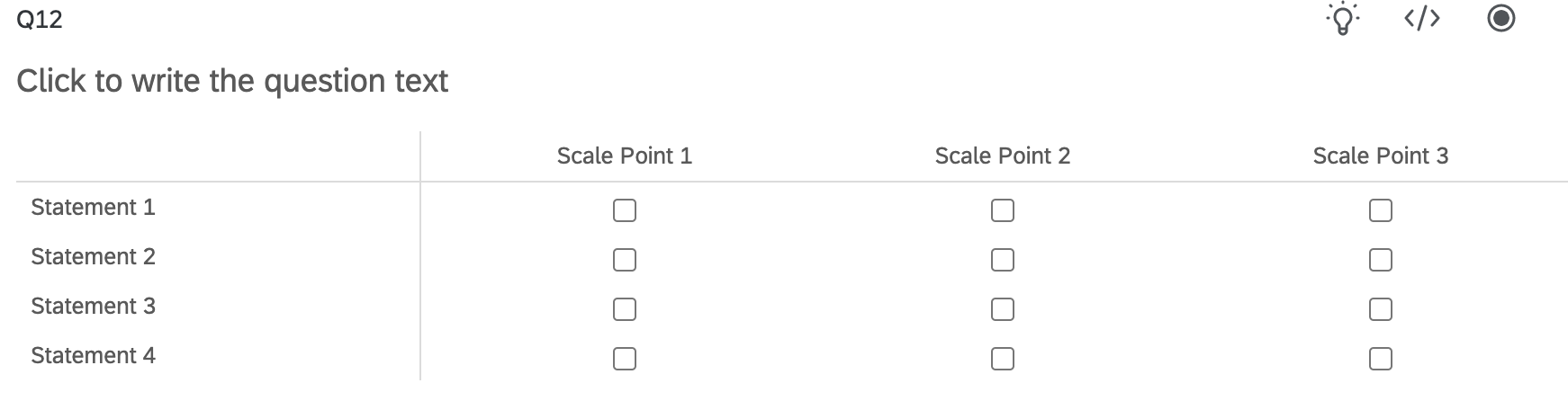 and someone selects "Scale Point 1" for "Statement 1", "Statement 2", and "Statement 3" I would want the workflow to give me a row in Excel that looks like this: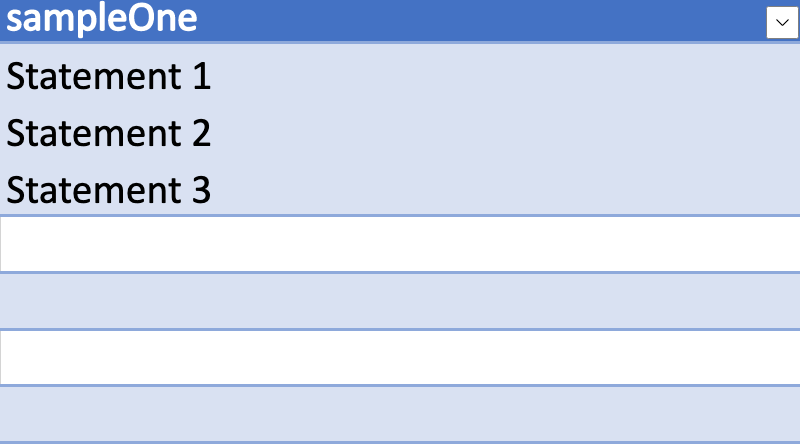



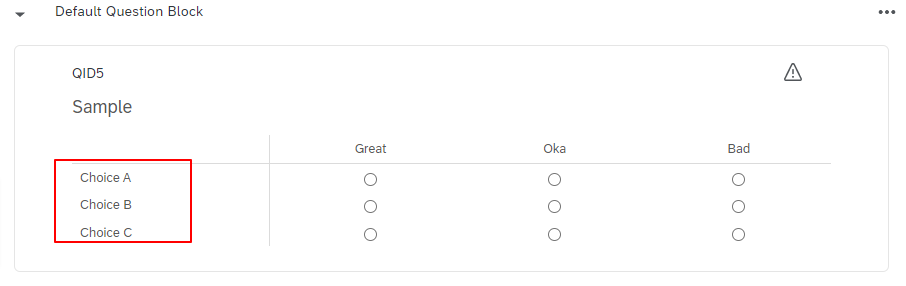
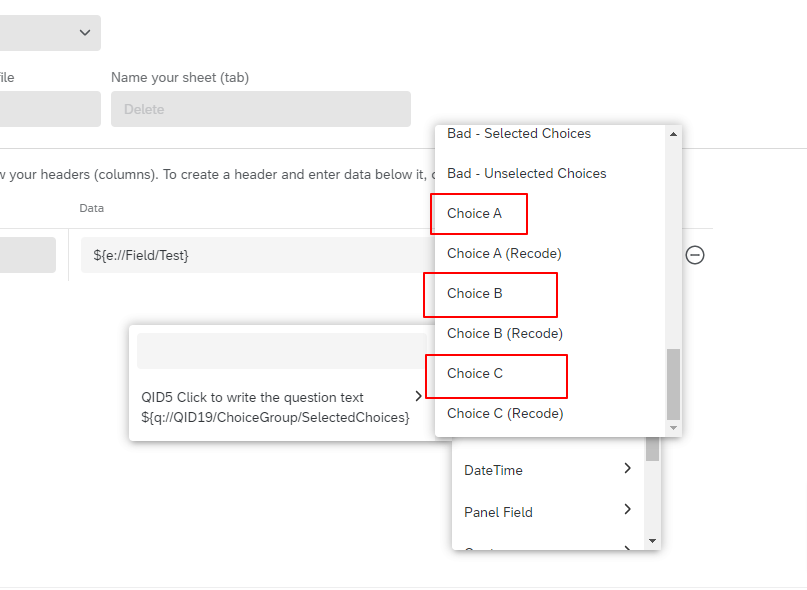
Sign up
Already have an account? Login

Welcome! To join the Qualtrics Experience Community, log in with your existing Qualtrics credentials below.
Confirm your username, share a bit about yourself, Once your account has been approved by our admins then you're ready to explore and connect .
Free trial account? No problem. Log in with your trial credentials to join.
No free trial account? No problem! Register here
Already a member? Hi and welcome back! We're glad you're here 🙂
You will see the Qualtrics login page briefly before being taken to the Experience Community
Login with Qualtrics
Welcome! To join the Qualtrics Experience Community, log in with your existing Qualtrics credentials below.
Confirm your username, share a bit about yourself, Once your account has been approved by our admins then you're ready to explore and connect .
Free trial account? No problem. Log in with your trial credentials to join. No free trial account? No problem! Register here
Already a member? Hi and welcome back! We're glad you're here 🙂
You will see the Qualtrics login page briefly before being taken to the Experience Community
Login to the Community
Welcome! To join the Qualtrics Experience Community, log in with your existing Qualtrics credentials below.
Confirm your username, share a bit about yourself, Once your account has been approved by our admins then you're ready to explore and connect .
Free trial account? No problem. Log in with your trial credentials to join.
No free trial account? No problem! Register here
Already a member? Hi and welcome back! We're glad you're here 🙂
You will see the Qualtrics login page briefly before being taken to the Experience Community
Login with Qualtrics
Welcome! To join the Qualtrics Experience Community, log in with your existing Qualtrics credentials below.
Confirm your username, share a bit about yourself, Once your account has been approved by our admins then you're ready to explore and connect .
Free trial account? No problem. Log in with your trial credentials to join. No free trial account? No problem! Register here
Already a member? Hi and welcome back! We're glad you're here 🙂
You will see the Qualtrics login page briefly before being taken to the Experience Community
Enter your E-mail address. We'll send you an e-mail with instructions to reset your password.