




Adding iFrame title to a Custom Embedded Feedback Creative | Experience Community
Skip to main content
Question

Adding iFrame title to a Custom Embedded Feedback Creative

  • December 19, 2025
  • 1 reply
  • 28 views

Forum|alt.badge.img+1

Does anyone know how to add an iframe title to a custom embedded feedback creative?

in cases where we use other creatives such as feedback buttons etc we can see the option to add an iframe title as show in this image:
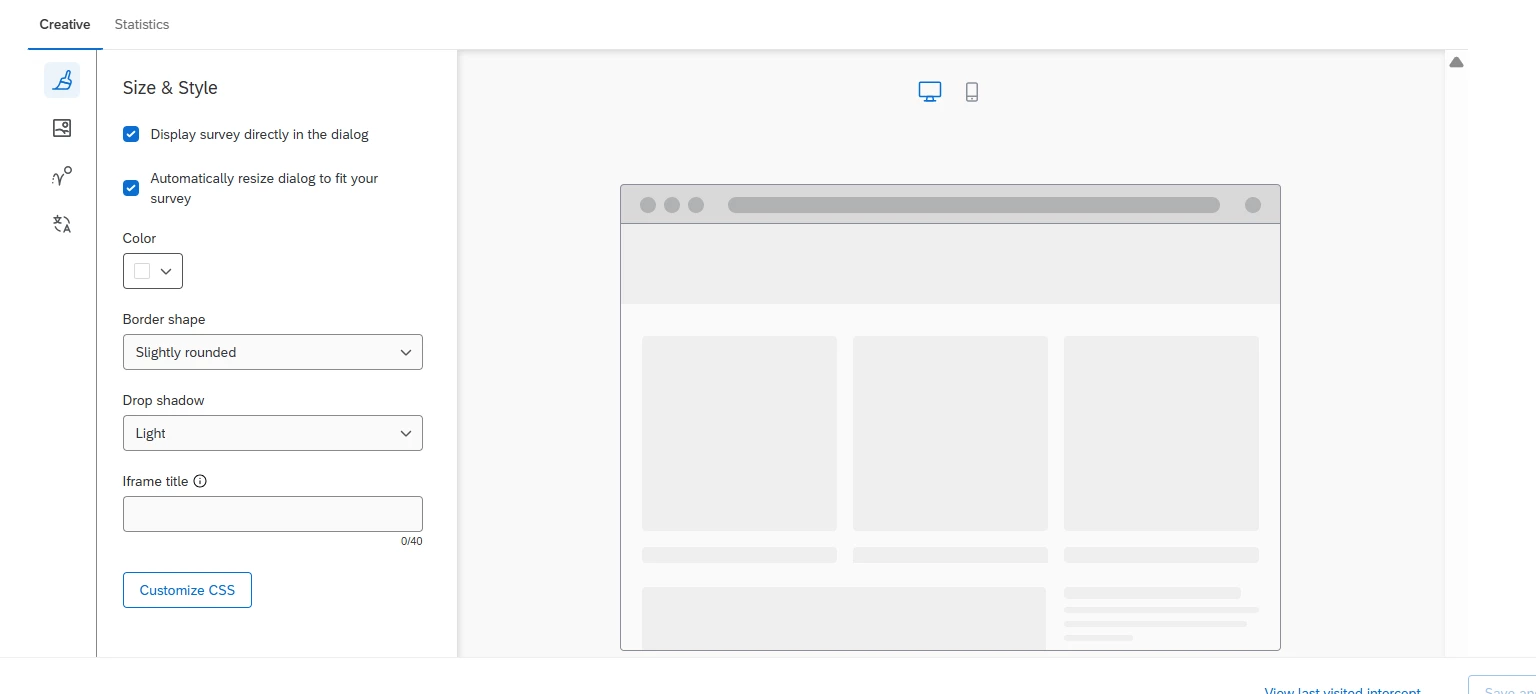
 

however when we use a custom embedded feedback creative we do not have this option:
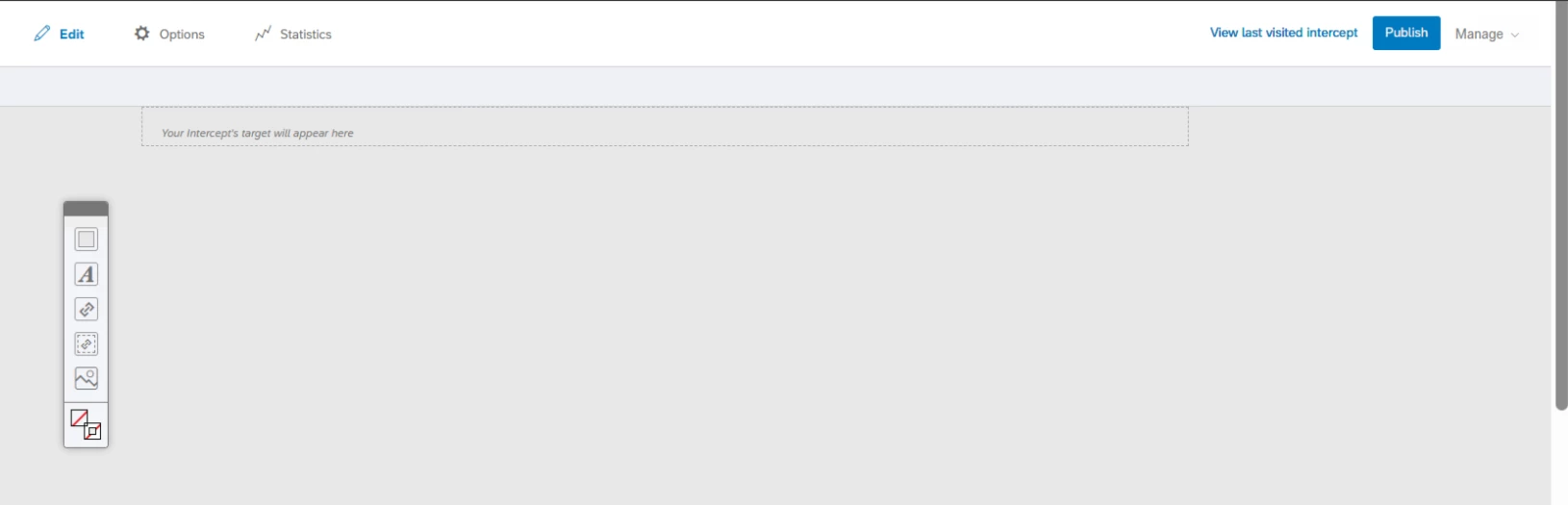


1 reply

Lpena
Qualtrics Employee
Forum|alt.badge.img+3
  • Qualtrics Employee
  • January 6, 2026

Hello, Jason!
 

When you're working with custom embedded feedback creatives in Qualtrics, it can be a bit of a hurdle to find that the standard UI doesn't have a dedicated field for an iframe title. While feedback buttons have this built-in, custom embeds require a more manual approach to keep things accessible for screen readers. 💻

The most reliable workaround is to use the intercept's "After Display" action set to inject a bit of JavaScript. Since the creative doesn't offer a direct title attribute in the settings, your script can locate the survey iframe once it loads and dynamically assign a title. If you're working with older legacy creatives, you can sometimes get away with injecting <style> tags directly into the source HTML, but for the specific goal of adding an iframe title, targeting the element through the intercept’s JavaScript is the way to go.

It’s also a good idea to chat with your web team about potentially adding CSS or a small script on the hosting site’s end to handle the title injection if you want to keep the Qualtrics side simpler. Since there isn't a native toggle for this right now, these manual methods are your best bet for maintaining accessibility standards.



